Last updated on 12 May 2026
Loom is a tool that will allow you to create video tutorials very easily with a single click. An indispensable for distance learning or inverted class. Instead of answering a question from one of your students with a long text, make a short explanatory video with two three-movement clicks.
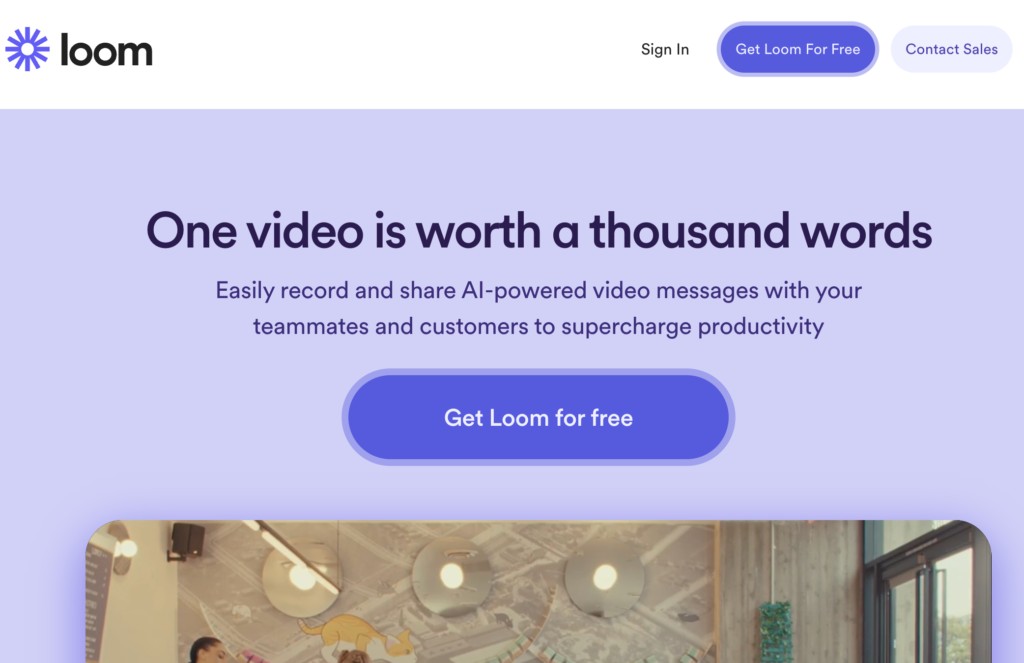
Loom has been designed to integrate with your daily communication tools. Always handy, easy to use, it also facilitates sharing with the possibility to send a video by email.
Table of Contents
A video recording studio at the click of a button
Loom is an extension for Chrome. Once installed, your recording studio is ready to be used to make your first video. Simply click on the small icon that appeared in the bar of your browser.
At launch you have a choice of three options. The first will allow you to save only your image in full screen.
In the second option, your image will appear as a small bubble and you can save what is happening on the open tab of your browser.
Finally, the third option allows you to save your entire screen or choose one of the open applications.

A small countdown when you are ready and off you go. Loom will be filming sound and video. You can pause your recording and resume it a little later.
Once finished, you will stop the film with one click and can immediately share it via email or social media. You will also be able to use a code provided to insert your video into a site or blog.
Recipients can view the video by simply clicking on the link, without the need to download large video files. This greatly simplifies the sharing of tutorials and course materials.
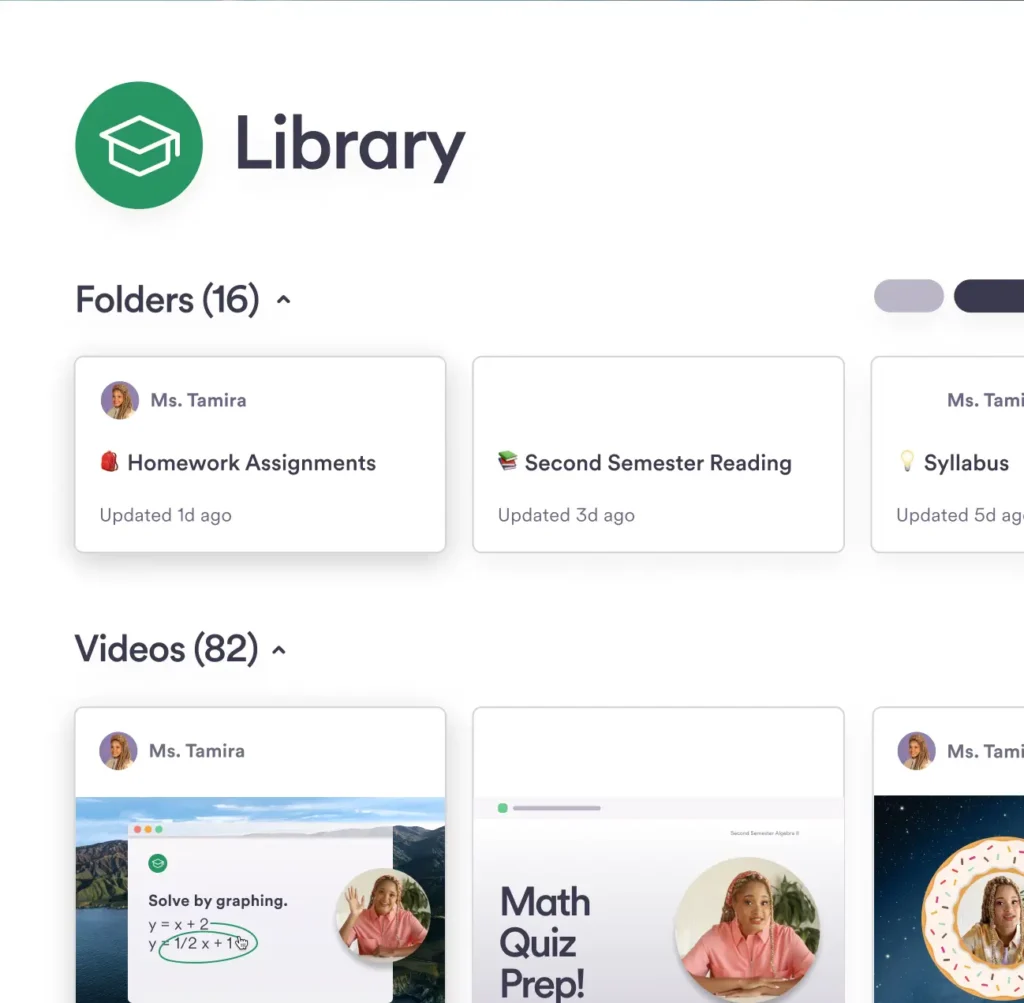
You will find all your videos in a personal library on the extension website. This will allow you to view them from anywhere on any connected computer.
Automatic transcriptions of your video recordings
Loom offers the transcription of the videos. After recording a video, you can access a transcription option in the side panel of their video. This feature automatically generates an accurate transcription of the video content.
Loom supports transcription in more than 50 different languages, overcoming language barriers and making videos accessible for language courses, for example.
Edit your video recording from the transcript text
The platform offers an editing option that can be found in tools to create tutorials such as Guidde or Folge: editing the video from the transcript.
The "Edit by Transcript" feature offered by Loom is a feature that allows you to edit videos based on the text of the video transcript. This means that you can easily cut and edit segments of your video by manipulating script text rather than the video itself.
This feature is especially useful for removing errors or repetitions without having to re-record the entire video.
A screen video recording tool for distance learning
Loom is a video recording tool also designed to improve training and remote collaboration. Once the video is finished, Loom generates a shareable link. It allows recipients to give direct feedback in a comments section.
A chat-like comment space where recipients can return directly. This function promotes exchange between teachers and students. It allows effective asynchronous communication for questions and answers outside school hours.
Loom works fast and well. The recordings are of high quality and the creators have taken care of the ergonomics to make it an easy-to-use utility.
How much does Loom cost?
Loom offers a free plan that is limited to twenty-five videos. The recording time must be less than 5 minutes. The subscription to go beyond its limits is around 10 Euros per month. Good news, Loom offers a free education subscription. To register, use an academic email address and contact customer service if your French address is not recognised. That’s what I did.
Loom stands out for its ease of use and robust features for creating and sharing video tutorials. Whether for education, distance learning, or internal communication.
An excellent tool to simply make videos educational directly on your computer.
Link: Loom
A quick summary of Loom’s main features:
- Video recording: Loom makes it possible to record both the screen and the webcam, making it easier to create tutorials or explanatory video messages.
- Instant Sharing: Videos are shared via a link, eliminating the need for large attachments and facilitating access to content.
- Cloud storage: Videos are automatically stored in the cloud, ensuring data accessibility and security.
Benefits
- Ease of Use: Loom is designed to be intuitive, allowing even less tech-savvy users to start recording in minutes.
- Video quality: The tool does not compromise quality, providing clear audio and sharp visuals.
- Versatility: Whether for a quick message to a student or a detailed presentation, Loom responds to various communication needs in the context of a training course.
- Feedback and Comments: Loom makes it easier to receive feedback and comments on videos, improving interaction.
There are many alternatives to Loom for screen recording: Veed.io, Screen Recorder, RecordCast, Screenity, ScreenToGif, Keevi Screen Recorder or Vidshot. To be completed with this list of online tools for taking screenshots.
 English
Loom is available to teachers free of charge in full version. just use the academic or university address (when someone in this field has already requested it or you must also request it) I have been using it since 2020 without limitation on two accounts one academic the other academic
Great this tool. Thank you very much!