Last updated on 12 May 2026
Canva is an online graphic studio that allows you to intuitively create visuals of all kinds like a real pro. A complete toolkit to integrate quality visuals into your pedagogical practice.
Canva is part of the long line of graphic tools for creating posters, flyers and other photo montages. Canva is at the top of the podium and reigns undivided in this area. It is the most used tool and it is not by chance. This platform, which comes to us from Australia, but which offers an interface entirely in French, offers the most powerful and comprehensive tool on the online graphics studio market.
Simple and fun.
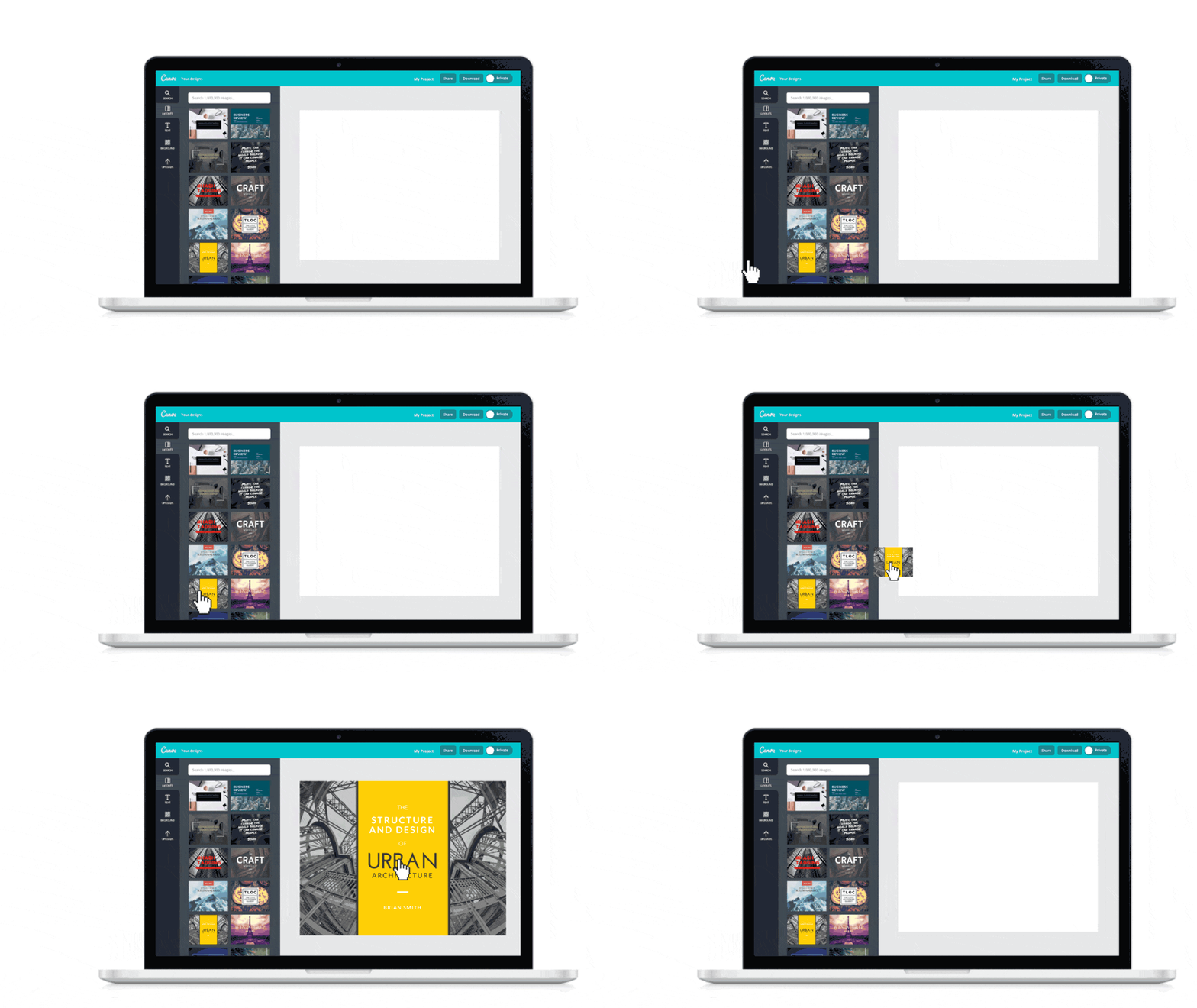
Canva is great because it manages to make you forget about the tool to allow you to focus on the message or information you want to convey via a visual. It can be used by a teacher as well as by a student or a group of students. The grip is immediate. No need for a long instruction manual. You will be able to create beautiful designs by simply dragging and dropping from a blank sheet or by using one of the thousands of templates on the platform.
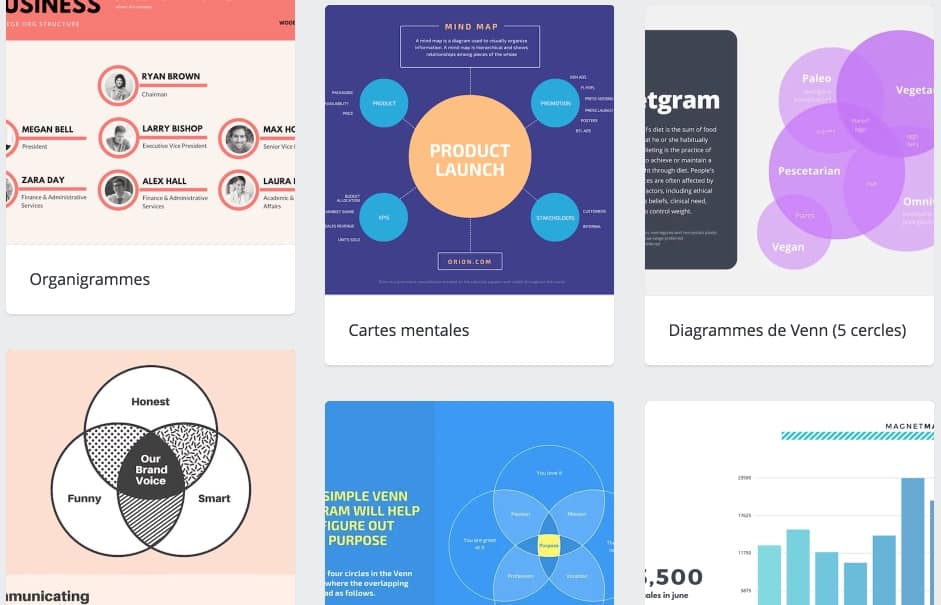
Presentations, slides, slideshows, posters, diplomas, certificates, CVs, newsletters, infographics, mind maps, Canva has templates for all your needs. It's then up to you to play with typographies, colors, shapes, icons and of course photos. You can use your own photos, but you also have access to a huge image bank with millions of quality photos.
Canva offers in addition to the online graphic design studio, a powerful photo editing tool integrated. You will be able to straighten, crop, optimize your photos. You will be able to apply creative filters, add text to them, etc. With Canva, for example, making a photo novel is disconcertingly easy.
Each design created with Canva can be exported in different formats optimized for different uses. High-quality images for paper printing or compressed files for online use on a classroom blog or on social media.
The functions offered by Canva are too numerous to be listed here: creation of videos, slideshows or Editing and Editing PDF Files…
With Canva, you will be able to classify your images and all your creations in a virtual drawing cardboard where you will find them without difficulty so that you can reuse them when you need them.
A graphic studio to boost creative spirit and group work
The use of Canva in school or vocational training allows an incalculable number of uses. Whether it is to revive an old presentation, create a class journal, make an infographic, make a newsletter for parents, a poster to announce an event or create a CV for a student, it is not the opportunities that will be missed.
Especially since you can also entrust Canva to your students. I even recommend it. The tool makes it possible to work together on a graphic project. Ideal for example to make a presentation or present a research work to several. Canva also offers specific access for the world of education.
In the end a complete tool for make visuals very easily which you will not have to blush.
Canva can be used for free. The free version is largely sufficient for most uses. The platform offers a premium paid version at just under 10 Eur per month that offers additional features, unlimited storage, even more templates and free photos.
Link: Canva
 English
Simply great! Thank you Canva!
I use the free version to create lots of documents for students, and really, this tool is great!! The creations can be viewed online, but big advantage, they can also be downloaded as PDF or JPEG. In short, a top tool!