Last updated on 12 February 2025
Here is a list of free online tools that allow you to simply set up video conferences or online video meetings. Some offer additional options such as screen sharing or online chat. All have the advantage of being completely free or offer a functional free version.
I also chose them because they can be easily used without any installation or prior registration. Here are six services that make it very easy to organise videoconferences. This article will be updated according to the novelties that will come to me. If you know of other tools with the same characteristics, send me an email to fidel.navamuel @toolstice.com. This will allow me to enrich this resource and share it with as many people as possible. Thank you.
Table of Contents
Framatalk
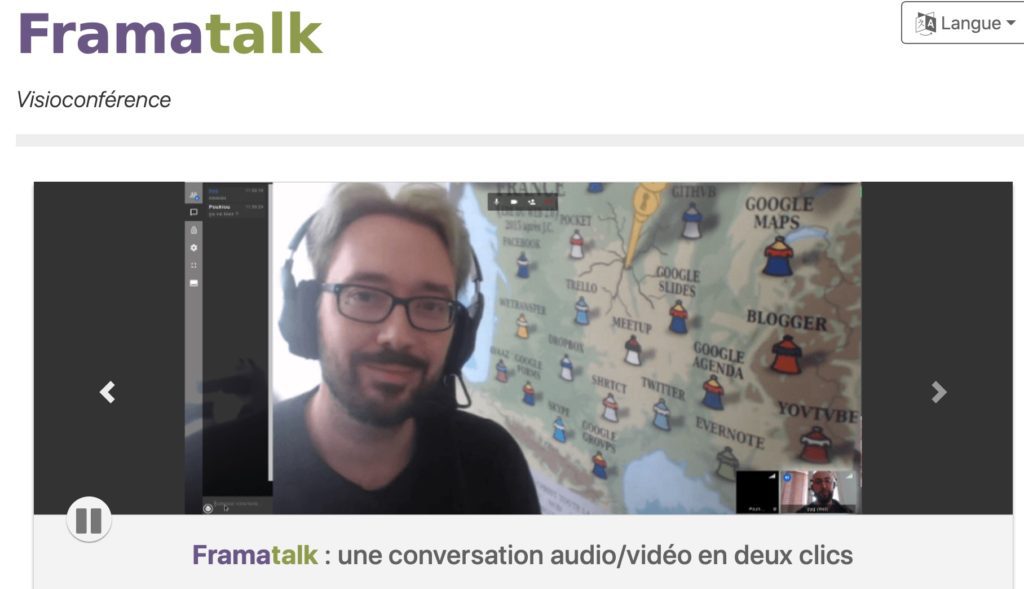 You can trust Framasoft's teams to offer quality free services. Like the other services on this list, however, they can be slowed down by the influx of connection requests. Framatalk is an interesting choice. Framatalk allows you to exchange with your correspondents without complex software installation or registration. Everything happens directly from your web browser. You can start an online video meeting in two steps with three moves.
Link: Framatalk
Jitsi

Jitsi is an open source service that allows create online video-conferences free of charge. Jitsi Meet is even 100% open source. All communications and exchanges are encrypted by default. You do not need to register or download anything to use it. It is necessary and enough to choose a name for your conference and click on the start button. Give access to your webcam and microphone and you're ready. A single url will allow you to invite participants. Little more Jitsi offers versions for your mobile or tablet. Link: JitsiMeet
Talky

Another platform that makes it simple to set up an online meeting in video. No need to go through a user manual. You create a virtual meeting room. You share the room url with the other participants and the videoconference can start. Smaller more interesting the possibility for one of the participants to share his screen with the others.
Link: Talky
8X8 Video Meetings
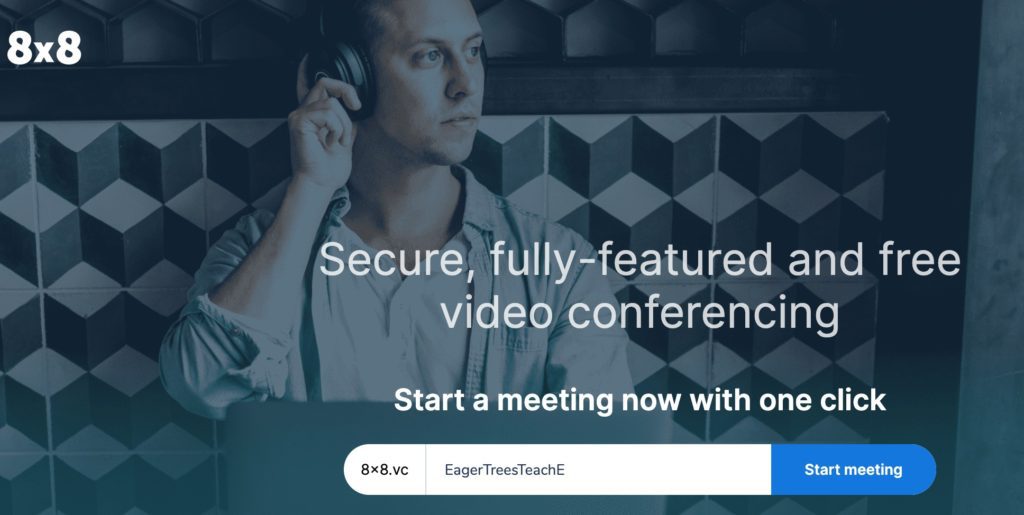
Here your interlocutors will not need to register to participate in the videoconference or online meeting but you do if you want to access the many options offered by the platform. But this is not mandatory. From the homepage, you can give your video conference space a name and immediately start an online exchange. The free version is largely sufficient for simple exchanges. In English but simple to understand.
Link: 8X8 Video meetings
Zoom.us

Many of you have told me about this service, which many of you already know and use. One of the strengths of this solution for online video meetings, in addition to the simplicity of implementation, is the quality of the audio and video stream. Zoom offers a free version which is usually limited to 40 minutes of online meeting time. The platform has just temporarily lifted this 40-minute limit for teachers.
Link: Zoom.us
WebRoom
Webroom is well suited for working remotely with small groups. The tool accepts up to eight connected students. Webroom offers a full HD video/audio stream and the features you need for live online classes and meetings. No registration is required. The platform allows you to work on shared documents of any kind as well as on videos.
Link: Webroom
So much for the main services. Thank you for helping me complete this list for a full sharing.
 English
hello about framatalk in fact they use jitsi technology because when I send a link on an iPad he asks me to install jitsi to be able to communicate and I think it bugs a lot!!
The Zoom tool is also a very interesting and reliable alternative
Hello
Are there free and simple solutions to organize a vision course with 200 students? with 30? What equipment do they require?
Thank you for your answers
Congratulations for your work and the generosity you are deploying, as well as the publishers, in these difficult times. I very much appreciated your tips/communication tools and will take a look at the Quizz tips. Beware of yourself!
Sincerely.
Michael
Hello, a big thank you for these tools. Do any of these options allow the session to be recorded to make it available in asynchronous format?
Hello,
Jitsi (and therefore Framatalk, which is based on this service) offers to record the session and send it to DropBox (not free: damage). This is therefore possible.
yes, jitsi allows it
Hello,
on Framatalk on their homepage it is noted:
16 March 2020: Framatalk is overloaded
We ask people in national education (teachers, pupils, administrative staff) not to use our services during the lockdown and to seek advice from their referees.
We know that the Ministry of National Education has the means, skills and visibility to create the online services necessary for it to function properly during a lockdown. Our association law 1901 cannot compensate for the lack of preparation and will of the ministry.
Please reserve our services for people who do not have the IT resources of a national institution (individuals, associations, small businesses and cooperatives, collectives, families, etc.).
Sincerely
Hello,
Framatalk has curtailed new listings due to … overload See explanations on their site.
Hello,
Together with my colleagues at the AGAFOR training centre, we use DISCORD (usually used by Gamers) for virtual meetings, videoconferences between us, virtual classes with trainees, and to exchange documents …On can exchange through CHAT, audio, video, send documents, create different rooms to communicate …It is a good tool and free, in my humble opinion.
Hello, there is also the CNED virtual classroom, which is a simple tool with or without a , video. It is not ideal but it is improving. In addition, care must be taken to respect the data protection of GDPR students.
Discord for example is very good but also very limited.A everyone to check and make the right choices.
Thank you again for all the information you give us.
Zoom allows you to record directly on your computer.
All the more reason to use meet.jit.si (Jitsi). I tried it with a whole class, and no problem. Clarification: I work with Firefox Nightly, and this version is not fully compatible: Firefox ‘normal’ or Chromium give full satisfaction.
The ministry is calling for Zoom to be banned. The reasons are described here: https://drive.google.com/open?id=1e6duHsOrl513H81te5CwfgEVOxHDMcvg
Ditto for Discord used by our students: https://drive.google.com/open?id=1OQapYqTOUnOWHE8ro42Fk2vqtfQ_nOim
Thank you for all the shared resources.
Hello, and a big thank you for this compilation which helped me well during the lockdown.
However, it seems that Hello no longer exists …
If you use the Brave browser, there is an integrated service: https://together.brave.com/
Hello,
Jitsi is limited to 50 participants
Sincerely
Hello,
Teamvideo is limited to 25 … participants