Last updated on 12 May 2026
DeadSimpleScreenSharing allows you to simply share the screen of your computer in the world and make an audio conference remotely from your computer without the need to download anything or even register and connect to any service.
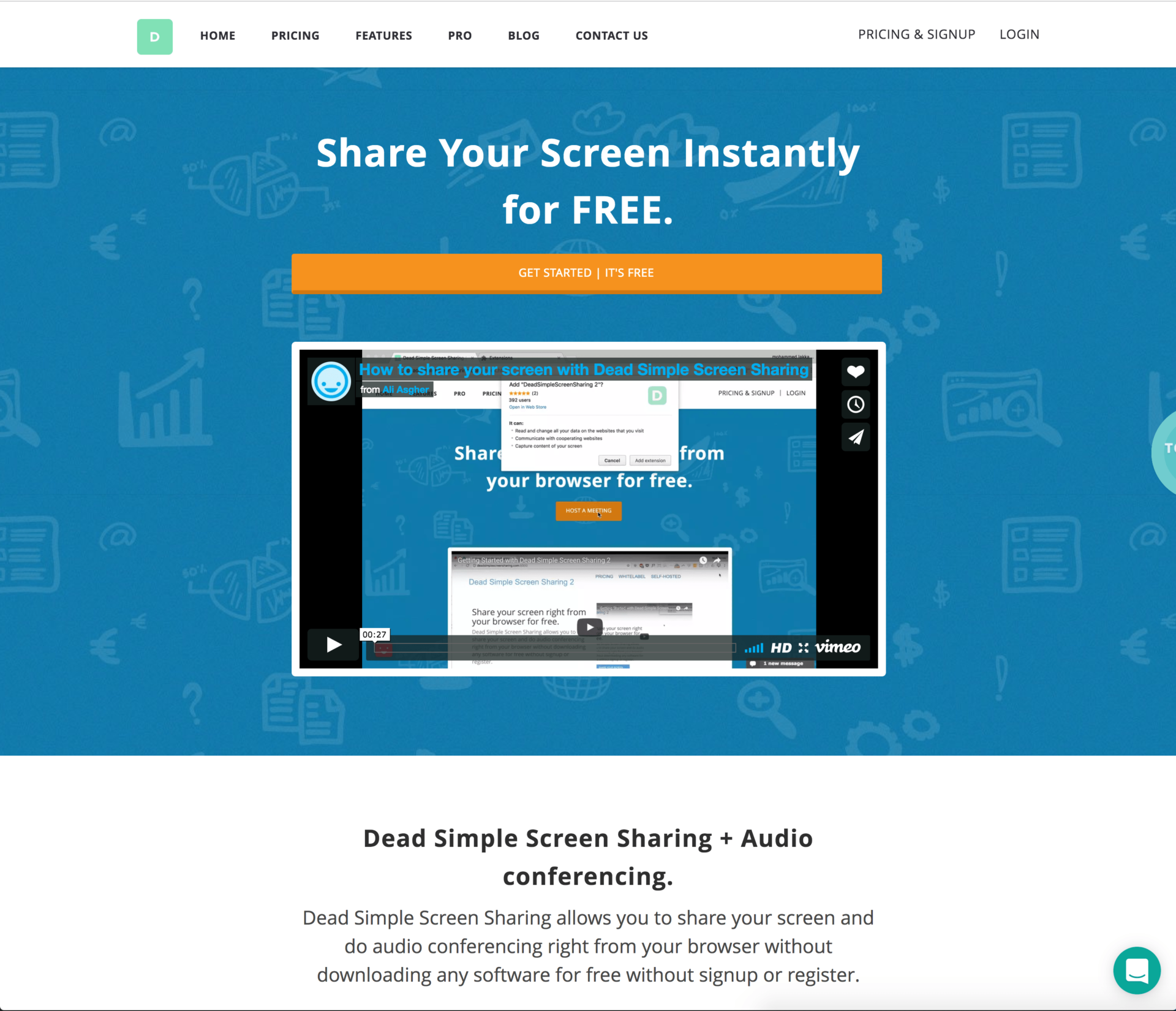
Finally, the longest with this service is to write his name, funny by the way, DeadSimpleScreenSharing. For the rest everything is simple and fast.
The organiser of the conference must first install on your browser a small extension for chrome. Participants have absolutely nothing to install on their side. Once the extension is in place, you will be able to start a conference with a simple click on the icon of the application that has been installed on your browser.
DeadSimpleScreenSharing then provides a unique URL to share with your attendees. They will only have to click on it to join you to see your screen and hear your voice. The conference can then start. Practical.

The platform goes a little further since each participant will be able to use their own microphone to intervene on request. The sound is of good quality even with many participants. Another handy function, DeadSimpleScreenSharing allows you torecord an entire conference. You will then be able to download and/or share it later easily.
DeadSimpleScreenSharing works rather fast and well from any browser on computer, laptop or tablet.
The service can be used for free, but with some limitations. For example, the number of participants is limited to ten. The paid version allows the few limitations to be lifted and provides some additional functions such as the possibility to schedule and invite participants in advance.
Link: DeadSimpleScreenSharing

 English