Last updated on 12 May 2026
How to easily create photo collages online for free? It has become quite simple to create photo collages or photo montages to gather in a single image snapshots taken at different times. Here are 5 tools or services to help you create image mosaics in seconds to be displayed on a wall or shared by email, on a blog or on social networks.
Table of Contents
Canva
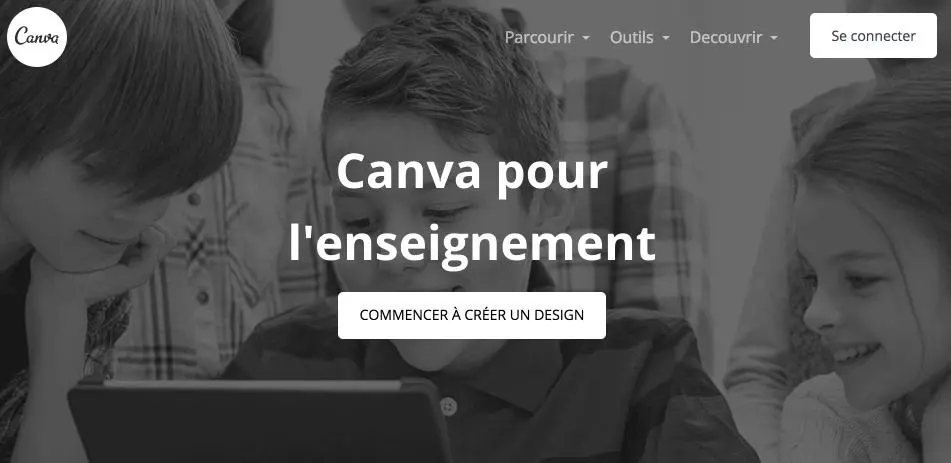
To every lord turn honor, I have introduced you the Canva Graphic Studio right here a few days ago. Canva offers no less than 100 different templates of photo collages. It is up to you to choose and then add your images one by one. You can apply filters to them and even add text in a thousand ways for an original creation.
Link: Canva
FotoJet

Another very serious competitor in this list of tools for creating photo collages, Fotojet offers an incalculable number of original ideas for your creations. The longest will probably be to find the right template among the hundreds proposed. Fotojet has categorized them by themes to help you. The rest is child’s play. We upload the images, we arrange them on the template by drag and drop and the trick is played.
Link: Fotojet
PicMonkey

PicMonkey stands out for its easy-to-use interface and features. PicMonkey's smart little monkey will accompany you in your collage creation. Add your images, choose a background, apply filters, add titles or text, PicMonkey provides you with everything you need for original photo collages. The only tool on this list, however, that does not offer an interface in French.
Link: PicMonkey
Kizoa

The French kizoa offers a slightly draft editor, but powerful enough to make interesting photo and video collages. The tool that allows you to choose from many models or from a blank sheet is able to make multimedia photo collages combining static photos and videos in addition to the usual montages.
Link: Kizoa
Fotor

A tool that runs in html5 and also offers many models of collages ready to be used. Fotor also allows you to design your own reusable templates or templates. You can apply creative filters to your photos and add texts, titles and stickers. Only minor regrets the presence of advertisements in the app interface for the free version.
Link: Fotor
You may also be interested in this list offree tools to improve your photos online.

 English
I know Canva well and I use it a lot. Kizoa is not free for long. They ended up blocking everything I had done because it was time to pay! That is a bit of a pity.
Fotor and canva are not free in the long term, quickly you have to pay! In the end, I don’t find any really free!