Last updated on 12 May 2026
Emaze is a great online tool in the form of Swiss knife for all your needs of creating visuals and multimedia content for the class.
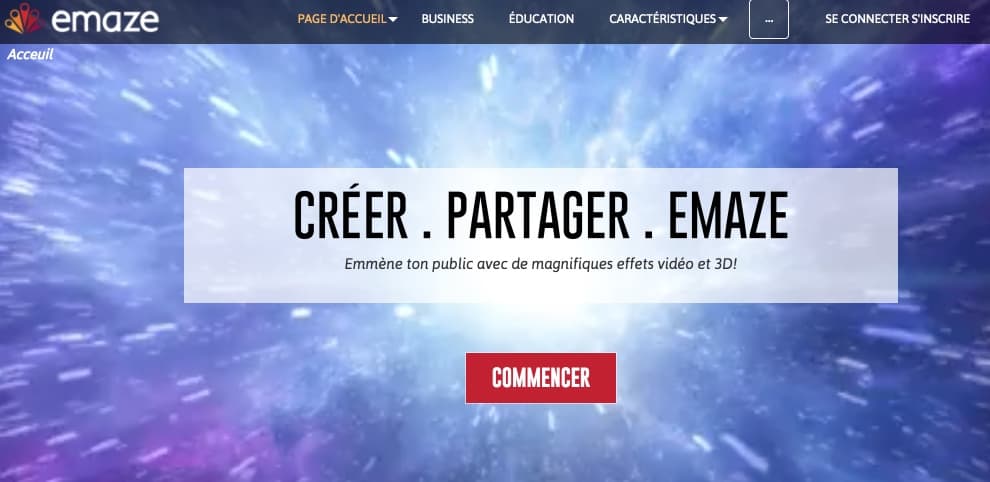
I had the opportunity to present Emaze here more than three years ago. Since then, the platform has evolved significantly with new and very interesting functions for the production of educational content. Emaze is a real online creative studio easy to take in hand that will allow you to make presentations, invitations, sites, blogs or photo albums that you will not have to blush.
Emaze’s strength remains its interactive presentation creation function. Remove your old slides from the workbooks, Emaze will give them a new youth. You will be able to choose from dozens of templates that you can customize and adapt to your content. You can also use the creations of other users of the platform as inspiration.

Video, audio, text, … links everything is manipulated with the end of the mouse with real ease. The platform also offers a range of visual effects that will make your presentations ‘spectacular’, including a range of 3D or video models. Emaze offers a series of templates where the content of your slides will be embedded in a video wallpaper.
In addition to this historical function of creating and formatting slides or slides, Emaze now also offers the possibility to create small sites or blogs from models designed by professional graphic designers. At the time of WordPress, the solution proposed by Emaze is not necessarily essential, but can help with mini projects. More interestingly, the platform also offers very nice models for create multimedia postcards for original announcements or invitations.

I also liked the photo album function. Here again, you can choose from ready-made models for all occasions and styles.
You can upload your photos and videos directly from Facebook, Instagram or Google. When you're done, you'll be able to share them directly from Emaze via email or social media.
Each of the creations created with Emaze can be shared by email or on social networks. You can also insert it using a code provided to a blog. You can also download your presentation as a folder from which you can launch it via an html file for offline consultation.
Emaze provides comprehensive statistics consulting your creations online. It also offers functions designed specifically for use in the classroom, including the possibility of working with several students or colleagues on the same multimedia document.
An online graphic studio that puts at everyone's fingertips the creation of spectacular interactive presentations.
Emaze can be used free of charge for its basic functions. A paid Edu pro version at just under 4 euros per month adds additional functions such as the ability to protect your creations by password for example. With the Edu Team version at 9 euros per month, you have unlimited access to all functions, including teamwork.
Link: Emaze
 English