Last updated on 12 May 2026
FilmoraGo is an application that makes it possible to video editing on your smartphone or tablet. A simple and free solution that works on both iOS and Android.

How to simply edit a small video on your smartphone or tablet? If making a video was previously reserved for a few geeks and animated image enthusiasts, the task is much easier today with simple and fun applications that make making a nice video available to everyone.
This is the case for FilmoraGo. The publisher of this application offers a reputable application for computer. Its mobile declination is very successful.
FilmoraGO allows you to edit videos, but it does much more than that.
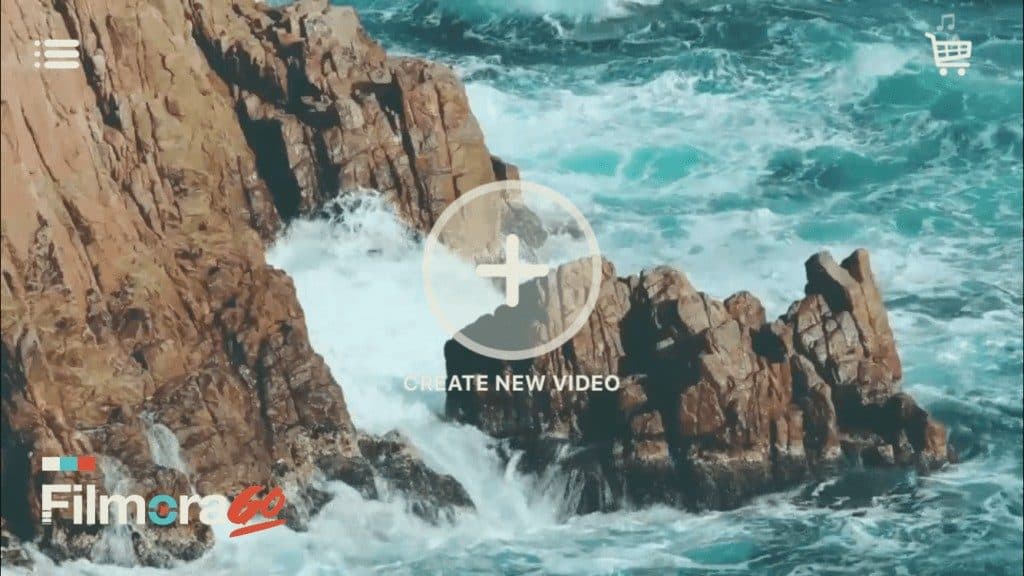
The app installed on your smartphone or tablet offers you the basic functions of any video editor. Easily cut from the beginning or end of your clip. Adjust your image format. Play with speed by creating beautiful slow motions or vice versa by speeding up images. You can also adjust the sound and possibly add your voice to the images. You will be able to add titles, texts or subtitles very easily.
Creative effects to make amazing videos.

FilmoraGo offers a whole series of filters and ready-to-use themes that will make your video montages stand out. The application offers a number that can be easily adapted to all projects.
You can also play with a variety of transitions to punctuate the different parts of a film and add the music of your choice to your personal library.
FilmoraGo is quite easy to handle and it is a real pleasure to handle it with your fingertips on a tablet.
The application is suitable for making simple montages on videos that are not too long, but the result is really good.
FilmoraGo is available on iOS and Android. Installation and use are free of charge. but you will then be prompted to buy additional themes, effects or options directly from the app for a few euros.
 English
2 Responses
[…] remove a sentence from the text in word processing and as if by magic the sentence is cut at editing in the video. The result is really amazing and it's even hard to see in the final video […]
[…] toolstice.com […]