Last updated on 12 May 2026
Scribble Maps is a very simple to use online service that will allow you to create custom maps. The site offers a background of dynamic maps on which you will be able to write, draw or insert virtual pins. Ideal for your needs in Geography.
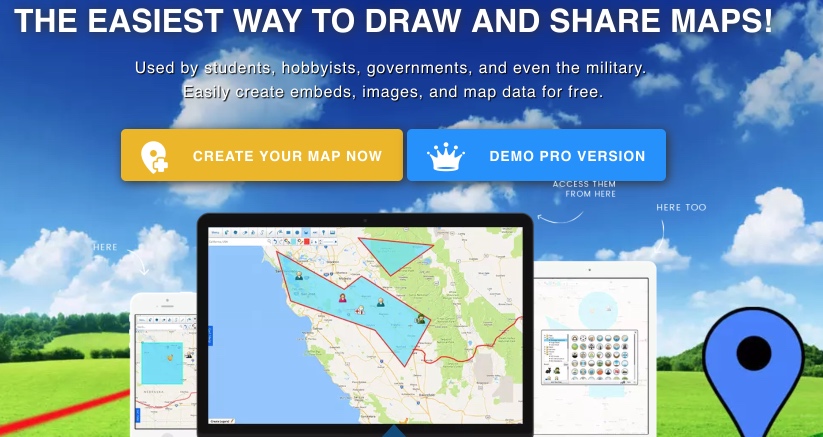
You can use Scribble Maps without the need to create an account on the site. You can create a map by simply going to the homepage and clicking on ‘create a map’. Scribble Maps offers you a variety of map backgrounds on which you can draw, highlight and place media markers. You can use Google Maps or Open Street Maps, but also a few dozen different mapping services.
If you opt for Google Maps you will be able to choose between the different views offered by the service. You can zoom in on the area of the map you are interested in and then once the image is centred on the place you want to work you will be able to use the editor integrated in Scribble Maps.
This is a menu bar at the top left of your screen. You have at your disposal a search engine to accurately find a place on the map and all the necessary tools to customize your map. You can draw by free hand, draw strokes, create circles and frames, write text. You can also insert pins of any kind: numbers, letters, flags, … symbols Finally, Scribble Maps makes it possible to insert photos on insertion points or even videos from a service such as YouTube.

Once you are satisfied with the result, all you have to do is collect your personalised card. You can download your Map in image format, in PDF format or get an easy-to-share link. Scribble Maps also provides an html code that will allow you to insert your map on a site or a blog.
Scribble Maps is in English, but the handling is really simple. The free version is more than enough for most needs. Take care to close all windows prompting you to take a premium subscription on the first use.
Link: Scribble Maps

 English