Last updated on 12 May 2026
Video Speed is a small extension for Chrome that has the power to give you better control of the video player used by most online video hosting platforms. As its name suggests, it allows, among other things, to control the playback speed of a video.

It is a very old extension but it can still, several years after its appearance, render good and loyal services in many situations.
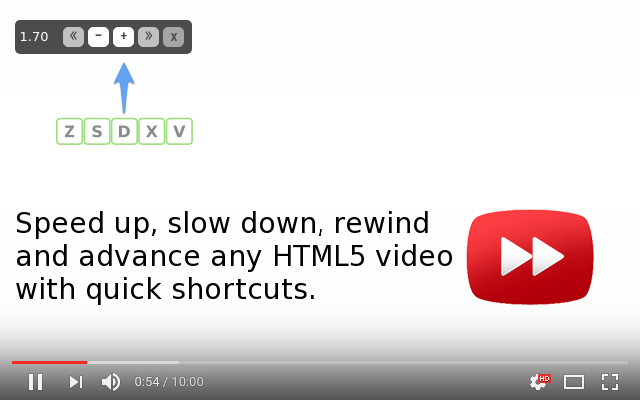
Whether you are in the rain of learning a foreign language by watching an original unsubtitled verion video or looking to quickly browse through a long video, Video Speed will allow you to speed up or slow down the video streamed online. The extension also allows a series of keyboard shortcuts to take 5-second flea jumps backwards to review or re-hear an excerpt from the video you are watching.

Installation and use are very simple. Once the extension is in place on your browser, you will be able to use a series of keyboard shortcuts when watching a video on YouTube, Vimeo, Facebook, etc.
Five keys on your keyboard to go back or forward by five seconds and to speed up or slow down playback speed. Simpe and practical.
If you are using Firefox, a similar extension exists for Mozilla's browser. This is Video Speed Controler. Once installed, this addition of Firefox also makes it possible to intervene on the reading speed and make micro-jumps of 10 seconds forward and backward.
Video Speed and Video Speed controler are both free and ad-free extensions.
Links: Video Speed for Chrome. Video Speed Controler for Firefox.
 English