Last updated on 12 May 2026
When we want to integrate digital into our educational tools, we always come to ask ourselves the same question: how to find tools that are both simple to use, free, efficient, and above all, that respect students' privacy.
Faced with the complexity of platforms like gas plants or the commercial imperatives of web giants, it is sometimes difficult to find a balance.
It is in this context that Digital has become an essential reference in education. Described as the ‘Swiss teacher’s knife’, this software suite is distinguished by its model based on free software and crowdfunding. In short, a free approach without profit or that aims to exploit the data.
La Digitale offers several dozen tools for schools, but here we will focus on those that allow simply share your content with your students, so that everything is fluid and fast. A quick overview of the seven apps that will facilitate your digital exchanges in the classroom.

Securing attention: Digital without distraction
One of the challenges of digital education; it’s keeping our students focused on the educational content, without them getting caught up in the distractions around it, and that’s where La Digitale comes in, for example. The platform offers solutions that purify the learning environment, reduce mental burden and make access to information much simpler.

Digiview: Safe YouTube
YouTube is full of resources, but, frankly, its In-class consultation or at home can quickly become a trap: intrusive ads, suggestions that go everywhere, tracking users … In short, not ideal.
Digiview provides a simple and effective answer. Its role is to secure viewing by purifying the original link: it removes ads, trackers and contextual suggestions. You thus take full control of the media. Not only does it ensure that student data remains confidential, but it can also accurately define when the video will start and end playing.
The operation is simple: you copy the URL of the video, paste it into Digiview, and hop, a new own link appears. In addition, you can add a small description, to guide the students in their work, which is ideal for sequences of inverted class or homework based on a video.
Digiread: The scrubber to read without getting lost
In the same spirit, Digiread cleans any web page, ridding it of anything inconvenient: ads, pop-ups, useless menus … All that remains is the essentials: important text and images.
The result is a cleaned page, retaining only the essential text and images. This feature goes far beyond simple reading comfort. By minimising the visual mess and complexity of interfaces, Digiread acts as a powerful lever for inclusion and accessibility.
This is not just to make reading more enjoyable, it is also a real lever for inclusion and accessibility, especially for students with disabilities. attention or reading disorders (such as the dyslexia). You can use often complicated documentary sources, ‘clean them up’, and allow students to focus only on important info.
Streamline transmission: Tools for instant access
Sharing resources must be simple and almost instantaneous, whether for printed materials or for classroom exchanges. These tools from La Digitale make all this rather easy:

Digilink: Shortening the useless
URL links generated by educational platforms or storage are often impressively long, making them impossible to memorise or enter manually.
Digilink is a generator of shortened URLs with great ease of use. By significantly reducing the number of characters, it makes the link legible and transmissible.
Digilink works in three simple steps: you paste your long URL into the intended field, click on ‘Shortcut’, and the tool instantly generates a short link such as ‘ladigitale.dev/l/abc123’.
Perfect for printing it on a sheet or typing it quickly in class.
This tool is essential when resources need to be shared on physical media (printed pedagogical sheets, wall display) or during a videoconference where input should be fast and error-free.
Digicode: The customizable QR code
Logical complement of Digilink, Digicode transforms any link, including those generated by Digiview or Digiread, into a QR code.
You can even add colors or a logo, to make it more identifiable. You can create a treasure hunt, link to an audio exercise or allow students to scan an exercise directly online. Flash access is instantaneous, eliminating the need for manual entry.
Digishare: Fast file exchange in the classroom
The file transfer (photos, text productions, diagrams) between students’ devices and your computer can be laborious if it goes through cloud services that require complex connection and recording.
Digishare, based on the Snapdrop project, offers an instant and local file sharing solution. Devices (PC, Mac, tablets) connected to the same Wi-Fi network are recognized immediately.
Files are sent by simply clicking on the recipient. The great advantage of Digishare lies in its technical design: the server merely acts as a relay. Files are never saved on a remote server. For the teacher, this is the guarantee of maximum confidentiality for the pupils’ productions, while ensuring an unparalleled speed and simplicity in the recovery of the work.
Structure and enhance your content
Sharing is not just about making learning accessible, it is also about organising and showcasing learning content.
Digibunch: Organize and share a list of links
When students are working on a research project or complex documentation, the simple sharing of a list Links are often insufficient. Digibunch is a good tool for link curation. It will allow you to create thematic "bouquets".
Digibunch works like a link organizer: you add your URLs one by one by assigning them a title, a description and a color code (green for "read", orange for "read", etc.).
The result: a unique and clear web page that you can share with your students.
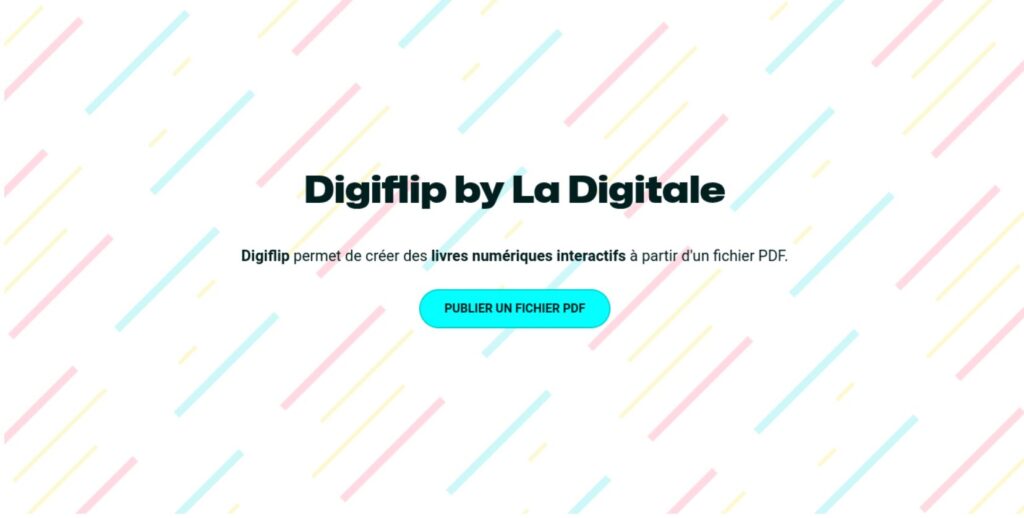
Digiflip: PDFs that leaf through
For long documents such as textbooks, resource files or class reviews, a simple PDF file may seem austere or difficult to consult.
Digiflip transforms a classic PDF file into a Interactive eBook or flipbook. Just upload the document and generate the link.
The result retains the essential functionalities of the digital documents, such as hyperlinks, text search, zoom and side thumbnail display. All without registration and with the possibility to print or download the original file.
Summary table
To quickly visualise the pedagogical usefulness of each service, I have made a small table to summarise the key features of these free sharing tools:
Synthetic table of La Digitale's sharing tools
|
Tool |
Main function | Pedagogical Usefulness Key | Simplicity of use |
| Digiview | Secure Video Player | Watch YouTube without distractions (pub, suggestions) and add instructions. | Very high (Copy/Paste) |
| Digiread | Web page scrubber | Improve the readability and accessibility of online articles (anti-pop-up). | Very high (Copy/Paste) |
| Digilink | URL shortener | Share short links on printed media or during videoconferences. | Very high (Copy/Paste) |
| Digicode | QR code generator | Instant access to resources by flash (treasure hunts, audio instructions). | Very high (Copy/Paste) |
| Digishare | Local file sharing | Instant and confidential transfer of productions without remote storage. | High (Wi-Fi connection) |
| Digibunch | Curation of links | Organize and follow documentary searches with color codes. | Medium (configuration) |
| Digiflip | Interactive Flipbook | Turn PDFs into leafy and navigable e-books. | High (upload) |
Are you interested in digital education? Subscribe to my free newsletter ‘La Lettre des Outils Tice’ and receive a selection of new digital tools and services for education once a week. >> I subscribe
 English
Hello, I think that the prtie on Digilink should be changed to indicate that it can only be used if a DIGIDRIVE account has been created.