Last updated on 12 May 2026
What is Talk and Comment? Talk and How is a small extension for the Chrome browser that allows you to add the simplest voice annotations in the world to any web page. A free utility that can be particularly convenient in school use.
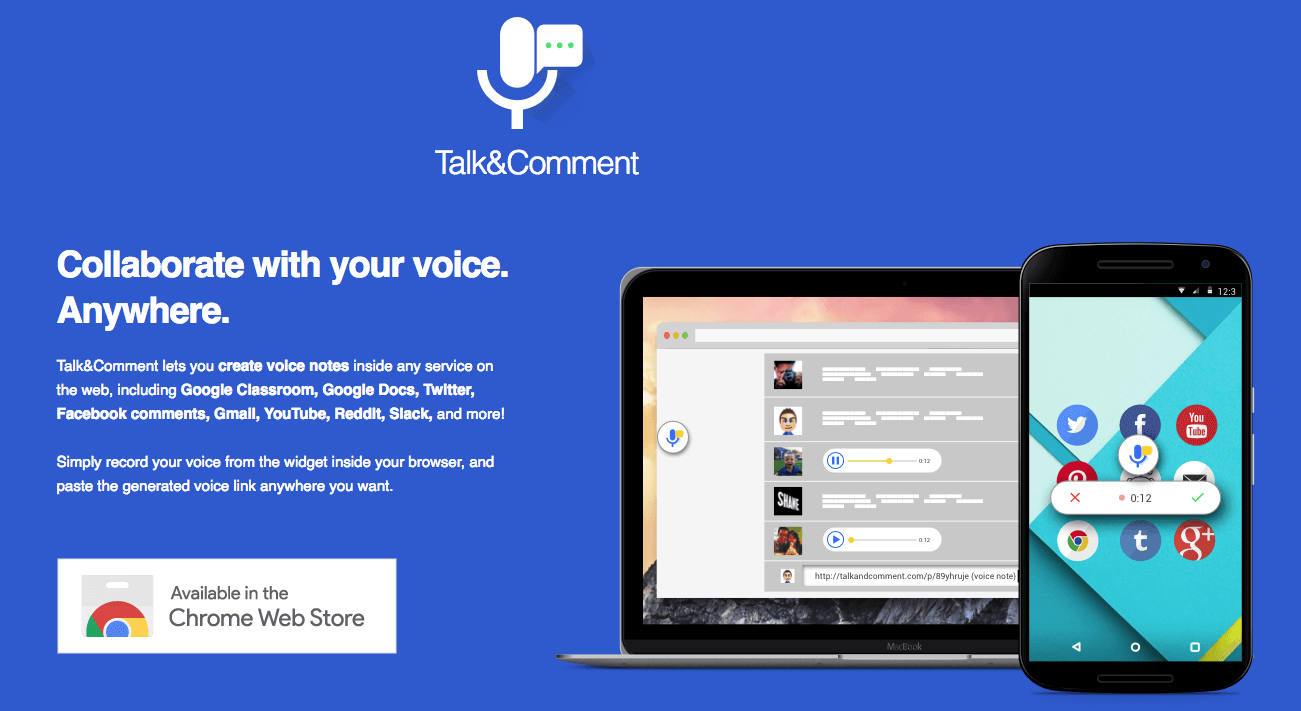
How to make a quick and personalized return to a student on a copy or a presentation? How to give a quick instruction on an online exercise? Talk and Comment will help you by making it easier to record and share your voice.Practice for use.
Record voice annotations, share them easily
Talk and Comment is a chrome extension that allows voice notes to be recorded and shared almost anywhere on the web. As a teacher, you can, for example, install it and use it to share audio comments in the form of small sound files on students’ work. This is especially useful if you have a blog or website in your class. Each audio note you create has a unique link generated by the extension, which you can then easily share by simply copying and pasting.

The extension is also open to other uses. Students may be asked to register themselves to work on reading or pronunciation in a foreign language..etc.
How to Use Talk and Comment to Annotate Your Pages
How Talk and Comment works is simple and easy. The extension must be installed from Chrome Webstore. The extension is free of charge. The hardest part is done. Then, when you are on a web page, Google Doc document or social network, click on the extension widget to start saving your comment. Once done, you get a unique link. Then you'll just have to share it.
Recipients will be able to hear your audio comment with one click. It should be noted that they do not need to install anything.
Talk and How will give voice to your feedback on the web.
A utility that is reminiscent of Speek, which also makes it possible torecord your voice on the fly and then share it easily.

 English