Last updated on 12 May 2026
Puzzel is a site that your students will love and so will you. It will allow you to create any kind of puzzles online very easily. Create an online puzzle for fun and entertainment, but also for learning.
Puzzel offers many templates and a few options that make it a digital creative tool particularly suitable for education.
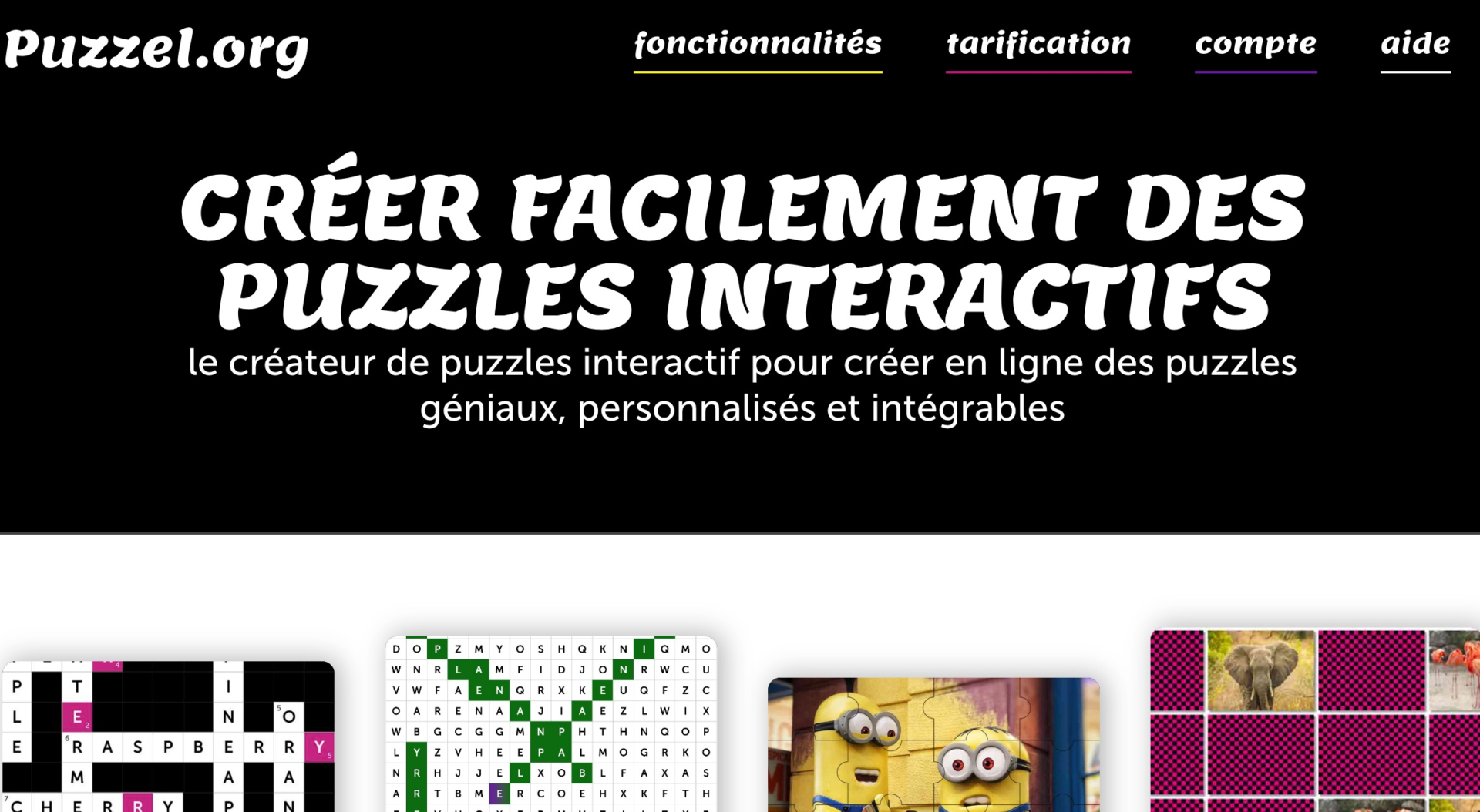
An online generator for all types of puzzles possible and imaginable
This platform is really very complete and you will have a hard time taking it into default. If you have ideas for puzzle-style games, you will find the template to realize it simply in Puzzel.
Whether you want to create games for adults or a grid for younger people, Puzzel probably has the solution.
Choose the most suitable version from over sixteen puzzle templates. You can create classic puzzles with an image cut into as many pieces as you want. Players will manipulate the coins with their mouse to put them back in their right place. You can display the original image to help or not. You can also make the parts sliding, which is already much more difficult.
In addition to this classic, Puzzel also offers puzzles that are particularly suitable for school. The game then becomes a pretext to learn or revise notions of the course.
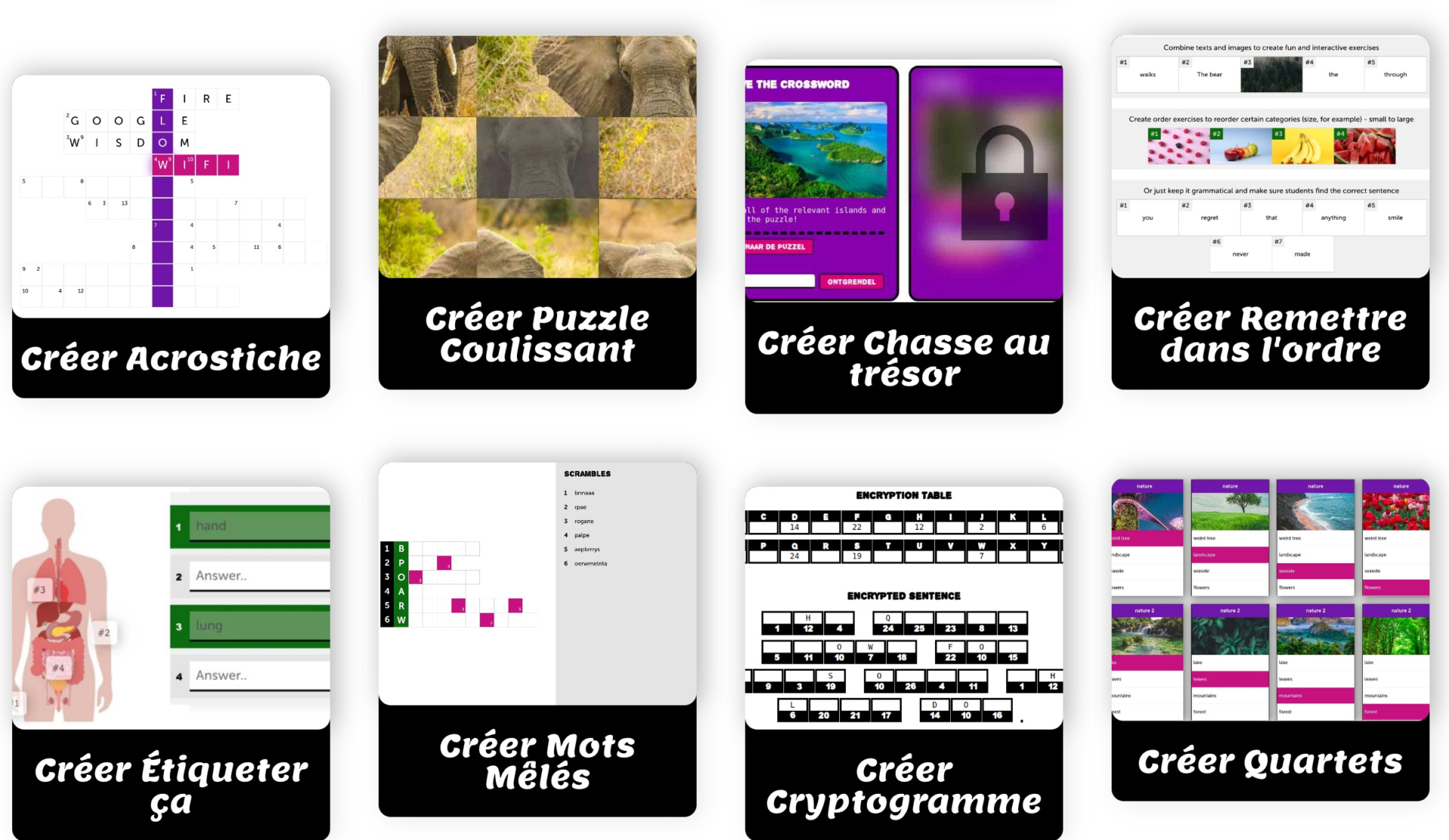
Check on the site all kinds of puzzles possible. You can create quizzes or quiz sheets with blank fields that the player will have to fill out. To make memory work, you can create a Memory-style game or treasure hunts.
To work with the text, the platform allows you to create puzzles of words with Crosswords Online, hidden word grids or games with mixed words. It's up to you to shape the game that seems more suitable to you. With a little imagination, you can even create mathematical puzzles to work on memory and computation. as in these examples.
How to make an online puzzle with Puzzel?
Puzzel has the great advantage of making creating puzzle-style games very simple. Follow the guide:
- Visit the Puzzel website and click on the type of game you want to create. No less than sixteen different types of puzzles are at your disposal. Click on "Create a puzzle".
- Optionally select the number of pieces and the difficulty level of the puzzle.
- Upload an image or enter a text for your puzzle.
Review and modify your puzzle if necessary. Click on "Generate" to get your puzzle ready to be shared. In any case, the site accompanies you in a very clear step-a-not. The rules and features of each type of puzzle are very well explained.
Thanks to this real simplicity, children can easily create a puzzle. They will thus be able to move from the role of players to that of creators. Children will also be able to play in teams or challenge each other. Playful and effective.
Track and evaluate the results of your custom puzzles
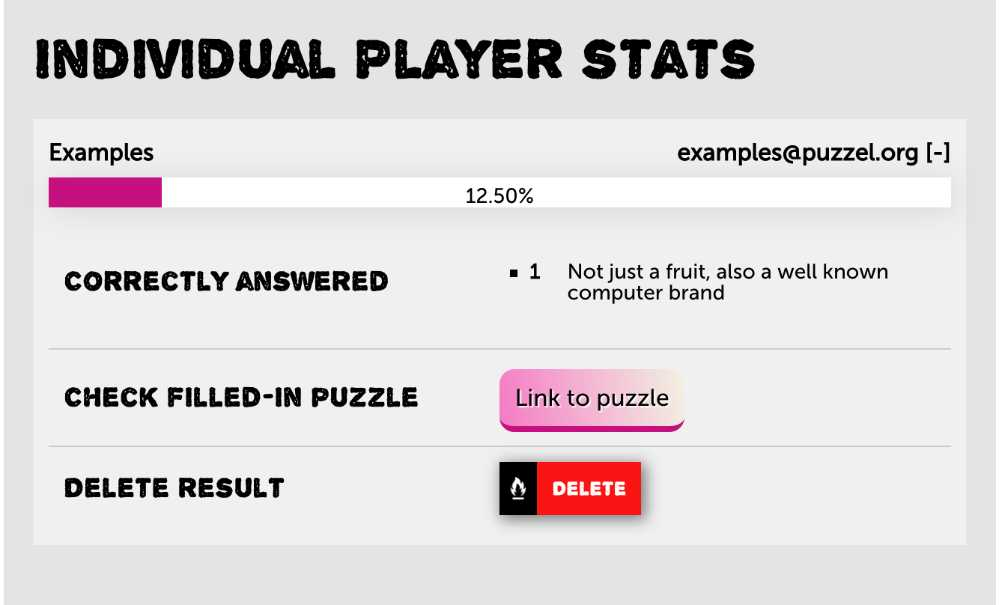
Puzzel allows you to follow the results of your various puzzles in the form of a game for children. For puns, for example, auto-check answers is enabled by default.
The answers immediately turn green whenever the player gives the correct answer. You will also be able to see who among the players completes each game and how long it took them to do so.
Another interesting function in a pedagogical framework of these puzzles. You can add a custom media message when a player finishes one of your puzzles. This message can be a simple congratulatory phrase. But you can also use it to recall the basics seen in the exercise or include links that will allow the student to go further with additional resources.
A great platform to create online puzzles of any kind very easily.
You can use Puzzel to play or to create your puzzles on a simple browser on a computer. It works on a computer but also on a tablet. Puzzles can be shared without any difficulty via a single link, you can also insert them in a site or blog.
You can create puzzles online for free without even needing to register. By pressing the sign up button, you will find all the puzzles you have created.
The free version is fully usable. Some of the options just mentioned are reserved for paying subscribers. Puzzel offers education rates. Count around €30 for full and unlimited use by a teacher.

 English
Thank you for this weekly presentation that we do not get tired of!The most interesting, the most original, it seems to me, this time, is the teacher/learning evaluator interaction.
We can also appreciate the multiplicity of activities, some of which are NOT puzzles (e.g. mixed words)
On the other hand, I also like the site for perhaps more elegant puzzles. I use it to recreate ... poems and the shape of the cut-outs lends itself particularly well to it. + being able to choose the degree of difficulty (the number of puzzle pieces desired) e.g. here https://www.jigsawplanet.com/?rc=play&pid=16bd8ceea8db
Note that the activities created, for some of them, make it possible for students/teams competing or cooperating to play on the same activity. This is a real asset, rarely offered in generators of the same kind.
Thank you for your articles, always detailed and finely documented.