Imagine: you have found an excellent chapter in a textbook, a long research article or a PDF pedagogical file. You'd want to have your students listen to it, or just browse it yourself on a ride. But turning a text document into audio is often synonymous with a paid subscription, account creation, or sound quality that makes you want to turn off the speaker after 30 seconds.
DocsToAudio breaks that logic. The tool converts your PDF, EPUB, DOCX and TXT documents into downloadable audio files, MP3 or M4B, with more than 300 AI voices available in more than 50 languages, including French. Without registration. No subscription. No size limit. And entirely in the browser.
Clearly, DocsToAudio does not seek to do everything. It turns documents into audio files, and it just does it.
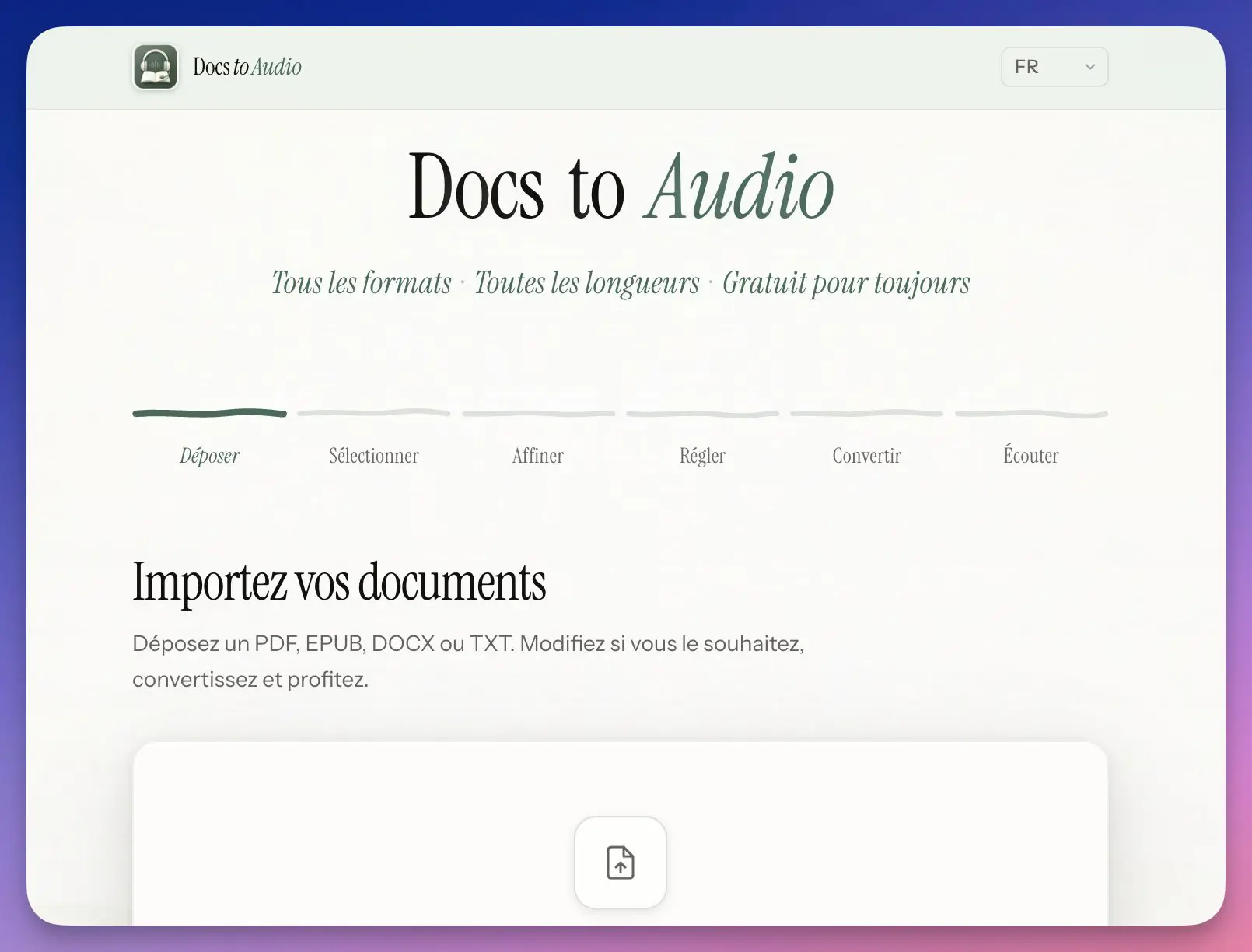
Table of Contents
What DocsToAudio really is
DocsToAudio is an online document to audiobook converter, accessible from docstoaudio.online/en. It works directly in the web browser: no installation, no software to download, no mobile application required.
The promise is simple: upload a file, choose a voice, download the audio. The result is available in two formats: a ZIP containing one MP3 file per chapter, or a single M4B file with built-in chapter markers (the standard format of audiobooks on iPhone and iPad in particular).
What distinguishes DocsToAudio from a simple text reader is the control it offers over the content before conversion: one can select the chapters to convert, refine the extracted text, and choose from an AI voice library with read speed adjustment. If you already know Digispeech, La Digitale’s text-to-speech tool, DocsToAudio clearly distinguishes itself from this: Where Digispeech processes pasted-copy text, DocsToAudio directly ingests your files and manages their chapter structure.
Key Features
Supported input formats
- PDF : textbooks, articles, digitized educational resources
- EPUB : ebooks and ebooks
- DOCX : Word documents, written courses, teacher sheets
- TXT : raw texts, transcripts, vocabulary lists
Output formats
- MP3 : one file per chapter, grouped in a ZIP
- M4B : a single audio file with chapter navigation (ideal for audio playback apps)
Voices and languages
More than 300 AI voices in more than 50 languages. French is well represented: 5 French voices available, and 13 French-speaking voices in total. Personally, I like and use Vivienne’s. The quality is correct and natural, well above the speech syntheses of five years ago. If you want to test different solutions before choosing, TTSMaker also offers a free online text-to-speech engine, but without native management of PDF or EPUB files.
No account, no limit
This is the most valuable feature for school use: no registration required, no subscription, no watermark on the generated files. The service is presented as "free forever".
Everything in the browser
The imported file is read locally in the browser, it is not sent to DocsToAudio servers. On the other hand, the extracted text is transmitted to third-party text-to-speech services to generate the audio. This is an important nuance to bear in mind. It is therefore necessary to avoid processing documents containing personal data.
Instructions for use: from your document to audio in six steps
The process is guided and linear. It is quite simple. Here's how it actually goes:
Step 1, Drop File
Drag and drop your PDF, EPUB, DOCX or TXT into the import area, or click to browse through your folders. The file is read instantly by the browser.
Step 2, Select Chapters
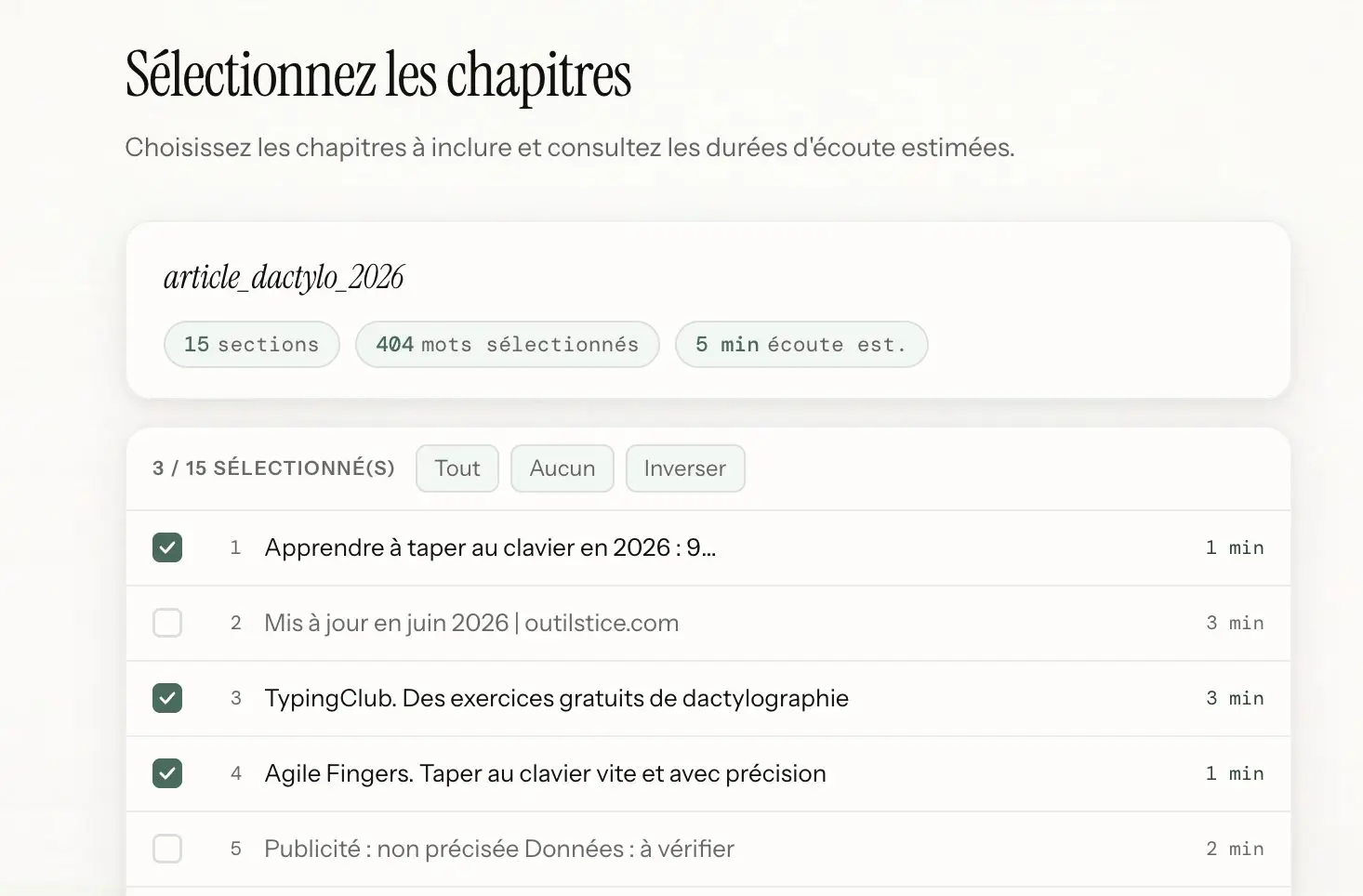
The tool automatically detects the structure of the document and lists the available chapters. You choose the ones you want to convert, useful if you don’t want an entire long document.
Depending on the number of chapters chosen, the tool displays the number of words that will be processed and the listening time of the generated audio file. Practical.
Step 3, Refine the text
Before conversion, you can view the extracted text and delete what you do not want to hear: headers, page numbers, footnotes, URLs. This is a step often overlooked by competing tools, and here it makes a real difference on the quality of the end result.
Step 4, Choose Voice and Speed
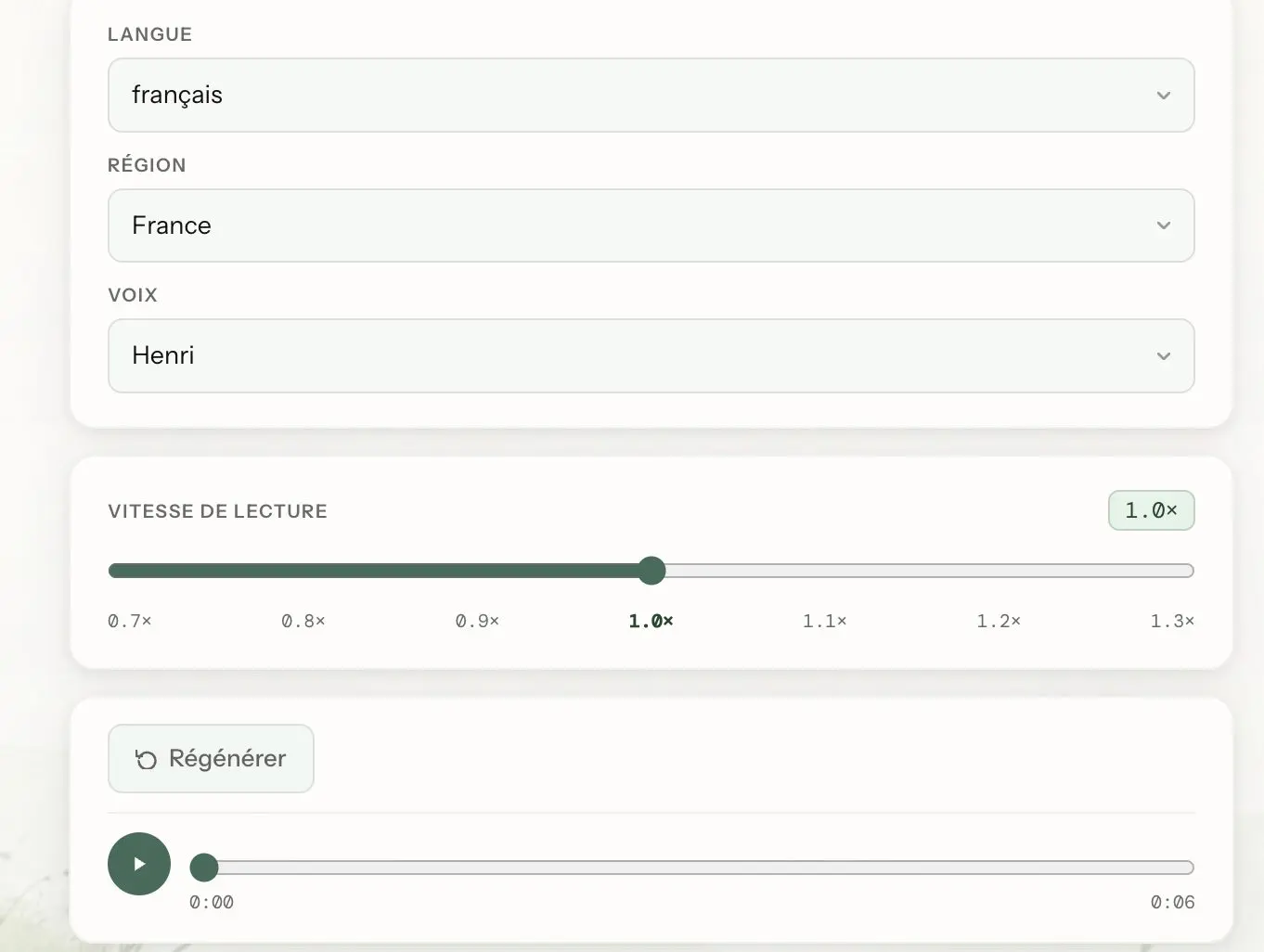
Browse the voice library, filter by language, test the French options, and adjust the reading speed according to your needs (slower for students in difficulty, faster for a review listen). Before starting the conversion, you have the possibility to test on an excerpt of the text the voice you have chosen.
Step 5, Convert
Start the conversion. It is carried out in real time in your tab: Do not close the page during the process.
Step 6, Listen and Download
Once finished, download your MP3 (or M4B) file and use it as you see fit: audio player, ENT, online course space, USB stick for the class.
Why can it be useful for teachers?
For accessibility
This is probably the most immediately useful use. Turning a text into audio makes it possible to offer an alternative version of a document to students who are dyslexic, visually impaired, allophone or simply have reading difficulties. No need for specialised equipment: an MP3 file can be played on any device. If you work specifically with dys students, check out my selection of 5 reading aids for children with dys, DocsToAudio follows the same logic of accessibility through audio.
For pedagogical differentiation
Do you have a long documentary text to study in class? Offer the audio version to students who need audio support, while others work on the written text. DocsToAudio makes it possible to prepare this support in a few minutes, without technical skills.
For language teachers
Converting a text into English, Spanish, German or Arabic with a native voice means obtaining authentic listening support for oral comprehension in a matter of minutes. This is especially useful when textbooks do not offer an audio version, or when you want to work on a text you have selected yourself. In the same vein, HappyScribe allows you to generate automatic subtitles on your pedagogical videos, two complementary tools to sound and subtitle your content.
To prepare audio capsules
A course written in DOCX, a revision sheet in PDF format: Turn them into audio and share the file on your ENT or online classroom. Students can listen to it during their revisions, in transport, at their own pace.
For the teachers themselves
Going through a long teaching document in audio mode during a journey saves preparation time. DocsToAudio works well for research articles and institutional reports that few teachers have time to read.
For fun too, if you want to create a real audiobook from a live ePub.
What I like
The model: free, no account, no advertised limit and no watermark. In the current landscape of online tools, this is not so common.
The possibility to refine the text before conversion is a real plus that significantly improves the quality of the final audio rendering. The selection of chapters is also well thought out: we only convert what we need, which avoids too heavy files and unnecessary processing times.
What I like less
The conversion is done entirely in the active tab: If you close or refresh the page, everything starts from scratch. On long files, it takes a little patience …
The interface is in English on the technical configuration side, even if the homepage is available in French. And of course the fact that the extracted text is transmitted to third-party text-to-speech services, if you process documents containing sensitive data or information about students. For an ordinary course or a public text, it is less of a problem.
In practice: for what level, what discipline?
| Background | Concrete use |
|---|---|
| High school/high school, all subjects | Audio version of a documentary text for dys students |
| Living languages | Listening support based on texts chosen by the teacher |
| Primary | Autonomous listening of short pedagogical sheets |
| Continuing education | Converting articles or reports to audio for on-the-go editing |
| Special education | Alternative access to written documents for students in difficulty |
A tool to create an audio file from a file that deserves a test
DocsToAudio does few things, but does them well and for free. If you need a quick solution to produce audio support from an existing document, this is clearly to be tested.

 English