Last updated on 12 May 2026
Typito is a real post-production studio for your videos that shines with its ease of use. This tool will allow you to enrich your videos with titles, graphics, embedded images and sound. All as simply as possible.
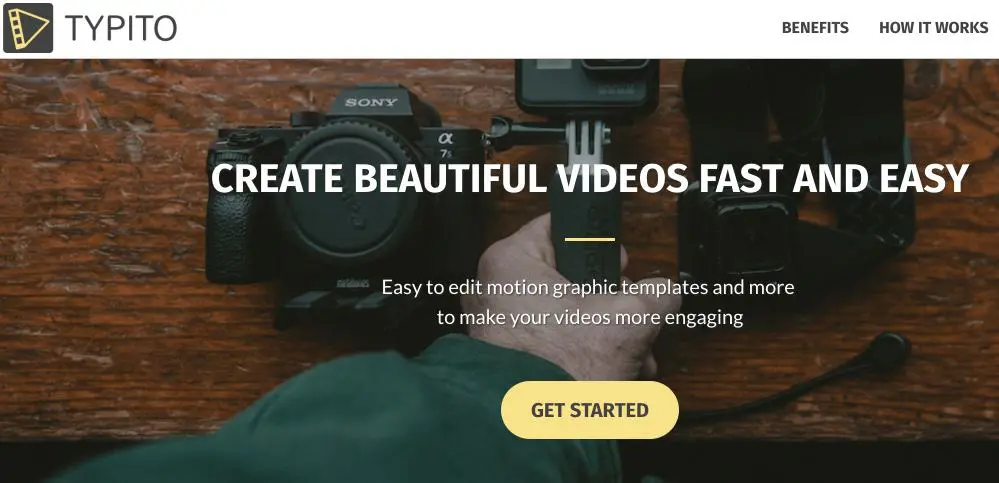
Typito is one such tool that makes available to everyone what was previously the preserve of technicians and specialists. You will indeed be able to edit your videos in minutes by simple drag-and-drop without the need to rely on complete but complex professional editing software.
The use of this small online editing studio is very intuitive. After a quick registration, you will be able to upload your first video to the site. You can upload one or more videos. It is now up to you to edit it.
Thanks to a very well thought-out ergonomic editing table, you will be able to enrich and edit your small clip. You will be able to add text or a title by simply drag and drop. Typito offers many typos, sizes and colors. You position your text wherever you want on the image, you set the time during which the text will appear on the video and the turn is played. A preview window allows you to see the result obtained in real time.

Typito works the same way to insert an image, logo or graphic into your video. Seen can also add sound and music. Everything is done from the tabs on the left of the mounting table to choose the type of item to insert. The timeline under the video allows it to control the time and the moment.
Once your video is finished, Typito offers you to share it directly on YouTube. You can give it a title, a description and decide whether it will be public or private. Practical.
[Tweet “Typito is ideal for reviving and giving more impact to your classroom videos.”]The tool is free, but the Typito logo will appear on the video. For very specific needs, you can remove this logo for the sum of 3 euros.
Link: Typito

 English