Last updated on 12 May 2026
Kapwing is a platform that offers a range of utilities for manipulating images and videos. An online video editor that pays for the luxury of being free.
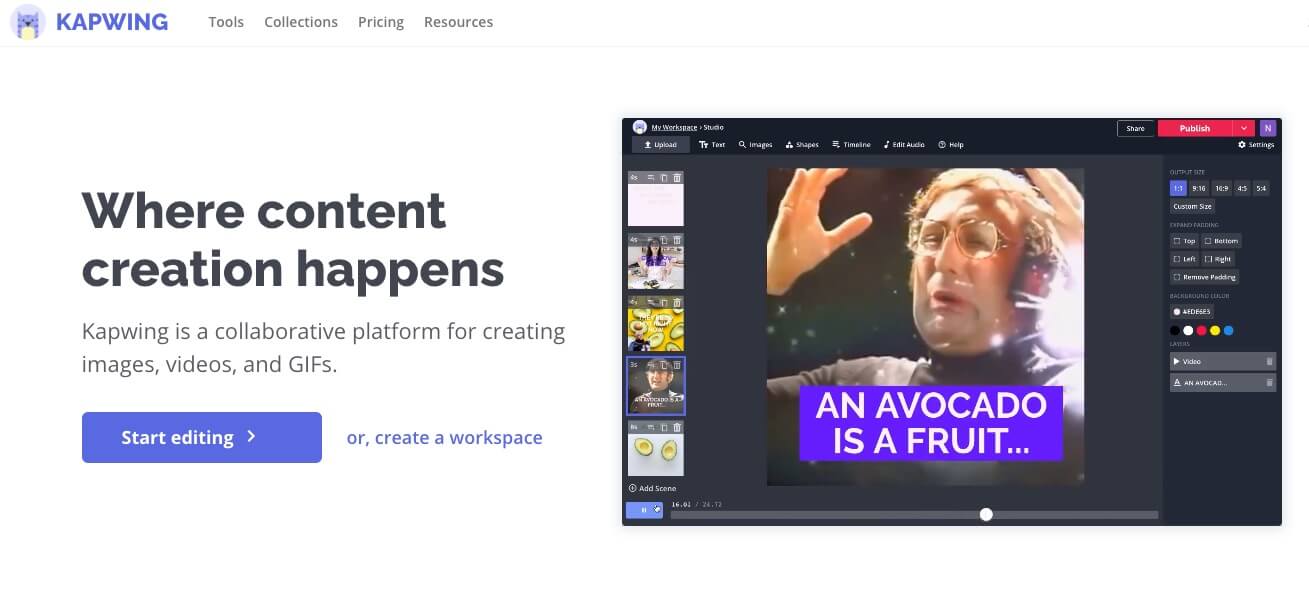
Kapwing has been designed for anyone who doesn't want to dive into great video editing software. This platform offers many tools to have fun or simply work with images and videos.
A video editor in the shape of a Swiss knife
Kapwing presents itself as a must for all content creators. In any case, it is true that it offers a large number of functions for editing your images or videos. A video editor to do everything.
This video editor allows you to choose from no less than sixty easy-to-make effects and montages with still images, sounds, video files, gifs or audio files.
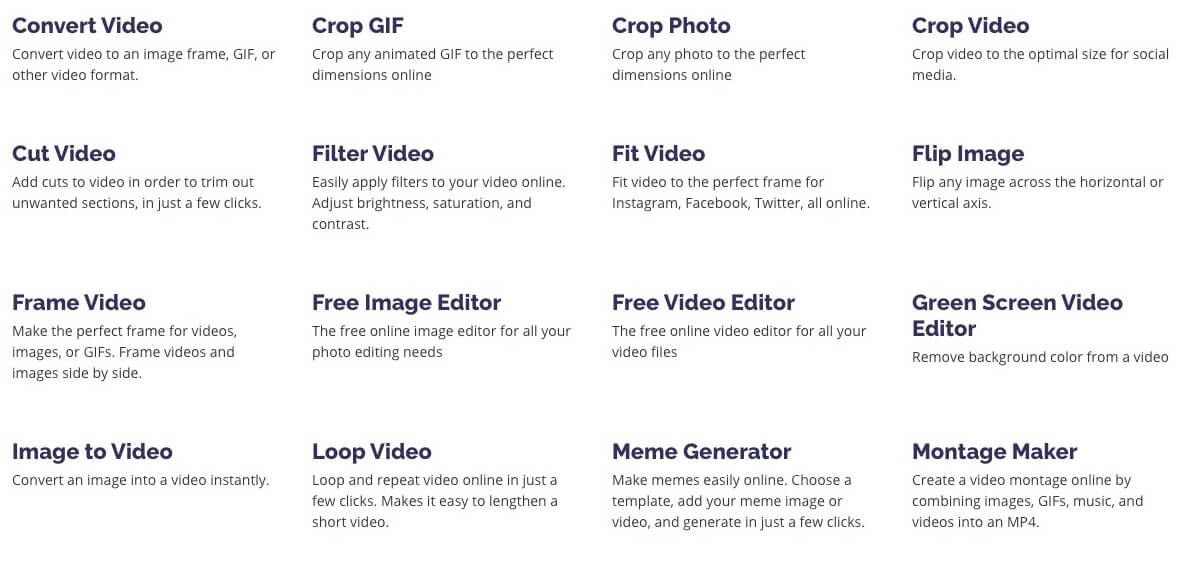
One of the widely used functions is the one that allows to create memes in two clicks three movements. You know these are still or moving images that are plentiful on social media with a simple text at the top and bottom of an image or video.
You have access to the basic functions of video editors such as the ability to make simple montages, add sound or text to an image or video. Another very useful function is that which makes it possible toadd subtitles to a video. A video subtitling feature that I had the opportunity to present here some time ago.

Ideal for projecting in class, Kapwing also offers a tool to create slideshows very easily. Just upload the photos, videos or GIFs and the video editor will put them together. You can change the order of the different components, customize transitions or the display time of each component. Simple and practical.
A editing studio with very interesting advanced functions
Kapwing is very easy to use and the tools are intuitive to use. Despite its simplicity, the platform offers, in addition to its basic functions, more advanced tools to allow you to go further in your creations.
For example, with one click you can remove the background of an image, but you can also remove … from a video.
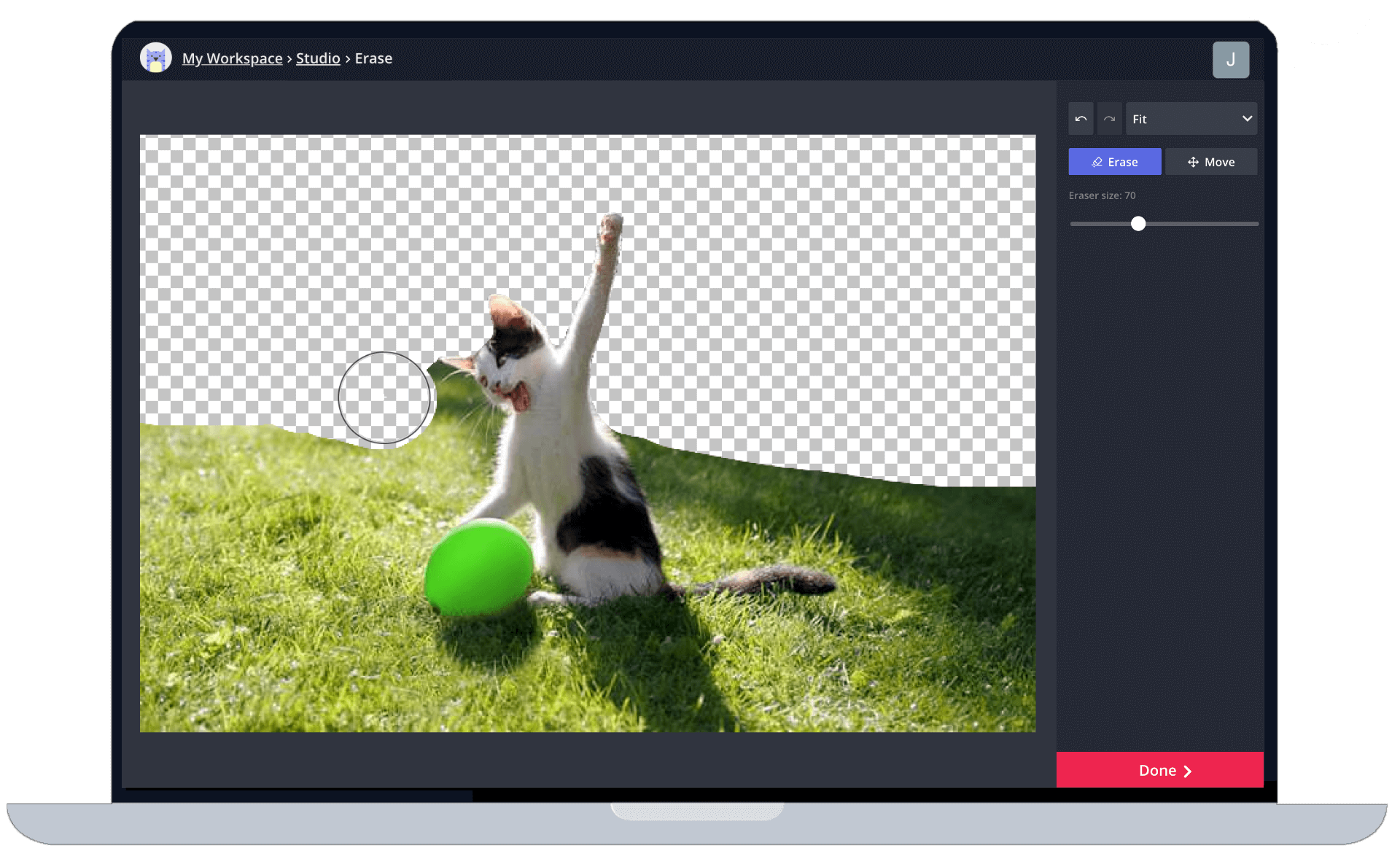
You can do almost anything with this editing studio that hides its game well. You can change the speed of a video, the format, the soundtrack.
More original still Video Collage Maker allows to put side by side two files that can be of different nature. The first may be a still image and the second a GIF or video.
I let you discover for yourself the other functions proposed by Kapwing. Video loops, stop motion movies, … creative effects to give "peps" to your presentations or your sites.
The use of all the tools of this video editor is free of charge for videos with a maximum duration of 10 minutes. Once your effect is achieved you will be able to download it in video format on your computer. The name of the Kapwing site will automatically appear on all files, but without in any way hindering playback. If you wish to remove this marking, you will have to opt for a paid plan of around EUR 20 per month for unlimited use.
For a tool more specifically dedicated to video editing, you can take a look at Veed. A simple and playful video editing tool.

 English