Last updated on 12 May 2026
Seeing Tools is a powerful tool for automatic text analysis. An open source text analyzer that will surprise you with its power and allow you to take your first steps in text mining.
Text mining is all those techniques in the field of artificial intelligence that blithely combine linguistics, semantics, language, statistics and computing. Techniques that make it possible to extract and analyse information from a corpus of texts, or even to interpret it as Resoomer does for create automatic summaries of a text. Voyant Tools offers a free tool, relatively simple to use, which is a good example of the power of automatic text mining.
Seeing Tools in-depth dissects your texts with a mouse click
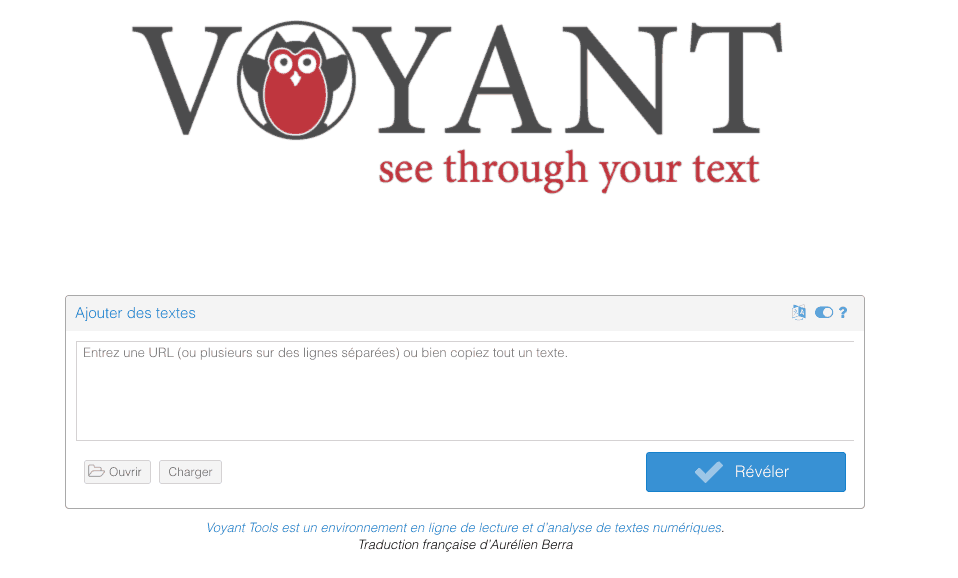
The implementation is simple just add the content you want to analyse from the homepage. You can copy and paste a text. You can specify one or more Urls of texts online or upload a corpus of documents from your computer. With one click, you will finally be able to launch an automatic text analysis.
In seconds, Seeing Tools shows you a results page divided into five blocks and an impressive amount of data about the submitted text. Each block has its own menus that allow you to explore other information, filter it, and visualise it differently.

Powerful automatic text analysis in five self-contained blocks
Seeyant Tools offers a comprehensive user manual that will allow you to explore all the available features. Here, I would like to introduce you to the five stand-alone information blocks on the results page.
- Cloud of Tags. A Wordclouds visualization in the form of cloud of words of your text. You will be able to choose other forms of display of the corpus of words and if necessary exclude some of them.
- Reader. This block provides access to plain text. You can search for a word via a search box. By clicking on one of the words in the text, a frequency histogram is obtained below the text and the selected word becomes the subject of analysis for all blocks.
- Trends. A powerful tool that will make it possible to identify the most used keywords, but also to compare them and study their proximity in the text.
- Summary. This block, the result of automatic text analysis, provides you with statistical information on the text studied: number of words, number of documents, most frequent words, etc.
- Contexts. Here you will find when you select a word in the reader, sentences and documents where it is used.
These five blocks are, once again, only part of the information extracted from the automatic text analysis by Voyant Tools. By scrolling through the menus you will be able to modify the data blocks or even replace them with others.
All the result blocks are exportable , you can even insert them via a code provided in a site or blog.
A complete open source tool to take your first steps in text mining.
Link: Seeing Tools

 English