Last updated on 12 May 2026
Within a few years, the Antidote Software has become the number one digital proofreader, an indispensable proofreading software for editors and all language lovers. I already have says here all the good I thought of Antidote which I use every day.
In my opinion, Antidote is the best tool to help with correction and drafting in French and English.
In parallel with the classic version of the software, the designers of Antidote are launching this week a particularly interesting multi-platform subscription formula: Antidote+.
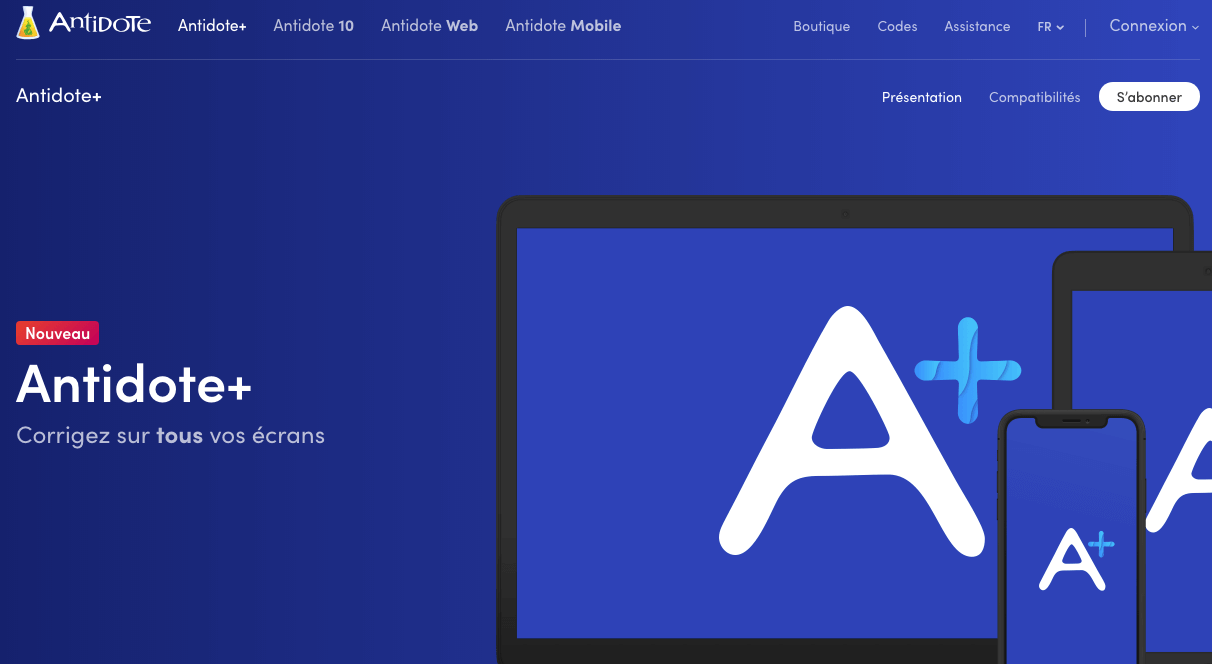
This software-enriched formula allows you to correct texts from any device: web, phones, tablets. I come back to that.
Table of Contents
Antidote+ correction software perfectly adapted to language learning
Antidote is a software that brings together in the same interface a spell checker and an intelligent grammatical corrector. But it also offers complete dictionaries and clear and detailed language guides. In other words, the tool provides you at the very heart of your texts with a formidable weapon to correct mistakes and shells, but also all the elements to analyse and understand your errors.

In addition to spelling and grammar, you will be able to correct typography and style. Antidote includes no less than 11 language guides covering all aspects of writing. You also have at your disposal dictionaries of incredible richness. With one click you can read the full definition of your word and the expressions and proverbs in which it appears; see its plural, pronunciation, difficulties, rhymes and etymology. With a single click, consult the list of synonyms, antonyms and words from the same family. That's great.
Antidote+. A tool for correcting and helping with writing on all your screens
Until now you could buy the Antidote software via a permanent license. Druide had also launched a separate mobile and web version. With Antidote + you will be able to access all three via a simple subscription.

A year-round subscription that gives you access to the entire Antidote range:
- The Antidote software. Install it on your computer and integrate it directly with your usual software.
- Antidote Web. Find all Antidote tools via a simple browser.
- Antidote Mobile. The mobile version (for iPhone and iPad) allows you to consult dictionaries and guides on iPhone or iPad, even without the Internet. I love the games and discovery part to play with words.
Antidote+ gives you access to the full range, including updates and technical support. In addition, Antidote applications synchronize with each other. For example, an addition to your personal dictionaries from one application will be applied to the other two.
A constantly evolving correction and drafting tool
One of Antidote’s strengths lies in its ability to continuously evolve to offer new functions, new integrations. Computer Druid engineers who have developed Antidote are constantly working to improve the relevance of the results offered by the software.
The proof with Antidote 10 v5 which has just brought 500 new French words and 5,000 new words in English. This new update also adds 20 000 translations from one language to another. Also on the agenda is the revision of definitions and synonyms of words concerning sexual orientation or ethnic origin. The Antidote checker now warns you of the use of offensive or pejorative terms. Good look.
Small improvements, but also more important ones. The next revolution is called ‘deep learning’ in French. A learning technique that allows a computer program to understand the meaning of a text. Druide wants its users to benefit from innovations in this field. It has contributed $1 million to the Université de Montréal to help research into deep learning. To follow.
Antidote+, like the entire Antidote range, is marketed in France by Mysoft Company. I advise you to Follow their Twitter feed which regularly offers resources on the French language and a multitude of tests and quizzes.
Antidote+ is sold by subscription. Two subscriptions are offered. Two subscription choices, personal or family. With the family subscription, five users from the same family can have access to the entire Antidote range. We are waiting for a subscription for the class or schools.
The personal subscription is offered at a price of €59 for an entire year. The family subscription costs €99. You can take your subscription online, but I strongly advise you to buy it in a shop near you.
It is then presented in the form of an Antidote+ Personal, Antidote+ Familial box or you can opt for Antidote 10 and its perpetual licence.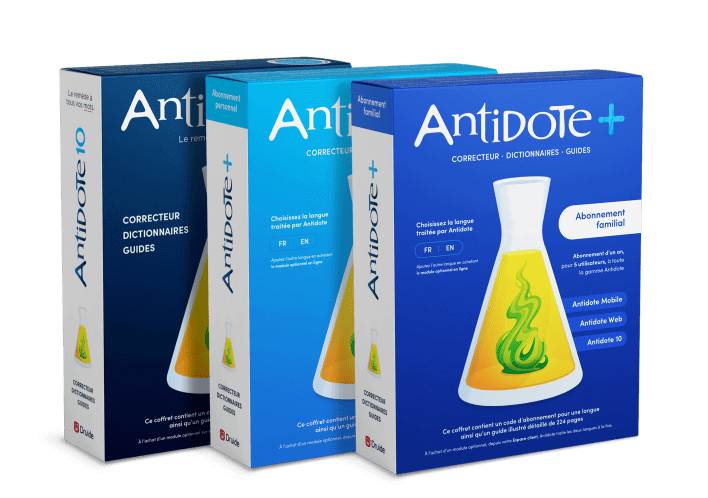 In addition to promoting local purchasing, you will be entitled to a comprehensive and well-illustrated 224-page user guide.

 English
Hello and thank you for your opinions always interesting and motivating
Regarding antidote, there are lists of software with their version number for compatibility. Does this mean that outside these versions, Antidote will not be integrated? And can we do it manually and voluntarily? Indeed, the maj of the software are frequent and Antidote does not automatically follow these maj i suppose. The most important integration for me would be for Thunderbird, Libre-office, Firefox, Chrome. Will I never have a version not followed by Antidote? Otherwise, how to do it?
Thank you
Hello,
This is a response to Mr Barren’s comment from Mysoft, the French distributor of Antidote.
Antidote is compatible with many software programs including Thunderbird, LibreOffice, Firefox, Chrome in their latest versions. This compatibility, as you point out, requires regular updates as software evolves. The publisher of Antidote, Druide, devotes significant resources to making these updates . However, it may stop those developments, either because one of the software programs concerned has fewer and fewer users, or because the developers of that software have introduced obstacles to prohibit the communication of third-party software with their software.
The full list of compatibility is available on https://www.antidote.info/fr
Note that publishers can develop a link with Antidote themselves through an API provided by Druide.
However, you cannot do an integration yourself that is not provided by Antidote. In this case, however, there is a bypass, because Antidote offers a correction function of the clipboard.