Last updated on 12 May 2026
While the use of video in the classroom is a genuinely more pedagogical tool, this particular medium can also pose real problems when it comes to editing or editing raw images. Powerful computers and expensive, pro-active software are needed for often arid learning.
Here is 3 online tools to edit videos easily. They They all work perfectly from a simple browser.
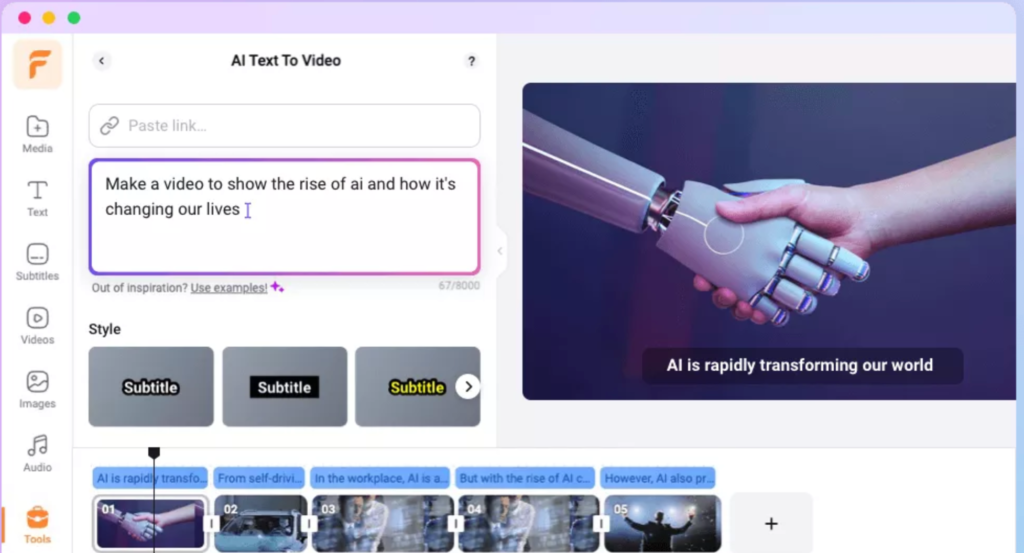
1 – FlexClip. FlexClip offers a user-friendly interface that allows easy video editing directly from your browser, making it a convenient option for teachers and students.
With FlexClip, users can upload videos and images to the platform’s editing interface, arranging them on a timeline and adding transitions, text overlays and audio tracks. FlexClip also provides a library of predefined video templates, making it easy to quickly create professional-looking videos.
One of the strengths of FlexClip is its simplicity, which makes it accessible to users of all levels. FlexClip offers different pricing plans, including a free version with basic features and affordable subscription options for more advanced editing capabilities. This makes it a versatile option for educational institutions with budgetary constraints.
A simple yet powerful platform to create engaging educational content
Link: FlexClip
 2 – WeVideo. It is a tool for editing your videos. works in collaborative mode to allow several students for example to create and edit the same video. This service is distinguished by a modern and rewarding graphical interface and easy handling. Shortening, cutting, sticking … everything is done quite instinctively with the tip of the mouse. The integrated video editor offers the possibility to manage sound in parallel for optimal rendering. WeVideo offers a plug-in to allow you to save your videos in your Google Drive. There is also a portable app for Android to capture images and videos and then be able to add them to a project on WeVideo. This service offers a very advantageous special education rate with a reasonable price of just over EUR 15 for an entire year. Link: WeVideo.
 3 – Wideo. The third tool on this list is a bit different from the other two. Wideo makes it possible to create small animations in a cartoon way. You will be able to create animations by simple drag and drop of the countless templates present in Wideo's online library. It is a real cartoon workshop that is offered to you with possible animation effects for each added element. Wideo offers you to play with text, cartoon characters and drawings. You can also upload your own images and audio files for use in your videos.
Link: Wideo.

 English