Last updated on 6 June 2026
How to learn to program? We talk about it a lot, we talked about it a lot and we have not finished talking about it. Bringing school into the digital age will probably also involve learning computer programming from primary school onwards.
There are many methods and tools to learn about code and computer programming. Here is a first list of Three sites that allow a first approach to code through … the game.
Table of Contents
Code.org
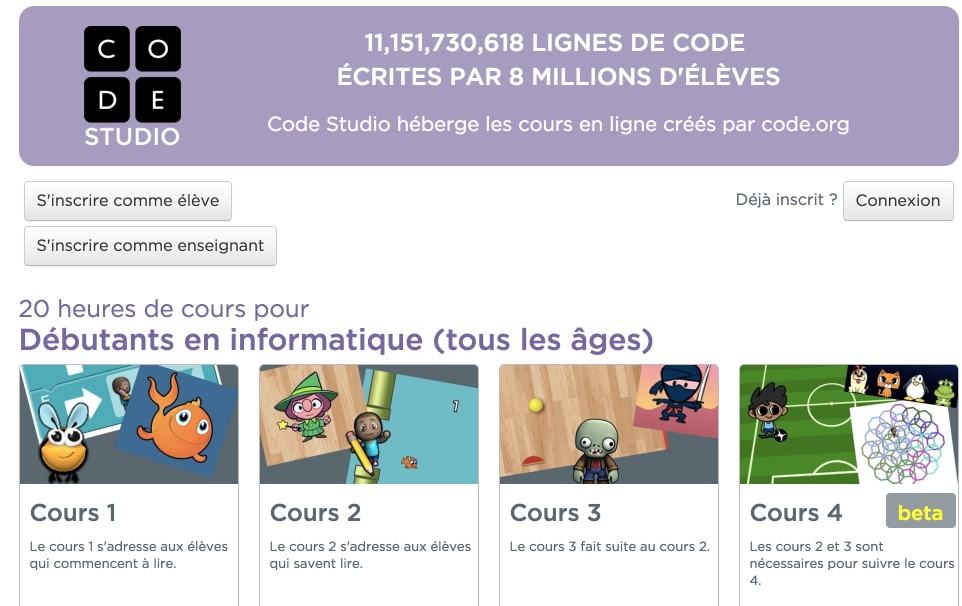
A serious initiative with significant resources that has a brand sponsor. The site was launched by Marc Zuckerberg, the boss of Facebook. A site that offers several games and courses to take its first steps in programming. Interface entirely in French and quality courses. Code.org offers you dozens of hours of code lessons. A teacher entrance then allows students to register and monitor their progress.
Link: Code.org
CodinGame

CodinGame is a very complete site with access to beginners but also to users a little more advanced. 50 games are offered online with tutorials to understand how they work. You will be able to optimise the code for some of them and compete with other coder apprentices in code ‘battles’.
Link: CodinGame
Blockly Games
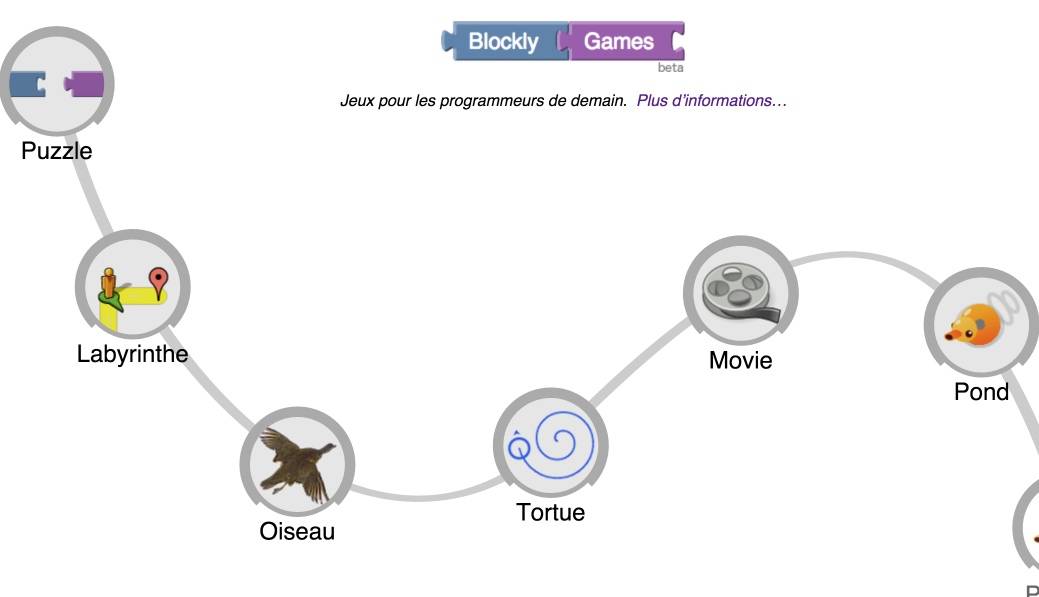
More modest, Blockly Games offers a dozen educational games online to learn how to program. The site is aimed at children and young teenagers who are just starting out, but also at any user who wants to learn computer code by creating and improving small video games. The site allows you to download compressed Zip files in different small games to allow you to work without connection. Practical.
Link: Blockly Games
To go further, find my list of the 10 best apps to teach children how to code.

 English
Good evening, in your article on coding you talk about the Blocky games site and you say that you can download the games in zipped files. I am interested because in my establishment the connection is not always correct. However, on the site I did not find at all or how to download them.
Thank you for your always interesting articles.
Catherine (Professor of Technology)
Hello Catherine.
You can download all the games for offline use by following this link:
https://github.com/google/blockly-games/wiki/Offline
Good evening.
Fidel
Being able to code directly in the browser is a big plus for simplicity. And if you're wrong, we'll give you clues. Clues that really do not give the answer right away and push you to really think!