Last updated on 12 May 2026
I just tested the software ‘34 interactive tools for the school’ directed by Christophe Gilger and edited by Génération 5, I recommend it.
It is a cross-platform Mac and PC software to be used with a projector or better yet with a TNI for carry out interactive activities with your students in primary school or personalized teaching.
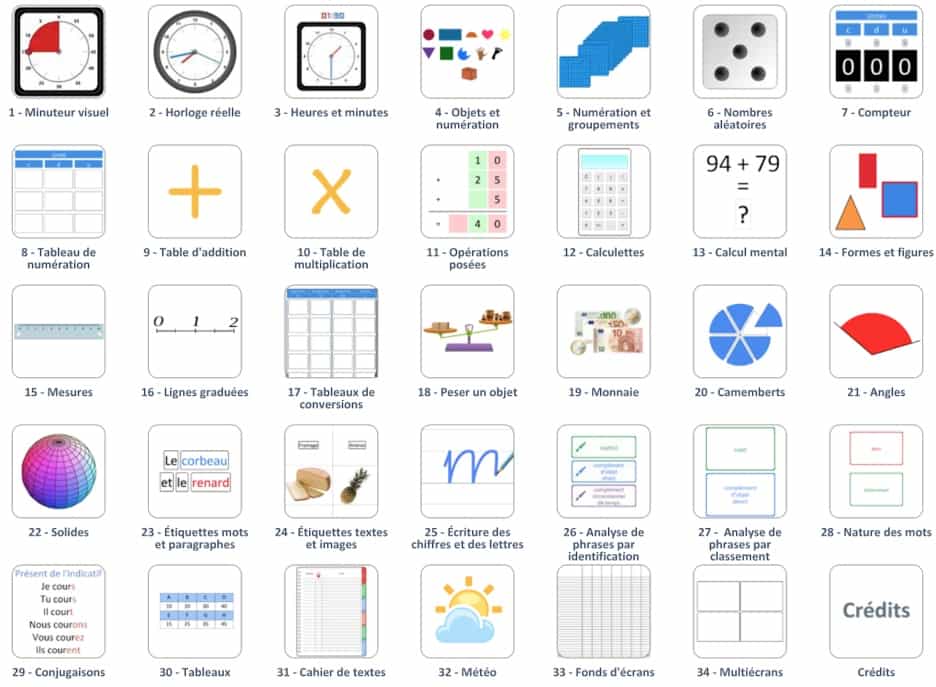
If you have a digital board and you have difficulty taking advantage of its interactive use, this Software CD is a real happiness. He will indeed offer you everything a range of easy-to-use and ready-to-use tools, to offer interactive activities and situations to your students. No need here to master dedicated software sometimes somewhat complex.
The CD therefore offers 34 tools and activities that can be used in all disciplines for several levels.
Examples include:
– generate labels (words and paragraphs) from your own texts, for classification, association, ordering … reading, spelling, grammar activities.
– display and manipulate timers, clocks, scales, measuring instruments, coins and banknotes, geometric shapes, angles, 3D solids, etc.
– use meters, counting and conversion tables, calculators, number generators, operation installers, graduated axes …
– complete and complete the digital textbook, weather tables, various … wallpapers
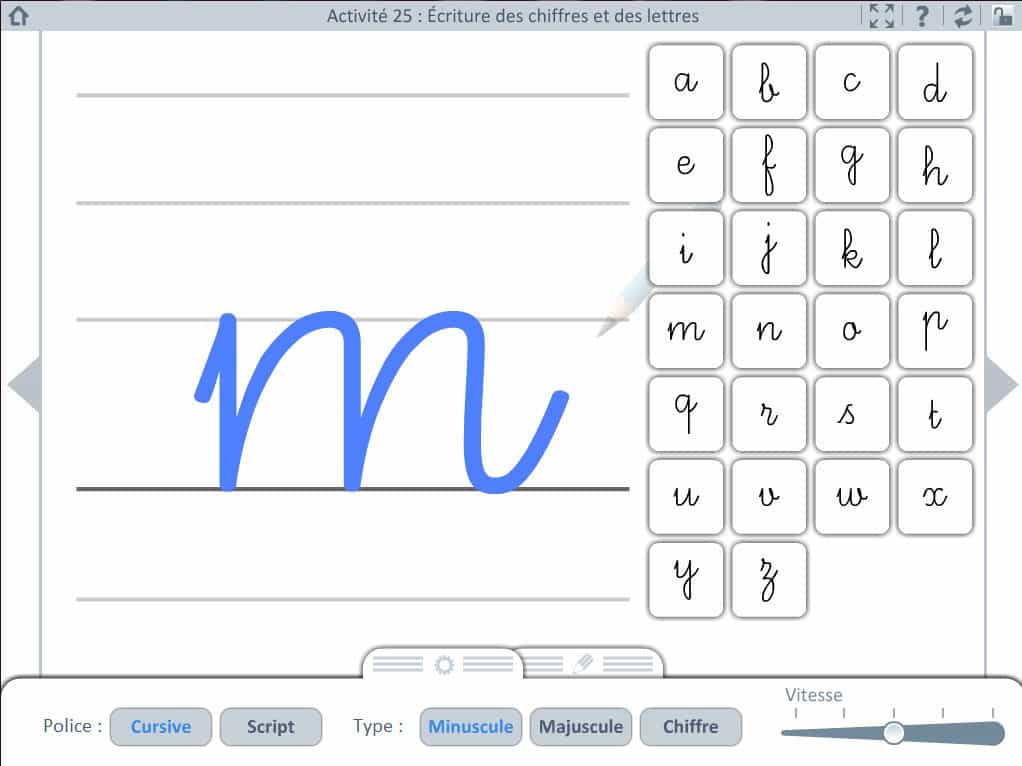
Each activity is completed with a box of utilities (pencil, highlighter, colors) to annotate the screens.
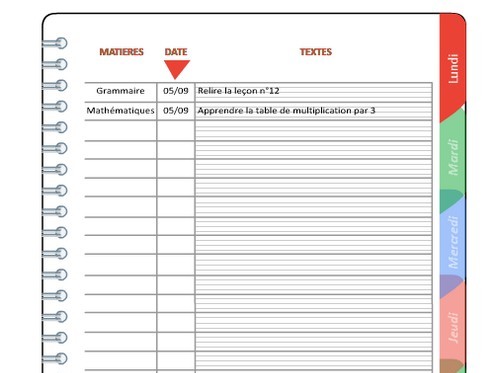
The realization is impeccable and many of these 34 tools will quickly become indispensable to you. I loved an activity dedicated to writing numbers and letters. Your students will love it. It is also very practical to use the digital textbook, which allows you to write your students’ lessons and homework, keeping the same points of reference as in their textbook.
Good work and it is clear that the author knows what he is talking about. As a master trainer, Christophe Gilger had the good idea to offer a very comprehensive online guide that details each activity offered and provides simple educational scenarios if you lack inspiration. You can download this guide here.
The 34 interactive tools software for the school costs 89 EUR. It is not given, but the Generation5 licensing policy is quite generous and you will be able to install it legally on all posts in the school and even on teachers.
Link: 34 interactive tools for the school.
E-Rituals for kindergarten
On the same model, Generation 5 offers a brand new software dedicated this time to kindergartens: e-Rituals. It allows to present and also to manage on Video Projector or TBI / TNI the rituals in kindergarten. The CD offers different modules to present the rituals in class.

The ephemeris, of course, with the day, date, season, weather, etc. The frieze of time to allow birthdays and other upcoming celebrations to be located in the week, month or year or, among other things, the management of the presence of students who will themselves be able to intervene by moving their labels at the time of the call. Nice realization.
 English