Last updated on 12 May 2026
It's probably already happened to you. You come across a YouTube video that fits perfectly with your next class, a 52-minute documentary about the First World War, or a rather lengthy conference on climate change. The problem: you do not have 52 minutes in front of you. You just want to know if the sequence you're interested in is in the 18th or 31st minute. So you click, you move forward, you step back, and you end up wasting a quarter of an hour searching for 90 seconds of useful content.
Claras tries to address this problem. It is a Chrome extension that instantly generates the transcription of a YouTube video, then lets you query it in natural language: When are we talking about the economic causes of war?, Summarizes the three main arguments, What resources are cited?. The AI responds in seconds with the time references in the video, and you click directly on the passage to go there. On paper, nothing revolutionary. In use, it is amazing.
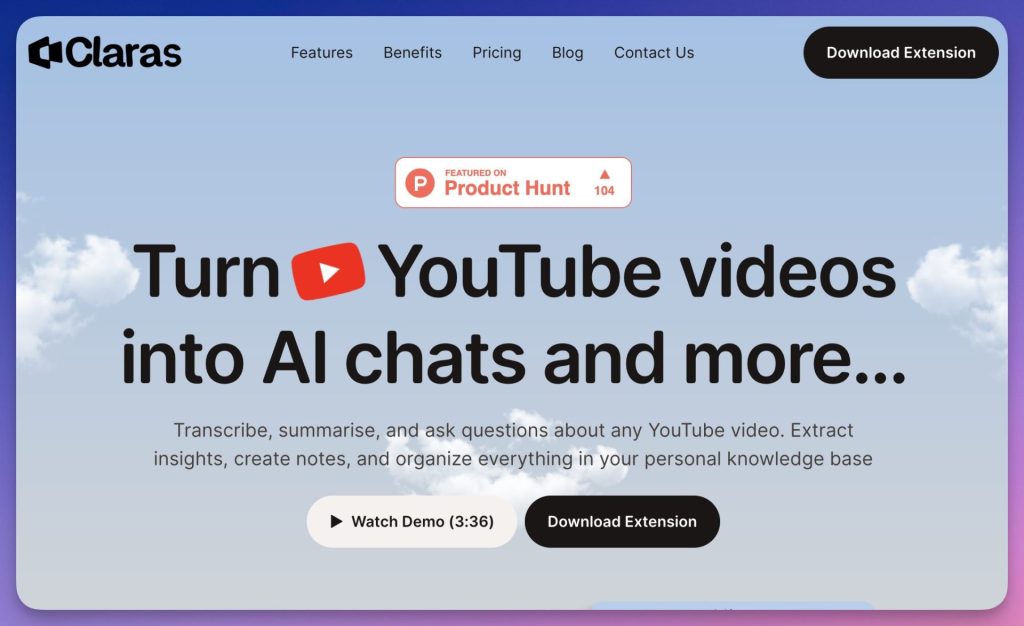
Table of Contents
Claras in class: transcription, accessibility and time saving
Long, dense video becomes otherwise accessible. You can search for accurate information, read the transcript, or get a summary before you even start reading. For allophone profiles and dys students, two audiences too often forgotten in mainstream AI tools, it is a concrete help, not a gadget.
For the preparation of courses, the calculation is simple. Where you peel a conference for half an hour to get three usable minutes out of it, you'll get away with it in just ten minutes.
You get the transcript, you send a targeted query and you get to the right place. Magical.
If you are already using EdPuzzle to create interactive lessons from videos, Claras follows the same logic: transform a passive video into an active working material. The two tools are complementary, EdPuzzle to structure an educational sequence around a video, Claras to explore it quickly before deciding whether it is worth using.
For educational monitoring, conferences, webinars, training replays, the extension allows much more content to be absorbed in much less time.
Use in language learning should also be mentioned: having the exact transcription of an authentic video in OV is already an educational resource in itself. Being able to interview him with an AI opens up lexical or cultural analysis activities that are difficult to mount otherwise.
How Claras works: automatic transcription, AI chat and export
Installation takes less than a minute since meetclaras.com or the Chrome Web Store. No account required to start, but creating a profile allows you to keep a personal library of all the videos analyzed, with their transcripts and notes. A kind of video knowledge base built through research.
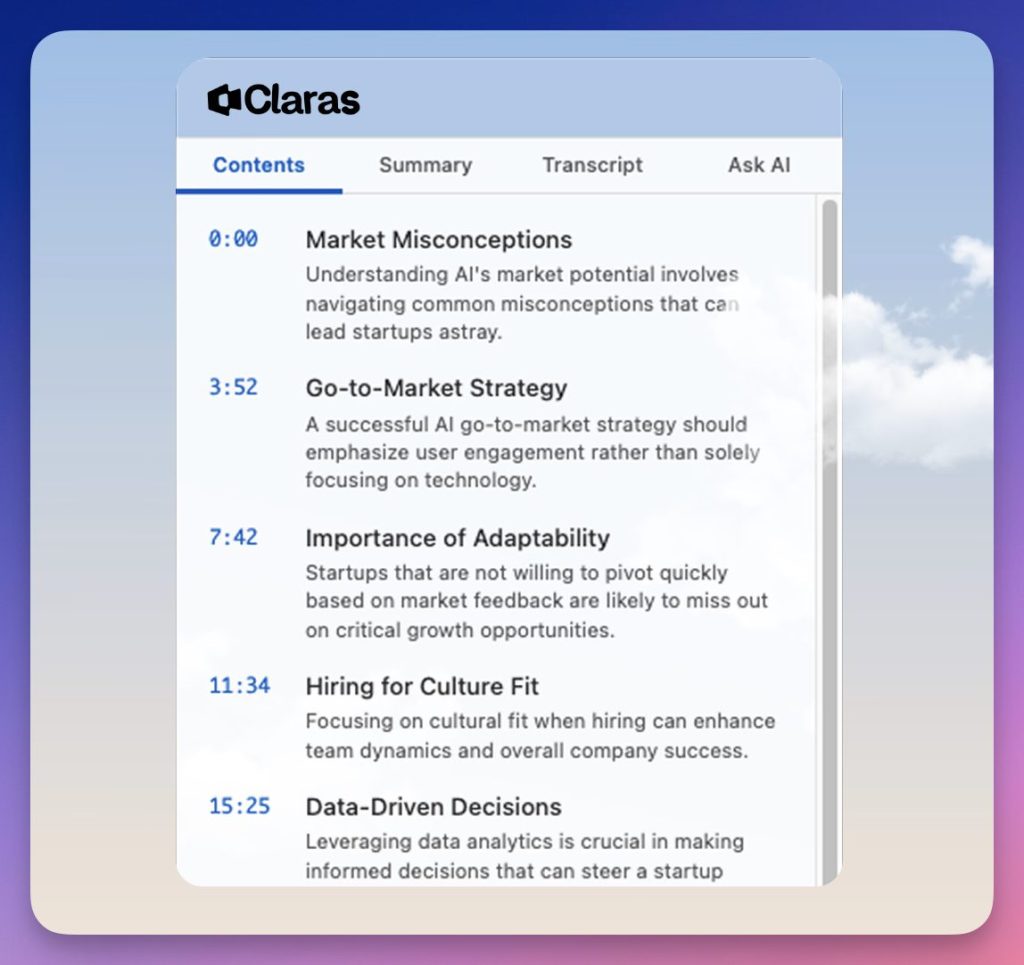
Once the extension is active, a Claras panel will automatically appear next to the YouTube player. As soon as you launch a video, the transcription is generated. The tool works very well on French and English, which covers most classroom uses. The publisher announces 60 additional languages ‘to come’, but I have seen this type of promise on AI tools for two years, and ‘soon’ tends to drag on.
Note that Claras works on online video, where a tool like oTranscribe remains a reference for transcribing local audio files. Both meet different needs depending on whether your source is on YouTube or your hard drive.
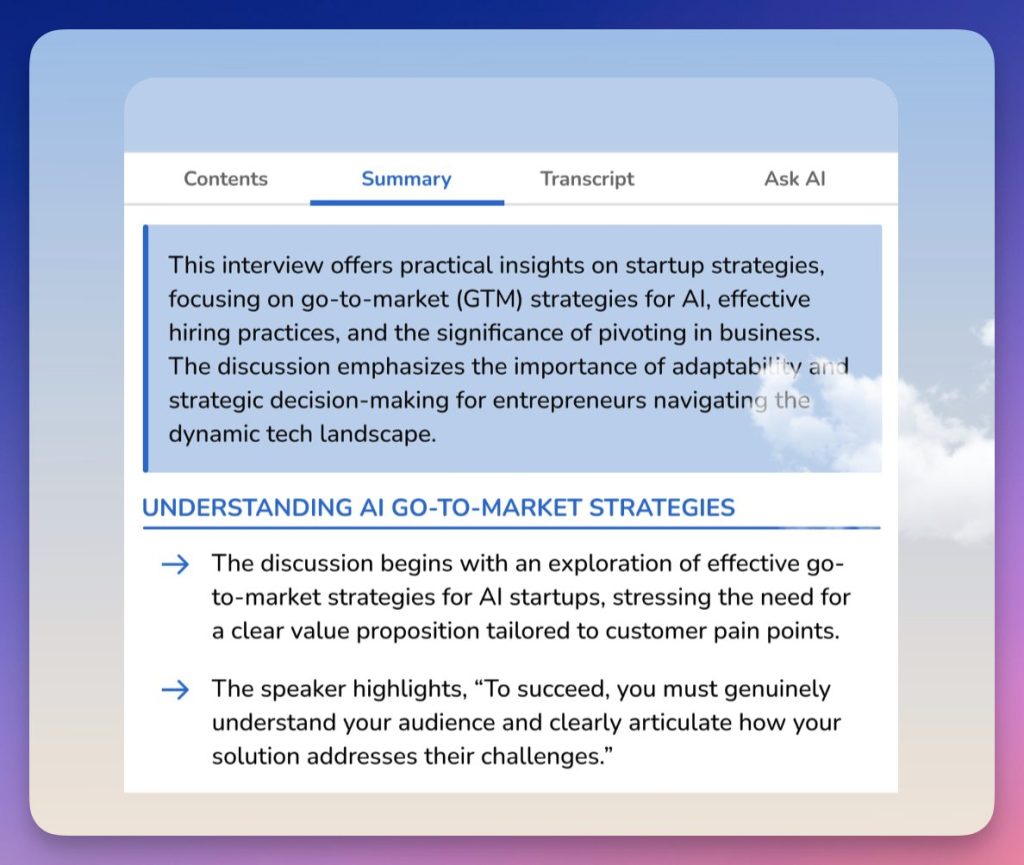
Claras also automatically generates a structured summary and a table of contents by section. You can see at a glance what the video really contains before you launch it. Transcripts and summaries can be exported to ChatGPT or copied to any other tool. If you are looking to go further in the pedagogical exploitation of video, H5P allows you to create interactive videos incorporating questions and annotations directly into the player, an interesting track once you've spotted the relevant passages with Claras.
Claras Prize: formulas and what they include
Three paid packages after the free trial:
- Monthly : 4,39 $/month, transcripts, chat AI and unlimited summaries, exports, without credit system.
- Annual : 35 $/year, about 17 $ economy, with priority support.
- One-time purchase for life : 79 $, permanent access, capped at 50 videos per day ‘for the sake of sustainability’, with the possibility of plugging in its own API keys (OpenAI, Anthropic or other).
Attention is drawn to two points. The daily ceiling explicitly justified by the environmental impact, first of all: this is rare enough in the sector to be noted. Then, the lifetime formula allows to use its own API keys, which offers a little more control over the model actually requested. On the monthly and annual formulas side, on the other hand, the publisher does not document anywhere which model runs by default. This is a lack. If the question of choosing the AI model matters to you, EduAide proposes a more transparent approach in this respect, it is an AI teaching assistant that deserves a look if you evaluate several tools in parallel.
Claras limits: compatibility, languages and student data
The extension is reserved for Chrome and Chromium browsers, no Firefox at the moment. The interface is in English, although the content may be in French. The announced multilingual support (60+ languages) is not yet effective at the time of writing.
The most important point if you plan to use it with students: the publisher does not provide any clear information on the processing and storage of the generated transcripts. This question deserves an explicit answer. The lack of information is not an answer. It's up to you.
Claras is available for free on meetclaras.com
See also: The best audio transcription tools for teachers
 English