Last updated on 12 May 2026
While there is no shortage of online tools to create presentations and other slides, it is rarer to come across them that offer the possibility to broadcast your presentation live on the screens of your learners. Here is a list of five services that offer this interesting option that will bring your presentations closer to your students.
Table of Contents
Prezi
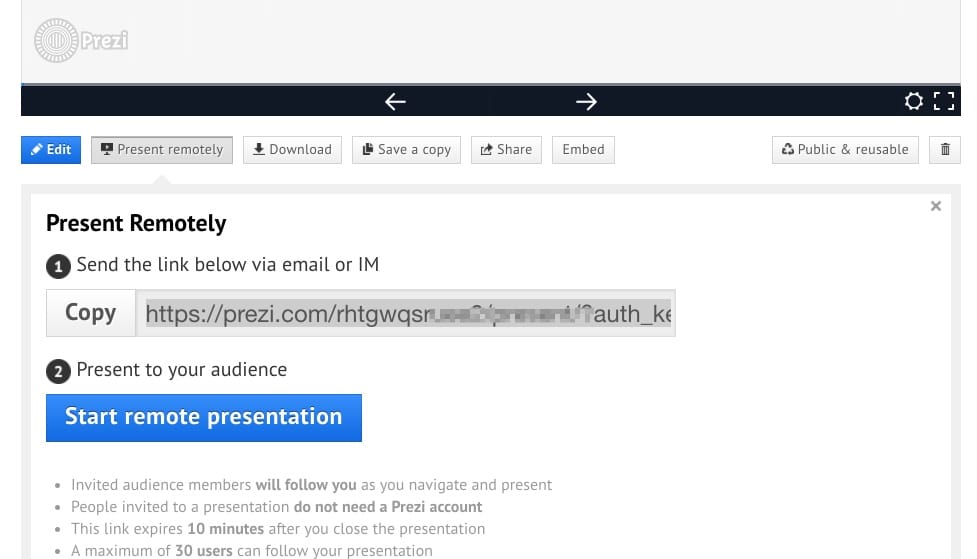
Is there still a need to introduce Prezi? This tool that has put a big blow of old some time ago to the mastodons of the sector offers from the beginning an option to broadcast remotely your presentation on the screens of your audience. All you need to do is click on the ‘Present Remotely’ menu at the bottom of the screen. Prezi then provides you with a unique url to share with your learners. They cannot be more than thirty at a time.
Link: Prezi
Presentain
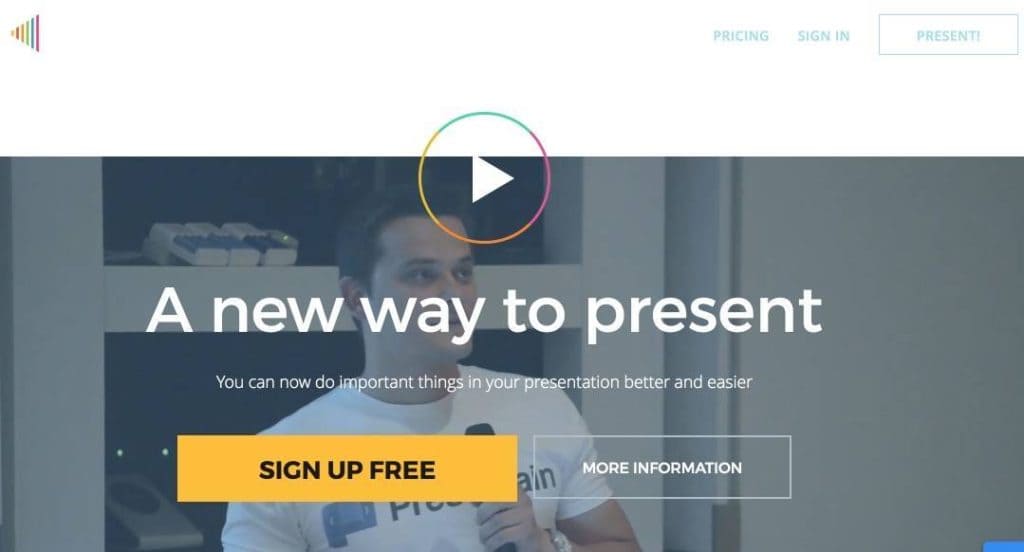
Presentain allows you to animate your presentations with, among other things, quizzes or live surveys. It also allows you to "broadcast" your presentation. After uploading your presentation to the platform in PDF or Powerpoint format, Presentain will provide you with a QR Code and a link to simply share it with your audience.
Link: Presentain
Beamium
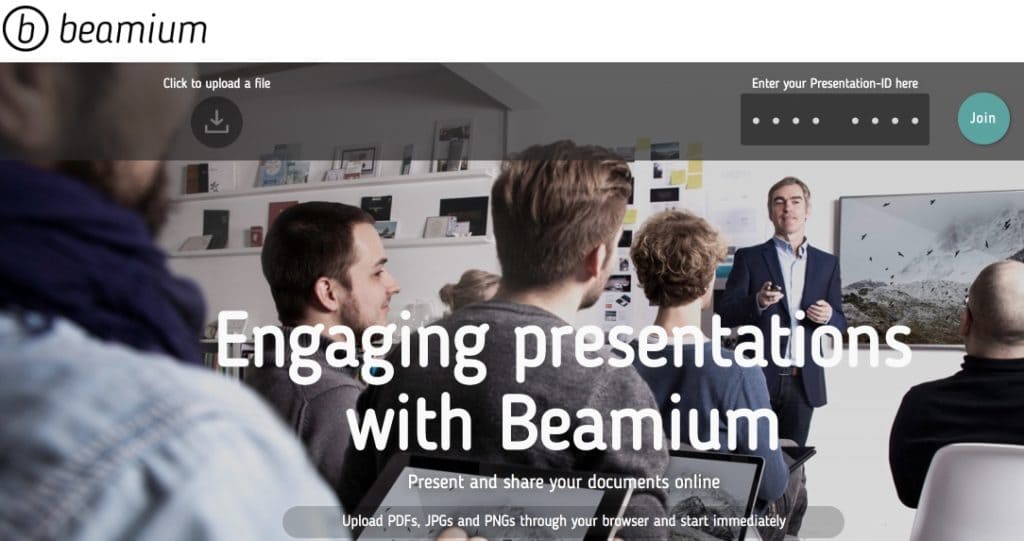
Beamium is neatly awesome. It is not a service that allows slides to be created but simply disseminated. A kind of universal diffuser. It also makes it possible to distribute any type of file. Your slides but also according to your needs photos, videos or PDFs. Great especially for distance learning courses.
Link: Beamium
Slides

Like the other services in this small selection, Slides makes it easy to share a presentation online. Your students will be able to follow on their own screen the progress of your presentation. Slides provides a unique url for this. By going over it your learners will see your slides and your paperwork appear. Beyond broadcasting, Slides is also a great tool to easily create slides which does not spoil anything.
Link: Slides
Slide

The latter utility also allows you to introduce interactivity in your presentations with questions or surveys that can punctuate your course.In a more classic way, you will be able to broadcast your slides on the screens of your learners, these students will even be able to take notes online next to each slide. A good idea for a classic use of printed presentations.
Link: Slide

 English
1 Response
[…] my little favorite in this trio of shock tools. Slides, the latest addition to …’s very limited club of high-performance tools, also includes a live streaming feature for your slides. All you […]