Last updated on 12 May 2026
RocketNote is a particularly handy extension for the Chrome browser. It makes it possible toannotate a YouTube video while it is being viewed.
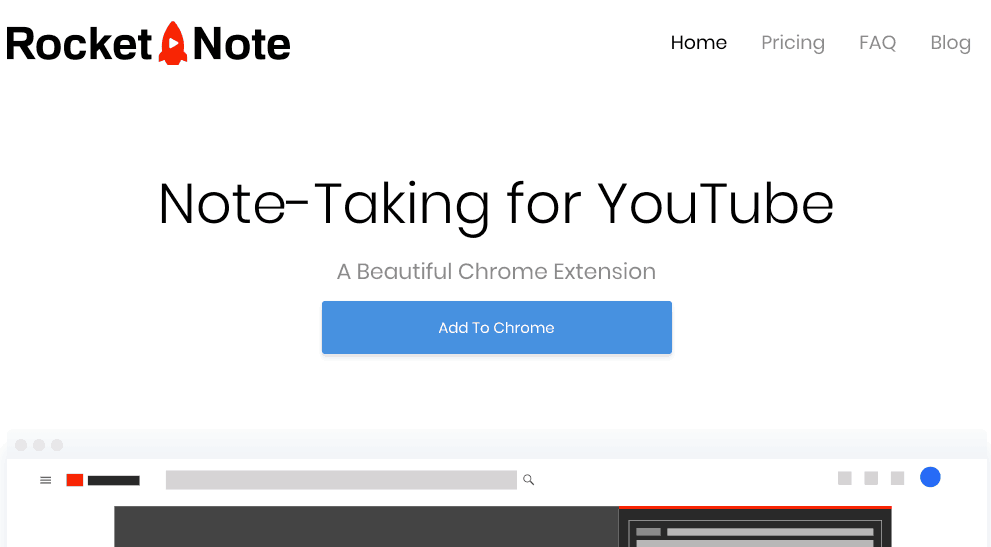
A simple and convenient solution to take notes when watching video media on the YouTube platform. Once installed on your browser, you will have access to some kind of notebook on the right of each video.
All you have to do is write down your comments. Each of them will be positioned to the nearest second in the video. This is important and ultra-practical as you will then only need to click on one of your comments to automatically find the moment of the video to which the comment refers. With one click, the video will automatically be repositioned at the indicated location.
You can make as many comments as you want on a video. The history of all your notes will then be accessible with a single click on the extension button in the browser.
Once again, by clicking on a note, you will launch the video linked to the exact place where the note was taken. Practical.
This extension created by a young developer in less than thirty days should acquire new options in the coming weeks, including the ability to take and view notes on mobile, the possibility to classify its annotations in folders and the possibility to export them in PDF format in order to be able to print them.
You can use RocketNote for free, but the number of notes will be limited to about 30. For full and unlimited access it will take a little less than five euros per month.
RocketNote is one of the Useful tools for taking notes while watching a video.
Link: RocketNote

 English
2 Responses
[…] nice and very practical which is reminiscent of RocketNote another utility to take notes on a YouTube video presented here some time ago from […]
[…] that I had the opportunity to present in this article is another extension for the Chrome browser. Very easy to use, once installed […]