Last updated on 12 May 2026
There are many apps that allow you to take notes on the fly when you browse the internet. Free or not you must either install them on your computer or register online. I invite you to discover today three ultra-simple tools to take notes directly on your browser quickly, free of charge and without any registration.
Table of Contents
Papir.

It's hard to make it simpler than Papir. You don't have to look for a piece of paper to take three notes. Go directly to the Papir homepage and start writing. A minimalist word processor is at your disposal. No formatting, no possibility to add … images the bare minimum to take some notes. The text is saved automatically. The site creates a unique URL that will allow you to find your notes or share them easily. Thanks to your browser cache, the site stores all the links you have created, but be careful not to use it as a backup system but rather as a sort of online draft notebook.
Link: Papir
Notepin.

This second tool is quite similar in spirit to the previous one. However, when you arrive on the homepage, it allows you to personalise the URL of each note. Another added value is the ability to add links to your notes, create lists or italics one or more words. A nice little option, a timer constantly displays the estimated time needed to read your note. Once your note is complete, you can make it public with one click by publishing it on the web. All you have to do is share the URL you set when you arrived at the site. Notepin is also free and without registration. Note that a Premium version brings some additional options for a few euros per month.
Link: Notepin
Paper.
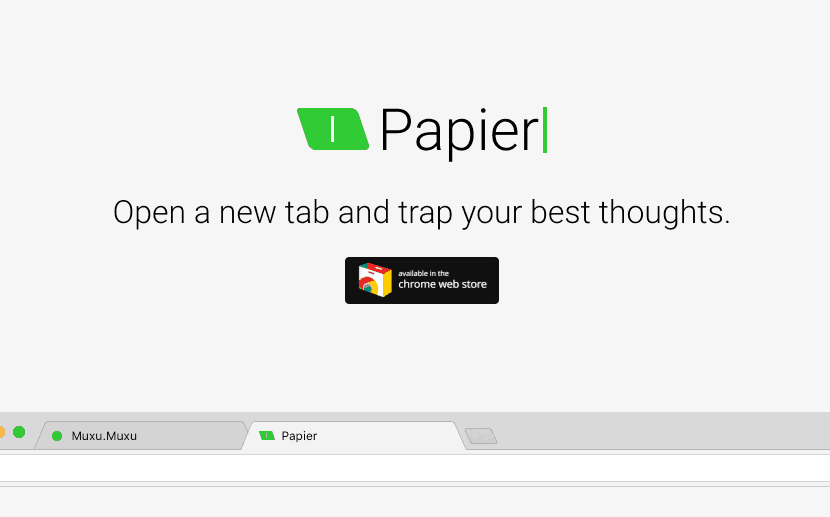
The third service in this short list is an extension for the Chrome browser. It is also the one that brings the most functions for quick and uncomplicated note-taking. Once installed in your browser, this free extension will allow you to open a new tab with a single click and start taking notes immediately. Word processing allows you to play with styles. Your notes are synced with your Chrome account and accessible from anywhere. Last point, but it is essential, you will be able to export your notes in PDF format to be able to print them.
Link: Paper

 English