The period of health crisis in the country has forced many teachers and trainers to dive into online tools to ensure the necessary pedagogical continuity.
While a return to face-to-face learning is underway, the need for teachers, trainers and students to continue to teach and train effectively at home remains enormous.
The Adobe Tools Education offers many fixed or mobile software, often free of charge, to produce quality content for your online courses.
Table of Contents
Make video capsules for your students with Spark
Spark Video makes it very easy to create small audiovisual objects (slideshows, … video capsules). The application provides access to a kind of virtual editing table where photos, video clips, icons, text and music can be added. You can especially add recordings of your voice to explain a picture or slide. Everything is done very easily without the need to dive into long instructions for use. Ideal for making a module in history or languages. The capsules created are registrable in .mp4 . version They can also be embedded in an ENT or in a blog (the integration code is provided).

Spark also makes it possible to create an entire course in the form of a long-form multimedia article like a blog post. With no knowledge of computer code, no need for complicated integration software, Spark allows you to design, create and deliver a multimedia course mixing text, images, sounds, videos. The result is amazing. You will not have to blush.
Make video montages on the fly with Rush
rush is another application particularly well suited to the containment situation. It is a particularly intuitive video editing application. The application is free of charge on a smartphone or tablet. For example, it will allow you to properly edit an introductory video to a course or a video sticker.

Adobe Scan. A professional scanner in your smartphone
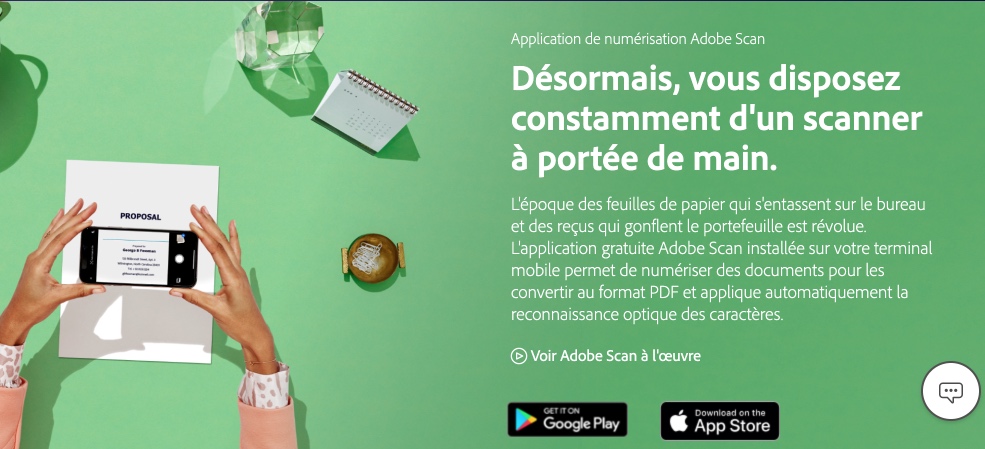
Scan is a free application offered by adobe This will allow you to always have an excellent scanner with character recognition at the bottom of your pocket. A high quality mobile tool that is very convenient. For example, you will be able to properly scan a copy, a course, a document to transmit it to students. The app works on both iOS and Android.
Captivate to go further in eLearning
Did you know that Adobe also offers a professional tool for eLearning? adobe Captivate is a very complete authoring tool that allows to convert face-to-face training courses in distance learning. The tool is very comprehensive and requires a learning phase to extract its full potential even if the application already offers ready-made models.
adobe offers many other applications particularly suitable for distance learning such as Acrobat of course but also the brand new Adobe Sign. You also have access to a large community of users through Adobe Education Exchange where you will find tips and ideas.
Through its Education program, adobe offers its Creative Cloud creative applications for teachers as well as for primary, secondary and higher education institutions. Creative Cloud creation applications, free and paid (including Photoshop, Illustrator, adobe Spark or Lightroom) can be used at home or in class, but also in mobility from a simple tablet or mobile phone.
For more information and preferential education rates:
Creative Cloud for Teachers – Creative Cloud for Students
For more information, please write to: educ@adobe.com
#How to access Creative Cloud for free on your home computer.
If your facility offered access to Creative Cloud, you can request temporary home access. This applies to all teachers, but also to students. adobe grant access to eligible schools at no additional cost until at least 31 May.

 English
1 Response
[…] animated presentations and video capsules for your classes. An excellent tool from Adobe Education that can also be safely entrusted to its […]