Last updated on 12 May 2026
How to create a tutorial easily? How to make a step-by-step in a few minutes to be able to share it with your students or students? Scribe is an application that works on Mac and PC that automates the creation of a tutorial on your computer.
Scribe has false airs of Folge whose merits I praised you a few weeks ago for make tutorials easily. The idea is simple, the application once launched will capture all your on-screen manipulations and capture each click. The application will then generate a PDF with all its captures. Simple and effective.
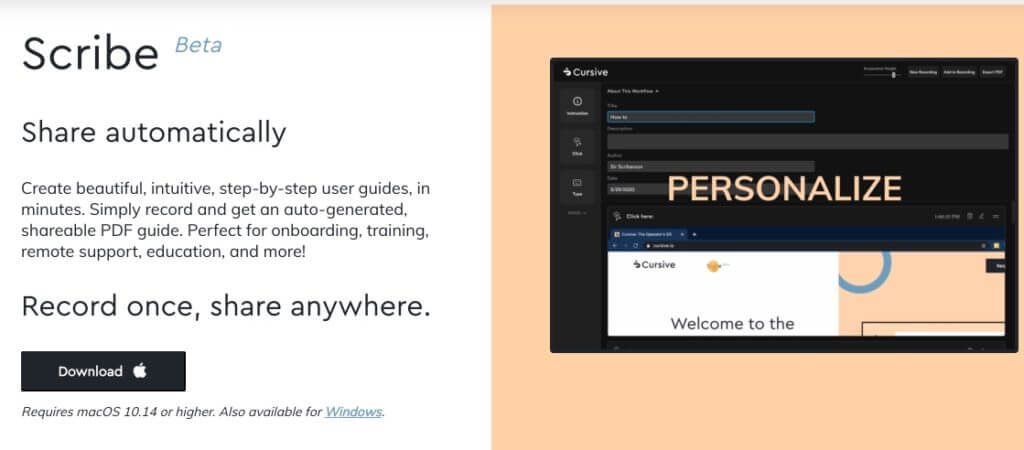
Automatically and easily make a tutorial in PDF
Scribe is very simple to understand and use. Once the application has been downloaded and installed, you will only need one click to launch the creation of your first tutorial. Make on-screen the series of manipulations you want to dissect and explain to your students. The software will start working in the background and will take a screenshot every time you click.
Once the manipulation series is complete, another click will stop the recordings. Immediately the application will generate a document in which it will integrate all screenshots at the rate of two per page. You will be able to customize the title, but also the instructions and explanations accompanying each screenshot. Once this editing work is completed, you will no longer be able to generate the final document that you can retrieve in PDF format. In use it is ultra practical.

Create simple tutorials, guides and step-by-steps in minutes
Scribe is great to avoid going into lengthy descriptions in writing to explain how to do this or that manipulation on software or the web. The application will automatically create visuals that will allow you to show to better explain.
An excellent utility that will save you a lot of time and get you quality PDF guides, easy to share.
The application seems to be still in development, but is already working very well. At the moment, it is completely free.
Link: Scribe

 English
Hello
thank you, it would be clearer to say that it is unfortunately only for Windows 10 (and Mac)
This can be changed since the last comment, but it is a Chrome extension so potentially usable on all OS.