Last updated on 12 May 2026
If, like me, you tend to accumulate screenshots every time you find an interesting text, graphic or infographic, you understand the difficulty of finding and exploiting all this material afterwards.
I just tested a new platform that could be a game changer. Imagine a platform where every screenshot you take becomes a wealth of information, carefully organised and instantly accessible. It’s not science fiction, it’s Trickle.
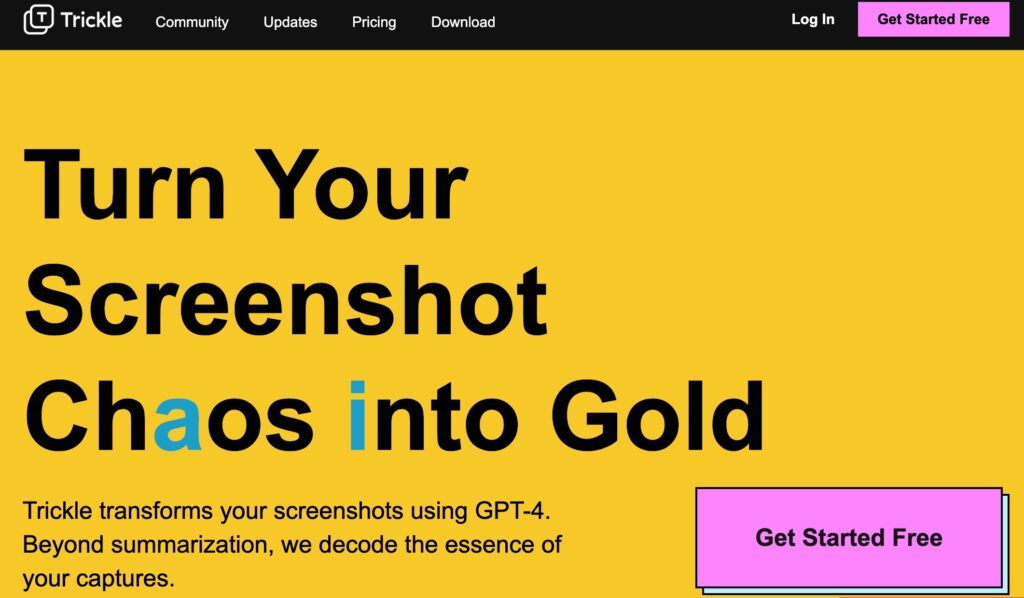
Trickle offers thanks to GPT4 an innovative approach to managing screenshots, allowing users to organise, summarise and interact with them in an intuitive way.
It is a kind of central hub, an interactive space, where every screenshot becomes a useful, accessible and actionable source of information. It is not just a place to store data and it changes everything. Discovery.
Table of Contents
Presentation of Trickle
Trickle was designed to transform and optimise the way we manage and interact with our screenshots. It serves as a centralised platform where users can not only store and organise their screenshots, but also explore, understand and analyse their content through artificial intelligence.
Here are some of the key features of Trickle:
- Trickle automatically generates clear and informative summaries for each screenshot uploaded. This allows you to quickly understand the content of your captures.
- The tool offers an intuitive organisation. You will be able to manage your screenshots easily and find them quickly, avoiding wasted time (and loss of information).
- Trickle Easily connects to your favorite tools for fast capture and synchronization. This makes the process very fluid.

Extract key information from screenshots
At the heart of Trickle is its ability to decipher the essence of screenshots. Thanks to GPT-4’s advanced artificial intelligence technology, Trickle goes beyond simply extracting text, analysing and interpreting the content of captures to extract important information.
How to use Trickle?
Here's how Trickle works in three steps:
Send your screenshots to Trickle
The first step is to send your screenshots to Trickle. You can upload your screenshots to the platform to store them in an organised way and avoid cluttering up your hard drive.
Automatic creation of a summary
Once the screenshots have been downloaded, Trickle uses GPT-4 technology to generate detailed summaries of the content of each capture. This is quite astonishing. The tool will analyse the meaning of the content of your screenshot to allow you to quickly and efficiently understand its content and then archive it for you. Note that you always have the option to edit and enrich these summaries.
Interaction with your saved captures
This is where Trickle’s magic really works. The tool gives you the ability to browse, search and interact easily and in natural language with your saved screenshots. You can ask AI to provide additional information and interact with the content of your captures in a simple and natural way.

Ideas for using Trickle on a daily basis
There are many opportunities to use the platform as Trickle on a daily basis.
A student will be able to use it to revise their courses. After capturing key information during a course, such as complex diagrams, mathematical formulas or important quotes from the teacher, they will be able to revisit these captures in Trickle and receive relevant summaries of each capture, making it easier to review and understand the key concepts of a lesson.
A teacher can use Trickle to prepare his lessons. By capturing ideas, teaching resources, or lesson plans found online, you can organize these captures in Trickle. The summaries generated by Trickle will allow you to quickly browse key information and efficiently integrate these resources into the preparation of a pedagogical sequence.
In the context of research work, you can capture specific sections or pages. You can then revisit these captures in Trickle to get detailed summaries and information about the captured content. Ideal for quickly and efficiently referencing your sources and accessing valuable information.
Three of dozens of possibilities. Trickle is still under development. The tool is used online from a simple browser. An extension for Chrome is being prepared, which will greatly facilitate the creation of captures that are not currently supported by the tool.

There is a software version to install in your computer with a built-in capture font. It is currently only available for Apple machines.
We can Try Trickle for free for 7 days. You will then have to go through the subscription box. count a little less than ten euros per month for unlimited use and storage.
 English
1 Response
[…] documentsDream Interpreter AIMurf AI: Review, Details & Pricing (2023) Interpreting DreamsTrickle. A smart platform to store and exploit screenshotsWindows 11: another novelty for Paint, and it may bluff youTalk to several […]