Last updated on 12 May 2026
We all do it: type a question in Google to prepare a course or check info . Students do the same, often in a hurry. But today, with the arrival of artificial intelligence, these reflexes that we thought were well-established are starting to change. And even Google, however unavoidable, finds itself a little jostled.
What changes the game? Platforms that no longer present themselves as search engines but as "response engines". Among them, the most advanced is in my opinion the Perplexity tool.
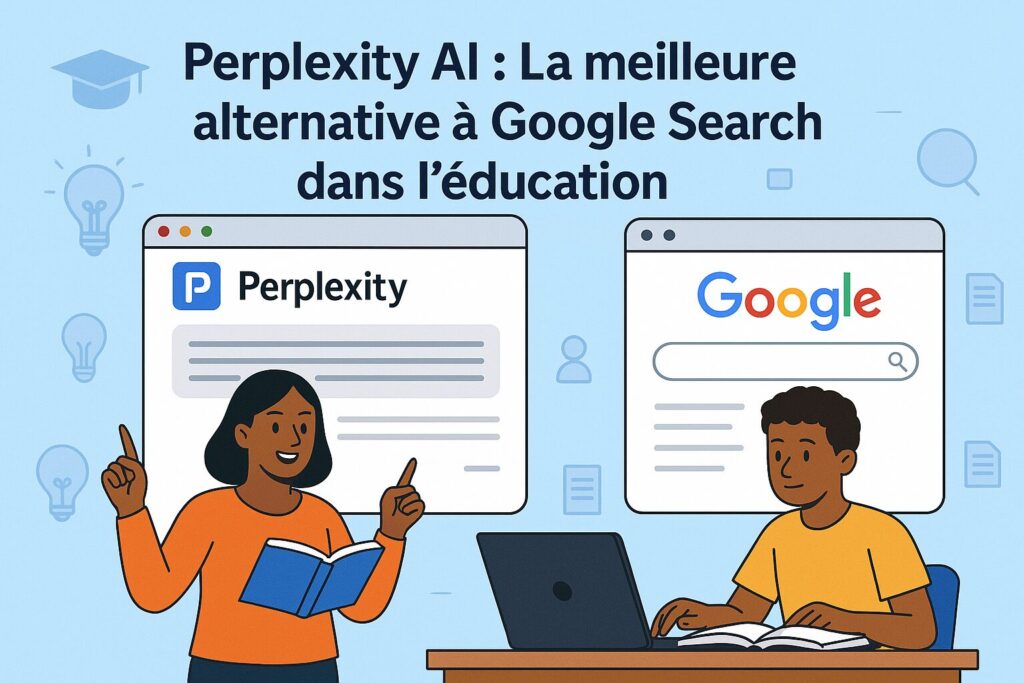
Table of Contents
Why choose Perplexity over Google?
Imagine you're preparing a course on global warming for high school students. With Google, your search often involves laborious navigation between various sites, repeated verification of conflicting sources, and tedious synthesis. What if, rather than juggling between the tabs, you had a complete, contextualized and sourced answer right in front of you? This is exactly Perplexity’s promise.
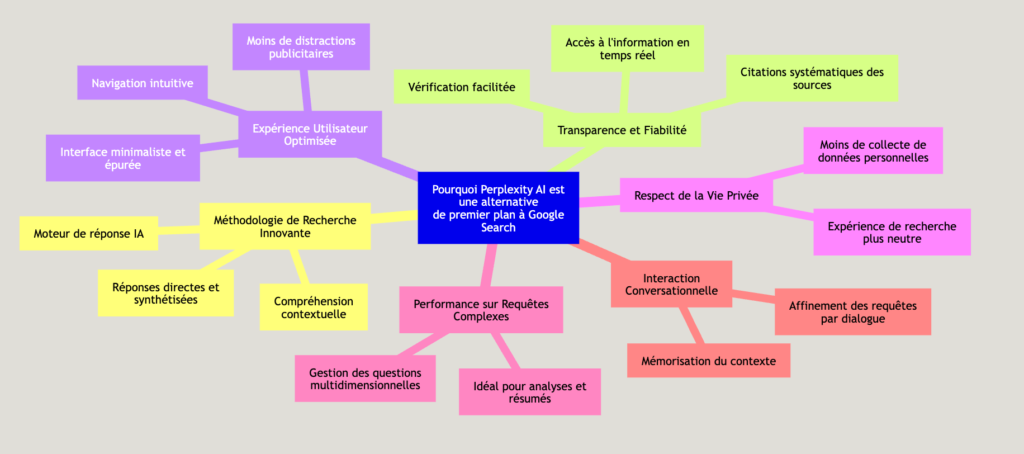
The fundamental difference lies in the approach: where Google offers you a list of links To explore, Perplexity AI directly provides you with a synthetic and structured response. A smart research assistant that understands your questions and presents you with most of the information, with supporting sources.
An engine that responds more than it lists
No more time spent navigating from site to site to build your own synthesis. Perplexity analyzes relevant sources and immediately offers you a clear and contextualized answer. For us teachers, it saves valuable time in preparation of courses or the rapid verification of information.
A real time saver, and not only for teachers
What is practical is that Perplexity does not just “respond”. He chews on your work so you can get to the point – whether it's to build a course, check a quick info between two classes, or guide a student through their research.
Transparent and verifiable sources
Each information provided is accompanied by its sources, clearly cited and accessible with a click. This transparency is particularly valuable for:
- Verify the reliability of the information
- Teach students to cite their sources
- Deepen a topic by consulting the original documents
A simple interface without distractions
No ads, no eye-catching banners. The experience is fluid, sober, and frankly good. Students are not caught by anything else – and neither are you, for that matter.
Features that make a difference in education
Perplexity does not stop at classical research. It offers some useful tools for teachers.
🧠 Pro Search: to go further, without spending hours
This function is made for those who want to dig a subject in depth. She asks additional questions to refine what you're looking for, much like a colleague who would help you clarify your thinking. It is great for structuring a sequence, preparing an activity or setting up a well-constructed progression.
💡 Tip: Ask him, for example, "Explain photosynthesis with a simple image for 5th grade students." He will offer you a suitable answer, and you can continue to refine by discussing with him.
🎯 Focus: Targeting what you're really interested in
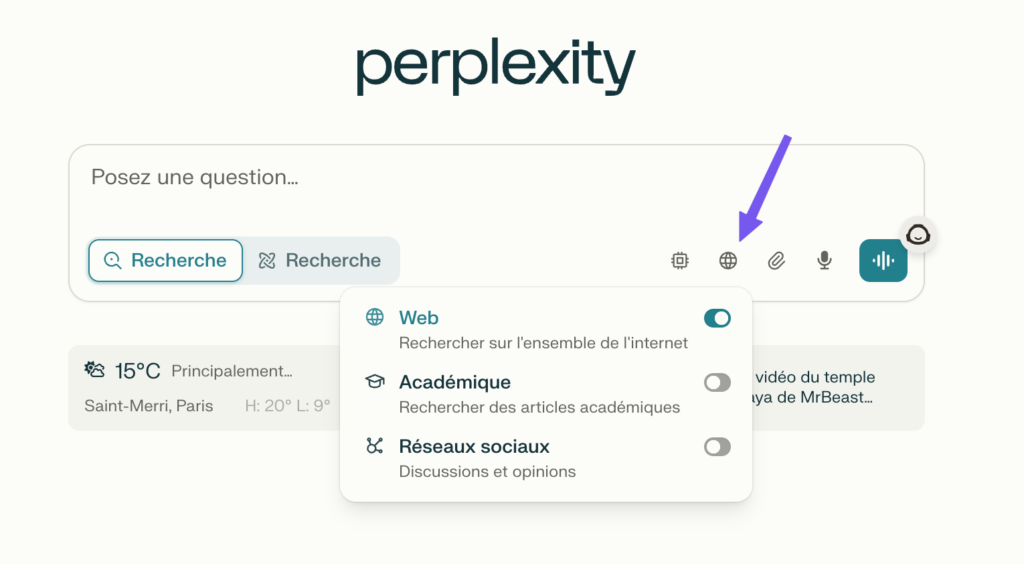
Need for Academic sources ? Videos? More advanced content in math or science? With Focus, you choose the type of sources you want. This is super handy to tailor research to the level of students or the purpose of the activity.
👥 Spaces: Organizing and Sharing Research with Your Classroom
A group project? A presentation to prepare? Spaces makes it possible to centralize information, to share research between colleagues. It’s kind of like a textbook collaborative, but in a digital and dynamic version.
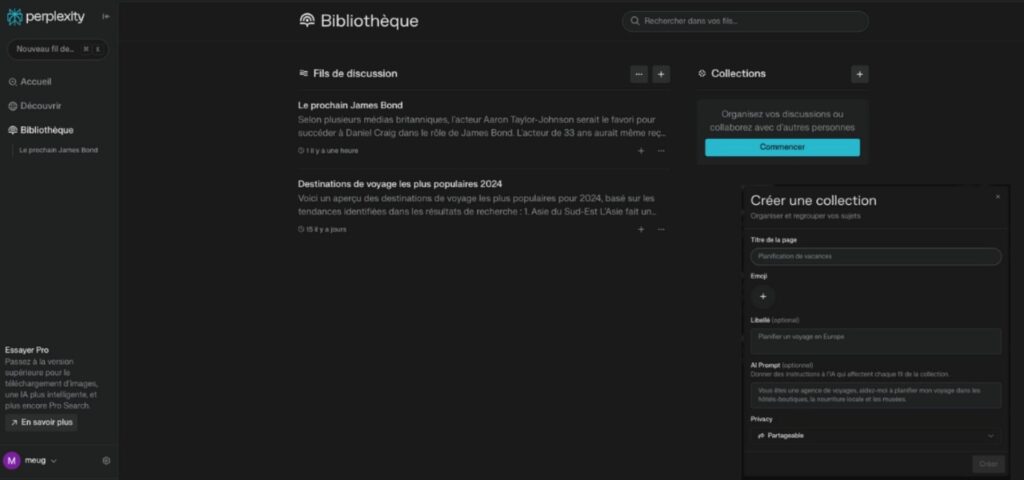
📚 Collections: Your course library at the click of a button
By dint of searching, we accumulate a lot of useful things. With Collections, you organize your finds by theme, level, subject … You can even share them with your students or whoever you want. It is great to prepare a session, build a basis for revisions or propose a guided route.
And concretely, in class, what does it give?
Perplexity can really change the way classes are prepared or students do their research.
For example, for a climate course, you type a specific question ("recent data on global warming for a high school course") and hop, you have an up-to-date, clear summary, with reliable sources. The tool can even suggest ideas for activities or find a nice analogy to explain a somewhat fuzzy concept.
On the student side, it is a great opportunity to learn how to look better. Rather than clicking randomly, they are guided. They can ask a broad question and then fine-tune it little by little. And above all: they learn to check what they read, to cite sources, to build a reflection. Less copy and paste, more analysis. Everyone wins.
But be careful, some precautions to keep in mind
Like any tool, Perplexity requires a turnaround time. You have to take the time to discover it before launching it in class. There are many Online tutorials to learn how to use Perplexity. An introductory session with students can really help. Show them how to formulate a good question, how to read the answers, how to use the sources … It is a real little background work, but it pays off.
And of course, it is not magical. The tool may be wrong, or miss something important. We have to keep a critical eye. This can also be the perfect opportunity to work with students on this skill.
Free or paid: what to choose?
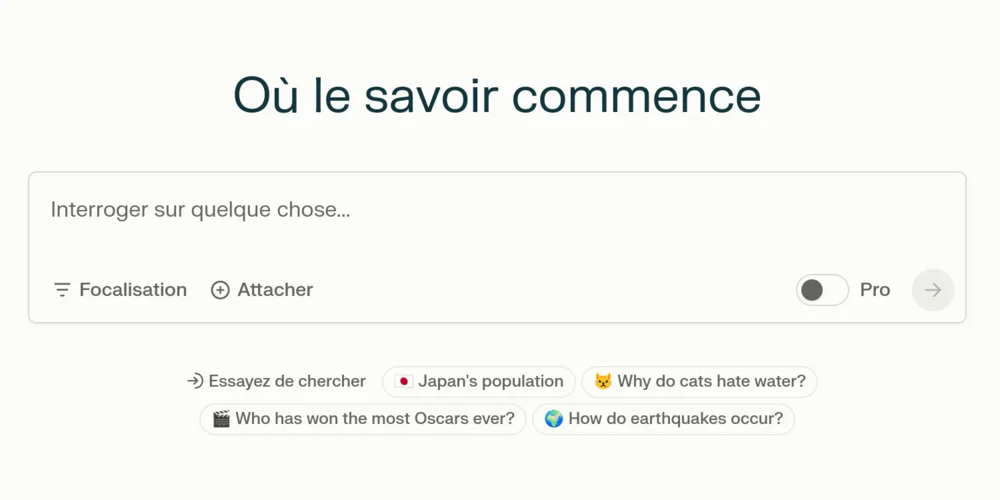
The free version already does the job well: simple searches, conversation mode, access to … sources For basic use in education, this is more than enough.
The Pro version (approximately €20 per month) adds a few interesting options:
- Unlimited advanced searches
- Document analysis
- Access to more advanced AI models
It's up to you to see if it's worth it. For many of you, the free version will do just fine.
Learn how to search in the age of iA
Train students to use research AI intelligently It will become as important as teaching them to use a dictionary or encyclopedia at the time. It’s not just an extra skill – it’s a way of thinking, searching, understanding. And Perplexity can really become a valuable ally in this evolution.
 English