Last updated on 12 May 2026
Sunday night. The stack of 32 copies has been there since Thursday. You have calculated: Six minutes per copy on average brings you to 11:30 p.m. if you don't look up. So you annotate quickly, you compress your remarks into three words between the lines, you slash comments that would take up too much space. And on Monday morning, you watch the students pick up their leaves, take a look at the note, and tidy it up without reading a single one of your returns.
Three hours of your weekend. For almost nothing.
Some teachers go digital by scanning copies to be able to annotate them directly on tablet. This is already a gain. But we remain in writing: We annotate faster, we don't say more.
The problem is not your investment: this is the format. Writing a dense and useful correction takes a long time. And even well written, it is often misunderstood … or not read at all.
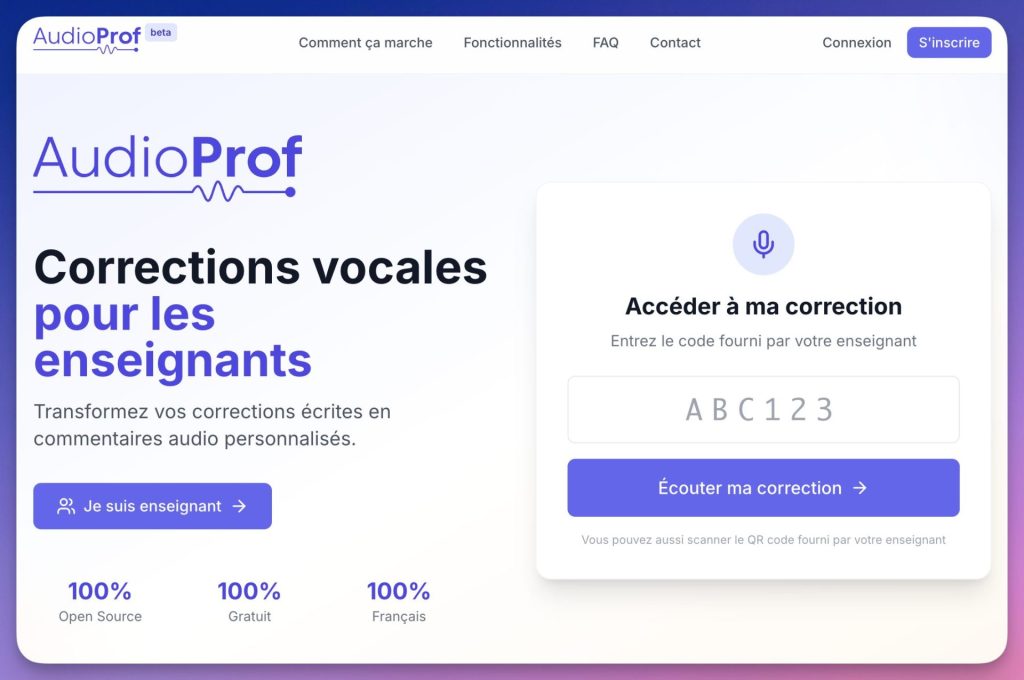
Audioprof
Audioprof: faster, clearer and more ‘human’ voice (audio) correction
Audioprof, is an ingenious free voice correction tool for teachers who reverses the problem: instead of writing, you speak. Great.
From your browser, you record an oral feedback for each production. The student receives a QR code (or access code), opens his/her correction on his/her phone or computer, and hears your voice: with your tone, your nuances, your encouragement.
In practice, what does it change when you correct?
In writing, a useful remark on the argumentation of a dissertation easily takes 4-5 minutes to formulate clearly. Orally, the same remark, plus an example and targeted advice, comes out in 90 seconds. On a stack of 30 copies, you spend from 3 hours of written corrections to less than one hour of voice feedback: while saying more, and better.
The tool is free, without advertising, and was designed and developed by Vivien Mirebeau, Professor of Philosophy at the Nantes Academy. Remember her name, Vivien has a lot of talent and other digital tools that are so great for our daily lives. We'll talk about it soon.
How does Audioprof work? (instructions for use)
1) Create a class
See you on audioprof.fr. No registration required to explore, but an account (academic address sufficient) allows you to save your data.
- Create a class by giving him a name.
- An option ofanonymisation of pupils is available from the outset: useful for limiting nominative data, or working in formative evaluation.
2) Create an assignment (and your evaluation criteria)
- Name the duty and define, if you wish, Assessment criteria/competences (e.g.: “argumentative consistency”, “syntactic mastery”, “relevance of examples”).
- These criteria structure your recording and will then appear in the transcript.
- Good news: the assignment format is reusable. You create it once, you duplicate it for the following ones.
3) Record voice correction (from browser)
This is the core of the tool. For each copy:
- Click on the student concerned.
- Launchaudio recording directly from the browser (no software to install).
- A Waveform editor is displayed: you see your recording, you can zoom in, place markers and cut out missed passages.
- Once satisfied, you validate.
In the background, Whisper (transcription) automatically generates the text of your correction, and the template Mistral produces a synthesis by competence. The student who prefers to read can therefore also consult the text version. Please note: Mistral is a French model, which puts Audioprof in the line of these AI tools more respectful of school data than the American giants.
4) Distribute to students (QR code or access code)
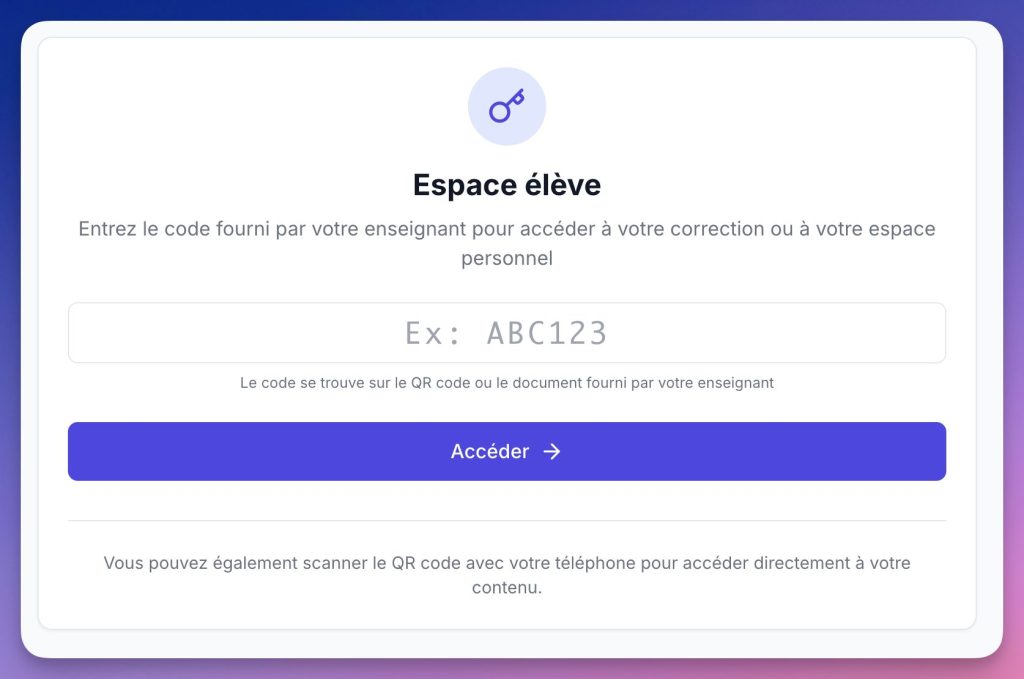
- Audioprof generates a QR code (printable on copy or projectable in class) or a single access code for each student.
- The student scans the QR code (or enters its code), accesses the audio correction, transcription and AI synthesis.
- To go further with this type of use, see also these free services to generate QR codes in class, useful for other educational activities (resources, differentiated instructions, access to an audio document).
- The student can leave a message in reply (question, request for clarification, point to be reworked): from one-way feedback to one-way feedback asynchronous exchange useful.
5) Follow (really) if students consult their corrections
Your dashboard shows:
- which students have listened their correction (and when);
- the progression pupils over time;
- messages/returns left by students, to continue the exchange if necessary.
The creator made a small video very clear on the grip and the main anointing of the platform:
Audioprof vs written correction: calculation on a stack of 30 copies
I had fun doing a quick calculation in a situation.
| Step | Without Audioprof | With Audioprof |
|---|---|---|
| Read the copy | 2 min | 2 min |
| Write the return | 4 to 6 min per copy | 1 to 2 minutes of registration |
| Distribute returns | Hand-delivery in class | QR code automatically generated |
| Check that the student has read / listened | Impossible | Dashboard at a glance |
| Total for 30 copies | ~3 h | ~1 a.m. to 1:30 a.m. |
This gain comes from a simple mechanism: Talking is faster than writing. Orally, we do not read each other again, with a little experience we do not reformulate three times, we do not search for the right word for two minutes. This is quite effective.
Classroom uses
For targeted remediation
A student reoffends on the same syntax error? Record 60-90 seconds of explanation on this specific point, with an example. It is more effective than a generic annotation, and faster to produce.
For allophone students or students with reading difficulties
The written correction sometimes passes over the heads of pupils whose mother tongue is not French, or of those who struggle to decipher a tight handwriting between the lines. Hearing the correction, being able to listen to it again at your own pace, removes a good part of the obstacle.
For formative evaluation
Are you correcting a draft, an intermediate production? Voice feedback is perfect: fast, oral, without the graphic constraints of “clean” written feedback. The student hears your advice before writing the final version.
For REPs and difficult classes
In REP, as elsewhere, many pupils drop out as soon as the grade is handed over, even before they have read the commentary. Hearing an adult voice that speaks to them personally, naming what works before what gets stuck, changes the game and the dynamic.
I like / I don’t like
✅ What I like
- The time/quality ratio of the return. You correct faster and you say more things.
- Free and without advertising. No tricky freemium, no features hidden behind a subscription.
- No installation. Everything happens in the browser: useful on the high school PC as well as on the personal computer.
- The waveform editor. Cut a mockery, replace a marker: a real detail that saves time.
- Automatic transcription. Not perfect, but useful and more inclusive for students who prefer to read.
- Consultation follow-up. Knowing who listened (and who did not) makes it possible to relaunch intelligently.
- The possibility of response on the student side. Students can leave a message after listening, which facilitates clarifications and installs more dialogued feedback.
❌ What I like less
- Handling takes 15 to 20 minutes. The interface is clean, but the class > home > student organisation is not immediately intuitive at first access.
- Internet connection required. No offline mode: problem in some establishments.
- No dedicated mobile app (for now). Recording from a smartphone is possible, but less comfortable than with a correct computer and microphone.
- No native collective correction. To record a general return to the whole class.
But beyond these few reservations, I loved the tool. It allows a substantial time saving and a real breathing in the task always a little ungrateful corrections of the copies of the students.
Correct copies by voice and save time
If you are looking for a solution of Audio correction for teacher Audioprof is now one of the most direct options on the French-speaking side. Free, open source, created by a teacher for teachers. Who says better. Anyway I say congratulations and thank you to Vivien Mirebeau.
The next stack of copies is waiting for you: before pulling out the red pen, open audioprof.fr, create your first class in five minutes, and correct the first three copies by voice. Time it. Then decide.
Audioprof is a free, open source tool developed by Vivien Mirebeau, Professor of Philosophy at the Nantes Academy. In particular, he is the author of tools such as the astonishing PhiloGPT. Audioprof is part of an ecosystem of educational applications that it designs and maintains in its free time. If the tool is useful to you, share it: this is the best way to support it.

 English