Last updated on 12 May 2026
StepShot is an online tool that allows to easily create computer step-by-steps and complete didactic tutorials.
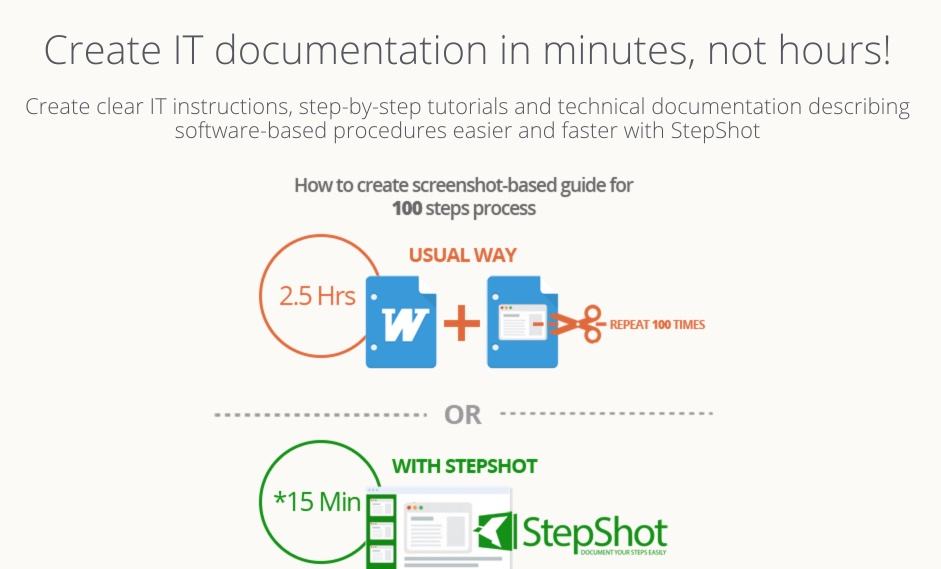
It is a particularly comprehensive and powerful publishing studio that will save you a considerable amount of time when creating your online tutorials. It adapts to all needs, whether it is to produce a quick guide to a particular function of a service or software, or to produce a complete user manual of several dozen pages.
StepShot is quite simple to handle and does not require long learning. The tool once installed will allow you to create a screenshot with each click of your mouse. You can capture the whole screen or only part of it. You can also illuminate or highlight the arrow of your mouse.
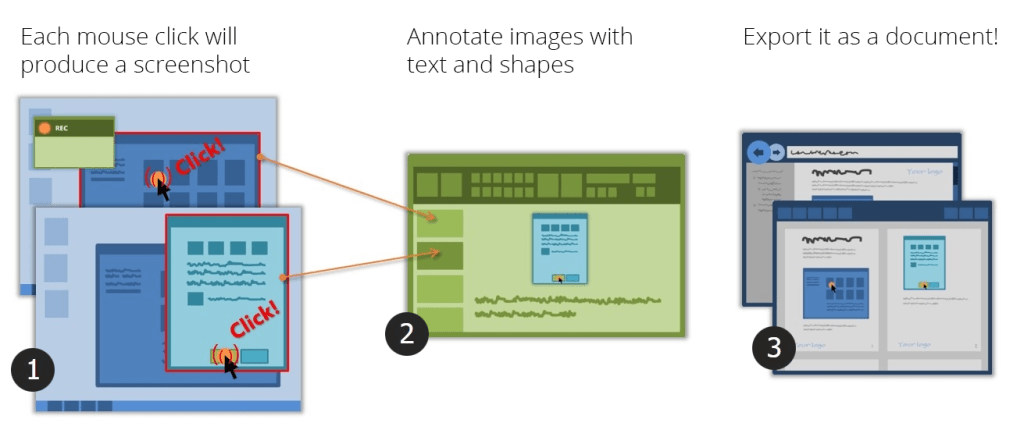
Everything is done automatically so an image is created at each step of a software or service manipulation.
Each image created can then be annotated and edited. You can add a description and a title. You can also complete the image with arrows of the text numbers. You can blur one part of the image to illuminate another, etc. Stepshot offers another very interesting option, the tool automatically comments on your action on the left-click screen, etc.
StepShot allows you to take automatic screenshots that will save you a lot of time. In addition to these capture functions, StepShot also makes it possible to combine articles and captures to create a real manual in the form of a book.
Again, StepShot does wonders by making it easy for you to do this with an editing tool that makes it easy to create summaries and chapters.

The final result of your article or your manual can then be exported to Microsoft Word, PDF, HTML pages, and XML feeds. StepShot also allows you to publish your creations directly to WordPress.
A very successful tool for professional needs. You can test it for free for 15 days and then you will have to upgrade to the paid version at around EUR 30 per month.
This is part of the regrets. The tool is, to say the least, expensive for the world of education and the publisher has no specific tariff. Too bad. It is never too late …
StepShot is an application only for Windows to download.
Link: StepShot

 English
A tutorial to learn how to do it is great. In any case, it is very interesting and it is very beneficial for the uninitiated and even for us who are used to creating them. This allows us to make a small update and see if our methods are good or to review.
Interesting and playful, it is true that making a tutorial, one wonders how they do it, some are very practical, useful how to colour a black and white photograph in colour or how to use graphic software to retouch a damaged photo.
A good idea and to try especially.