Last updated on 12 February 2025
Diigo is an old-fashioned platform that allows save pages and web content on the fly from a simple browser. The tool then makes it easy to organise them so that they can be found and/or shared with colleagues or students.
Diigo had taken a little old shot in recent years. The new version just released is an opportunity to rediscover what is arguably one of the best tools in its class Moreover, it is well suited for use in the world of education.
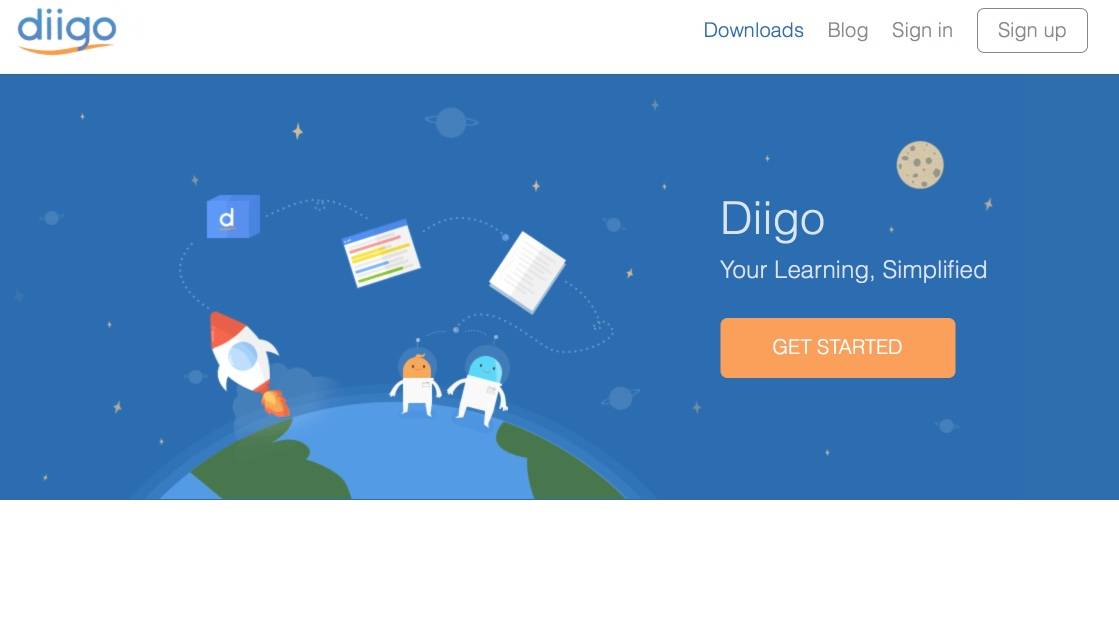
Diigo inaugurates a brand new version with a very successful new simple and modern graphic line. The tool therefore makes it possible to save resources found on the Internet from your browser (Pages, images, videos, … texts) and classify them in a personal library through a tag system. All this data will therefore be at hand from any fixed or mobile device connected to the Internet.
But Diigo offers much more than just a backup service for your bookmarks or favorites. First of all, once installed in your Diigo browser, it is possible not only to save the address of a web page, but also if you wish to highlight a passage of its content with the colour of your choice. Diigo also offers the possibility of uploading PDF files and highlighting their content or creating text notes with a single click.

When you save a resource in your Diigo, you can enrich it with a personal note in a repositionable way. An annotation or comment that you will find when you return to the page and that can be private and therefore only searchable by you, but can also be shared with one or more groups within Diigo.
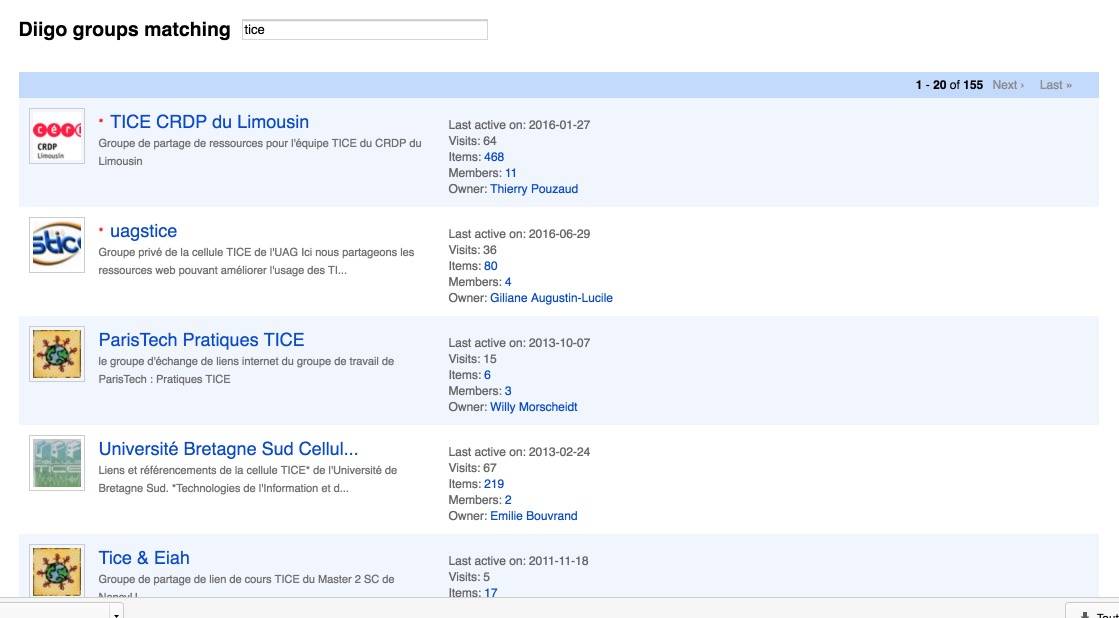
This is another strong point of the Diigo solution. You can create groups for a class or with colleagues to share resources with them, collaborate and engage on a topic. Diigo thus references many public groups on a multitude of themes (most often in English) in which we find many resources. A real happiness.
The recent innovations introduced by the creators of Diigo include the possibility of capturing all or part of the screen and a great new option for teachers: ‘Outliner’. With Outliner you will be able to structure the content of your library of favorites in real papers or courses in the form of lists that can be edited. You give a title to your course, you add by simple drag and drop the resources of your choice, you complete them with text. All you have to do is share them by email or in a group. That's great.
Diigo needs to give himself time to take it into his own hands. Even if it is quite intuitive, this initial time to learn how to use it well will not be wasted time.
[Tweet “Diigo is a formidable tool for saving, structuring and sharing information alone or in groups.”]The tool offers extensions for all browsers. it offers mobile versions for iOS and Android, and a full app for Mac.
Diigo offers a free version, but with limited functions, especially for managing PDFs. Education versions are also available with slightly fewer limitations and the possibility for the teacher to create accounts for students. The pro version for unlimited intensive use of all tool options is offered for around EUR 5 per month.
Link: Diigo
 English
Thank you for this article very justified as the benefit of Diigo is real. I regret the disappearance of the files a bit, and the outliner does not seduce me completely. But the tool is worth it. And the functions in mobility are formidable.
Congratulations on Diigo. I would even say that this tool is very practical and essential when it comes to computer backup.
I add [to my own comment;-)] that I have since dug the ‘Outliner’ functions and in particular the annotation functions on pdf (paid Diigo version). There are 100 of them.% relevant! Annotations, highlights, image captures can be taken and integrated into your open outliners, with an automatic rubrication proposal based on the hashtags used … Bon, it’s a bit technical like that. But to test absolutely.