Last updated on 15 August 2023
Pdf is arguably the most used format for exchanging files and documents in the world of education. A magical format as it ensures maximum compatibility when it comes to exchanging, printing or archiving documents.
What is rarer are the right tools to work with these types of documents, apart from Acrobat Pro, which meets most needs but is still a somewhat expensive piece of software. For some essential needs, here are free and operational alternatives. 3 online tools to work with Pdf.
They are in English, sometimes display a little too much advertising to my liking, but all three keep their promises.
Table of Contents
PDF Converter

You will need this online tool at some point. PDF Converter allows convert any file into PDF Whatever its format. Above all, it ensures conversion in the other direction. It will create a Word, Excel or PowerPoint document from a PDF this time. Stunning. Link: PDF Converter
PDF Online Reader
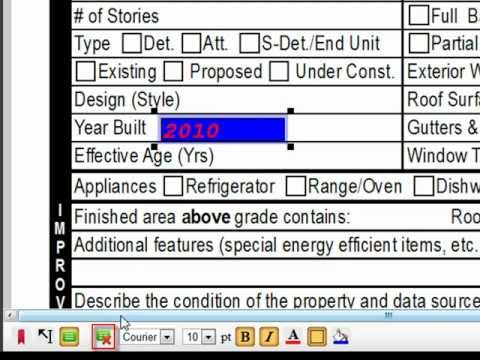
However, this second tool with a somewhat old-fashioned interface can do you great service. It is an online PDF reader but it has the great advantage of allowing you to annotate the file. This tool does not stop there, PDF online Reader also makes it possible toadd text to your Pdf, highlight passages or add links before saving it with all your changes and additions. Link: PDF Online Reader
Blog Booker

The third tool for working with PDFs in the spotlight today will be of interest to all teachers who run a classroom blog or a personal blog. Blog Booker as its name lets a little guess is a tool that allows to turn any blog into a PDF file. This facilitates archiving and why not publication in e-book format. The tool works with most blogging platforms, you can also use it to archive a Twitter account in PDF format. Blog Booker allows you to choose a start date and an end date if you only want to extract part of your blog. It also offers several customization options. Link: Blog Booker
What about you? Which online tools do you find most useful for working with Pdfs ?
 English
Hello,
I work with love pdf. Almost everything can be done with this easy-to-use online tool.
Cdt,