Last updated on 12 May 2026
Edit and format data, This is an activity facilitated and made possible by the Web2. Graphic representation of data is gaining ground every day and infographics are flourishing across the web.
How to get started, what tools for yourself and what tools to offer your students? Here is a selection of three online tools that are both simple to use while delivering remarkable results. Three good online tools to learn infographics without fear.
Table of Contents
Infogr.am
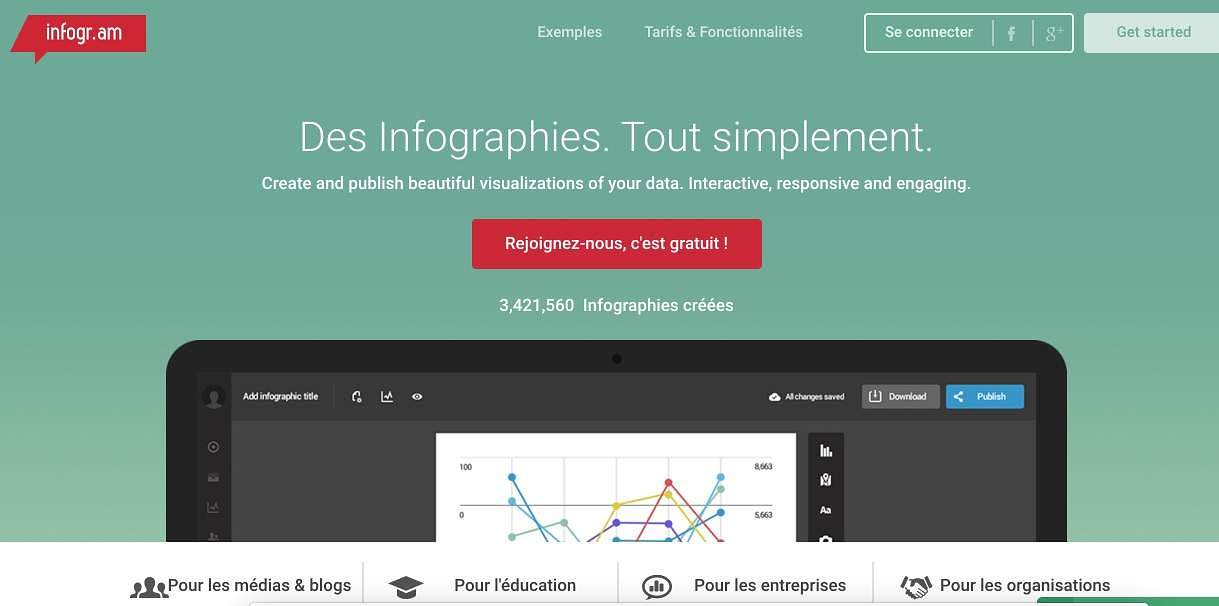
This tool is not free but you have a trial period of 30 days to measure its full power and efficiency. Infogr.am does wonders with your data. It works in the same way as the other two. If you need something fast, Infogr.am provides you with a list of ready-to-use templates that you can customize as you wish.One of its great strengths is the ability to connect dynamic data to your graph for infographics that will update themselves.
Line: Infogr.am
Easel.ly
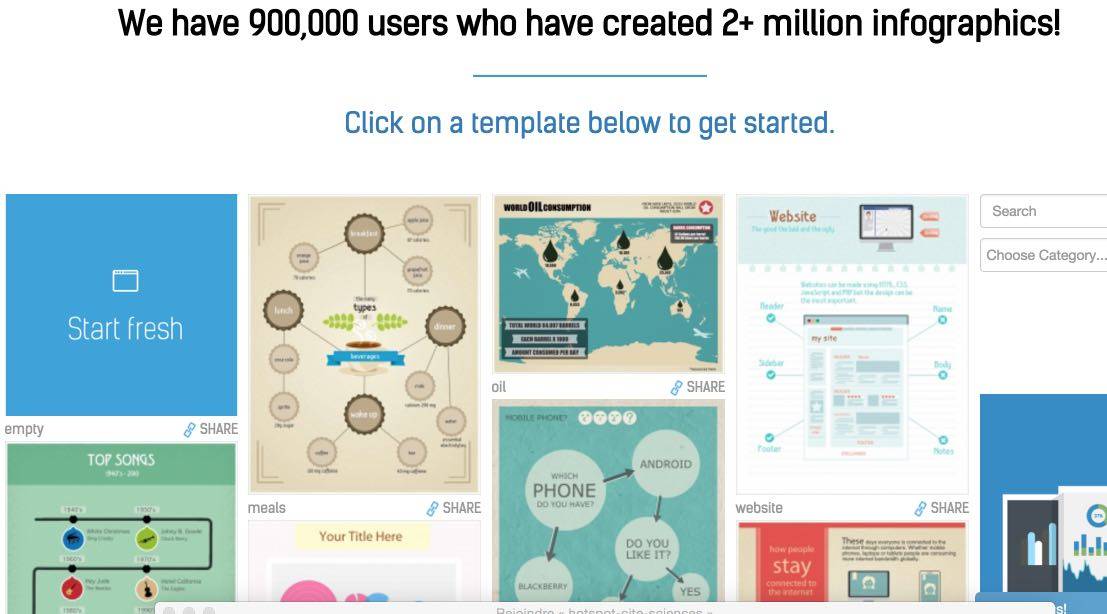
This is one of my favorite infographic creation tools. Easel.ly is particularly simple to use even for a perfect beginner. It offers a significant amount of templates or templates ready to serve. You can also use a search engine to find the right model for your project. All you have to do is add pictoos, text, diagrams, etc.
Link: Easel.ly
Piktochart
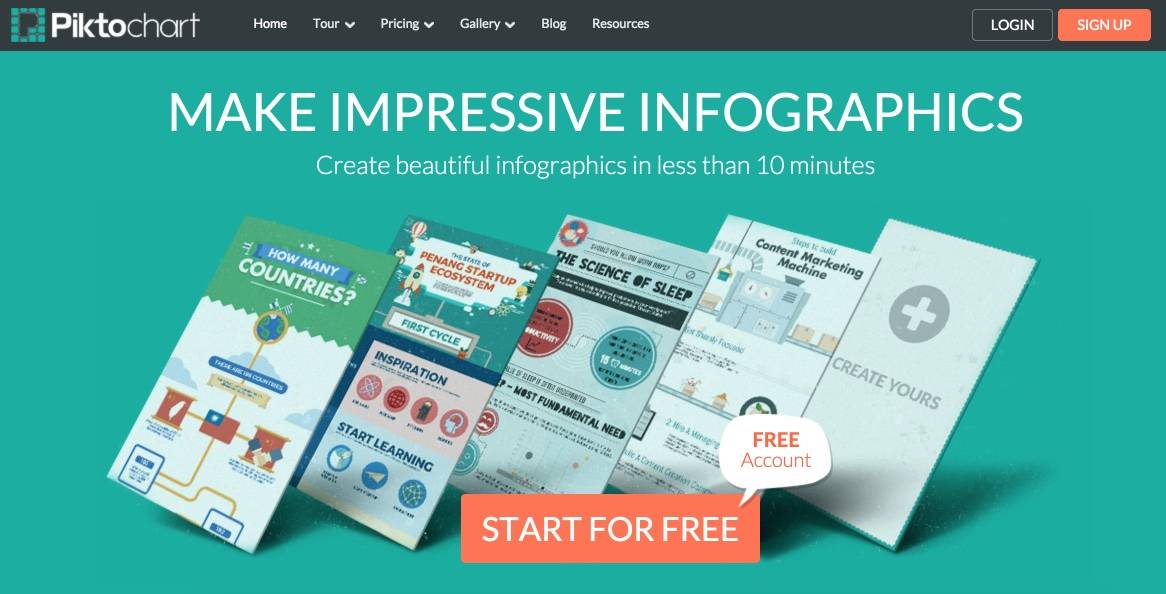
Another great tool I have already talked about right here on Tice Tools. An excellent tool that produces in a few clicks remarkable infographics. The models proposed are varied and will allow you to forget the technical constraints to focus on the essentials: the sources of information and the scripting of the meaning you want to give them. Piktochart offers a free version somewhat limited compared to the paid version but still perfectly usable.
Link: Piktochart
If you are interested in these types of tools for creating online infographics, you can also consult a previous article in which I presented ten tools to create infographics.

 English
1 Response
[…] forgets the picture for a moment to take an interest in Infogram, which I have already had the pleasure of presenting here and which I use regularly for my own needs. Infogram allows you to create […]