Last updated on 12 May 2026
Mind maps or Mind Mapping are on the rise. Whether it is to take notes, brainstorm, or something more creative, mind maps make it easier to organise and visualise concepts and ideas.
Here are three good online or tablet tools to create mind maps alone, with your students or with your colleagues.
Table of Contents
DrawExpress
We start with this tool, which I have only recently discovered and which works exclusively on tablets. A bluffing application that allows you to draw your ideas with your fingertips. Don't worry about the uninsured outline of the shapes you draw, DrawExpress will automatically translate them into perfect arrows, links and geometric figures.
With DrawExpress you will get impeccable graphic representations. Using a tablet with natural fingertips makes the exercise particularly enjoyable.
DrawExpress is available on iOS and Android.
Link: DrawExpress
Coggle
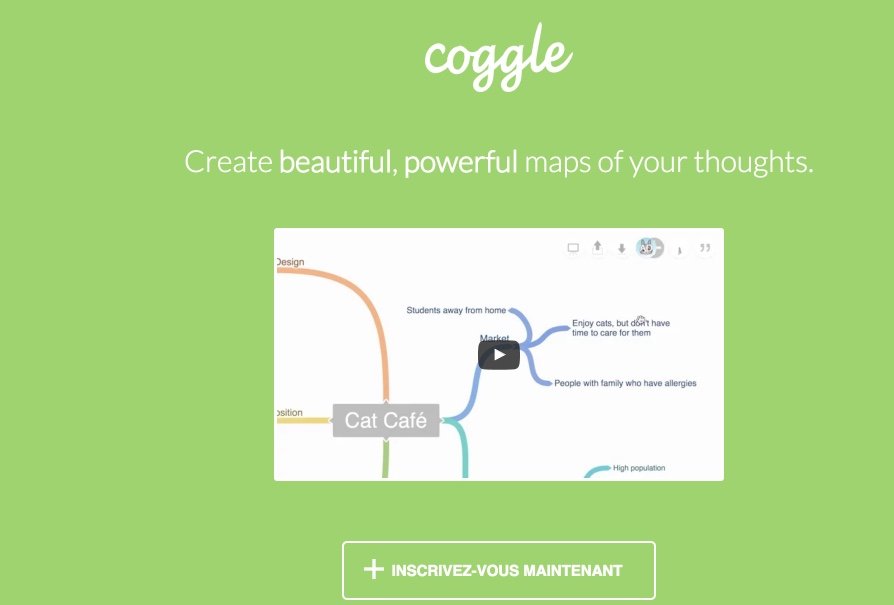
Coggle also allows you to create beautiful mind maps. Its very interesting feature when working with your students is the possibility to create mindmaps in collaborative mode. I had also presented this tool on my website Collaborative Tools.
Coggle is a simple and easy to use solution. We open an account in seconds. Everything is done with the end of the mouse. Central ideas are created, then branches and sub-branches are moved and linked by simple drag-and-drop. You can add notes or images to make them even more explicit. All you have to do is share your notes and maps with whomever you want by sending them an invitation directly from the app. They will be able to comment on your cards, change them if you give them permission and you will be able to chat with them live.
Link: Coggle
Popplet
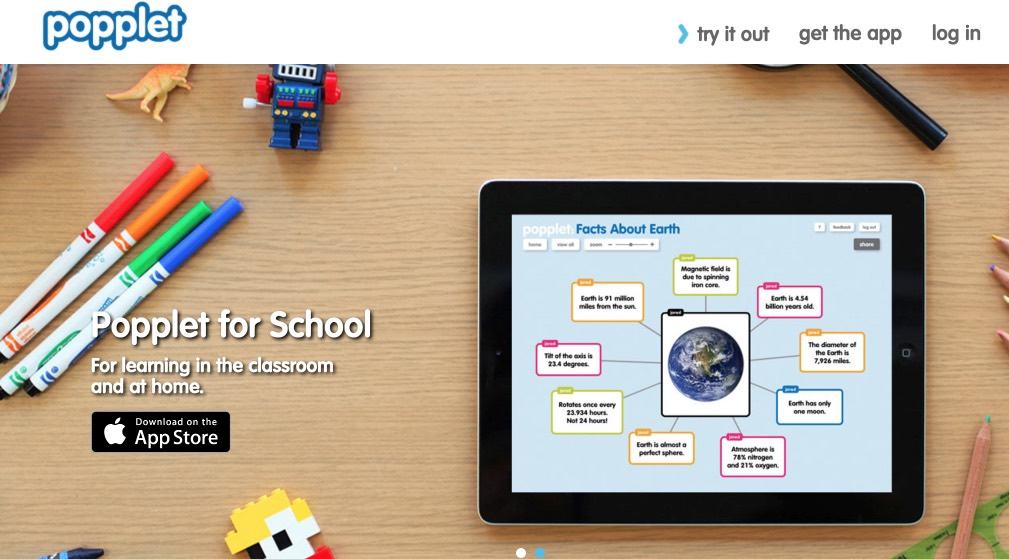
Popplet was originally designed for use in school and it shows. The tool has changed a lot since I presented it right here on TICE Tools as a good collaborative whiteboard, Long months ago.
Popplet is an excellent mind mapping application that allows you to create representations of ideas in the form of pinned bubbles on a virtual wall. Creating these bubbles is very simple. You can draw, write, insert photos to create reflection cards or image banks around a theme. It is well suited to a younger audience than the two previous tools we just talked about. Popplet is available online and as an iPad app.
Link: Popplet
To go further check out my recap of Best free tools to create mind maps.

 English
Hello,
Thank you for these tools.. It would be good to specify systematically whether to create accounts or not, as this is a sensitive subject with students.
Looking forward to reading you
I particularly like Popplet’s graphic rendering
In open source, manageable from Google Drive (as a third-party app), there is the excellent Mindmup: https://app.mindmup.com (interface in English)
… you already know: http://outilscollaboratifs.com/2013/07/mindmup-outil-de-mind-mapping-collaboratif/
I like popplet …..very easy to use and nice rendering …merci
Fully free: framindmap.org (no pro and paid … version)
Visually a little outdated but extremely complete!
With the possibility to export