Last updated on 12 May 2026
Peggo is a kind of digital video recorder that makes it possible to recover the sound or video of a file broadcast on YouTube in the simplest way in the world. It also works with SoundCloud.
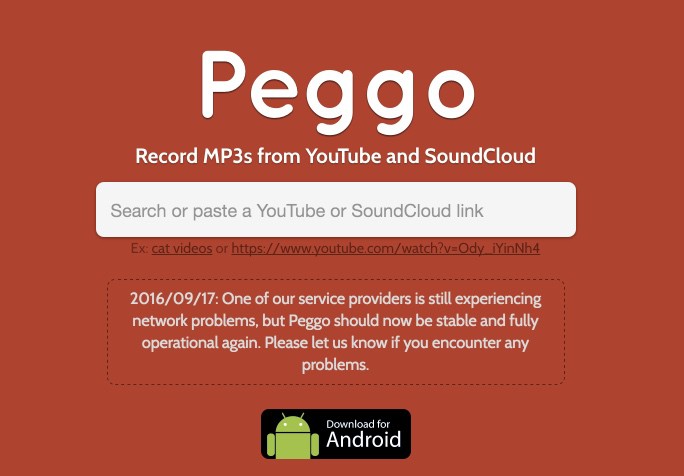
Peggo is probably one of the easiest ways to download a video on the YouTube platform to your computer. This can be useful for example to retrieve a video that you want to show to your students if you do not have a connection in class.
Peggo is extremely simple to use. It also offers a range of rather interesting options. The tool offers you to install a small bookmarklet on your browser that will launch the tool with one click when you are on the page of the YouTube video you want to recover. You can also copy the URL of the video (or sound on Soundcloud) and paste it on the Peggo homepage.
Immediately, Peggo will show you your video in a kind of virtual editing table. You can opt for recover only the audio in MP3 format or download all the video in MP4 format.

The tool allows the pass to make a small edit to recover only part of the video. This will require playing with the mounting table and indicating your starting point and arrival point. By clicking on download, Peggo will only retrieve the selected extract.
Peggo will also standardise the sound to allow you to achieve optimal quality. You can, as far as the video is concerned, choose the desired compression quality from a drop-down menu. All this works fast and well without waiting time. The download is also fast, although it will of course depend on the quality of your connection.
Peggo is free. It is obviously financed by advertising (a little too present to my liking), but the service rendered is real.
Link: Peggo
 English