Last updated on 12 May 2026
Liner is an extension for the Chrome browser, which will provide it with a great function: the ability to highlight and save passages from the web pages you visit.
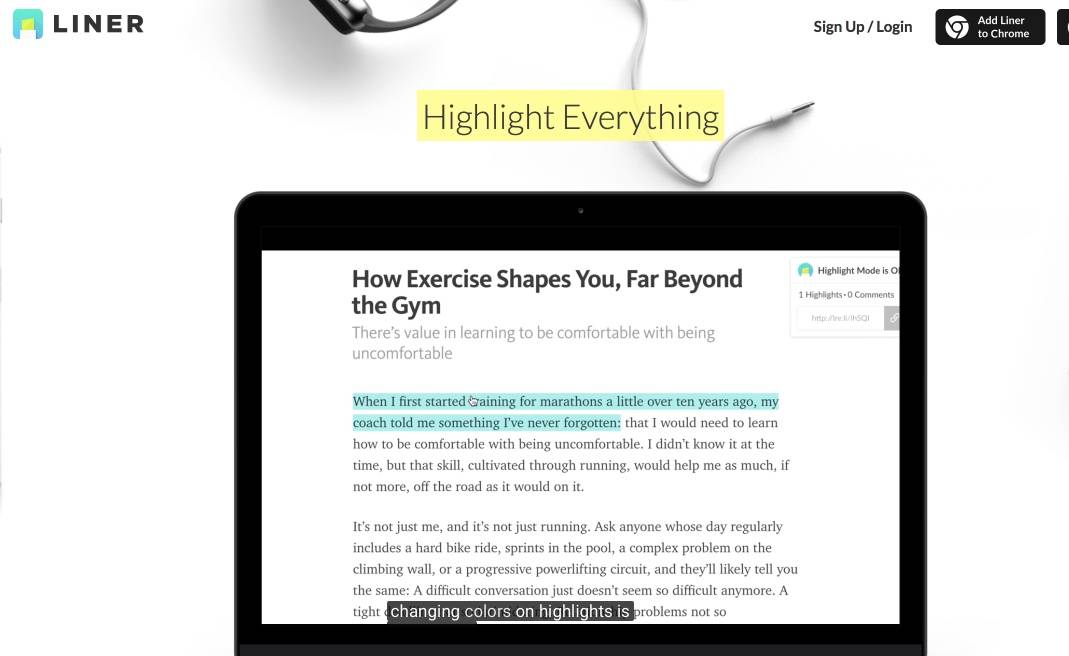
If you are used when you read a book or a study to highlight passages with coloured markers, you will find the same feeling but this time with web pages. Once the extension is installed on your chrome browser, with a simple click you can highlight a passage, a quote on the web page you are looking at.
You will even have the choice of colour, which will allow you to highlight different passages of the same page with different colours. In addition to highlighting text excerpts in color, you can also insert linked notes.
Liner will keep it all in his memory. So when you return to the page you annotated, you will find the snippets you highlighted and the comments.
Liner does a lot better than that in reality. The tool will keep all the excerpts you highlighted during your readings and searches in your personal dashboard on Liner's website. You will be able to find all your annotations and classify them in different folders to better find them. The tool also offers a powerful search engine to search all your notes.
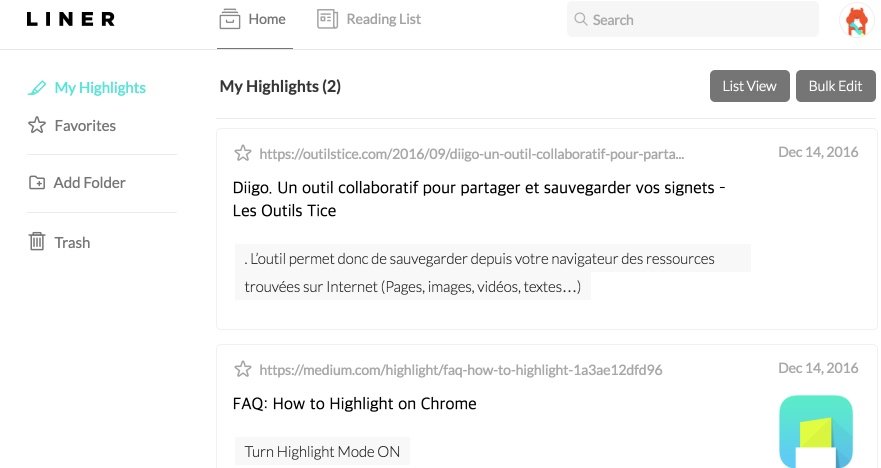
Once you click on a saved note, you will open the web page from which the passage you highlighted is extracted. Ultra practical. Also practice the possibility of sharing via social networks or by email one or more annotations made on a web page. Liner provides a unique URL that will allow people with whom you want to share your snippet to read it in its original context.
Another advantage of liner, in addition to the extension for Chrome, it is available in the form of a smartphone or tablet application. (Only for iOS for now) This means that you have all your annotations in sync and at your fingertips anytime, anywhere.
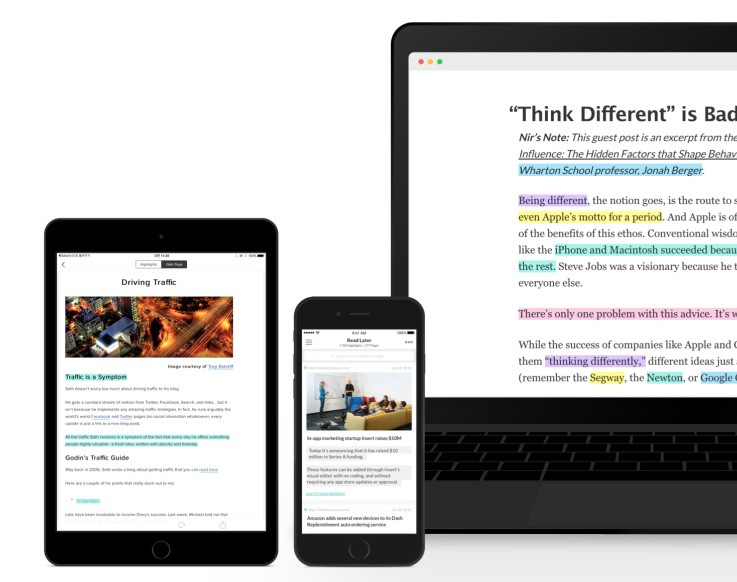
Liner is a great utility for a teacher who wants to annotate the web and possibly share these notes with students or colleagues. It will also be of great use to students in their research work.
Liner is free but some advanced features are paid for pure unlimited use, it will cost you a few euros in a single payment.
Link: Liner (Liner seems to know some clutter these days victim of his success.)

 English
Hello Fidel,
Unfortunately, the link no longer accepts connections (quota of 6 exceeded)…
Snif
For rates and plans here is the link: https://medium.com/highlight/liner-update-transitioning-to-a-subscription-model-63cd625c8e47#.to0qos4cr
It costs 49.99$ per year for the Premium version.