Last updated on 12 May 2026
Kwout is a pretty smart online utility that allows to easily create screenshots of a web page or extract from a web page.
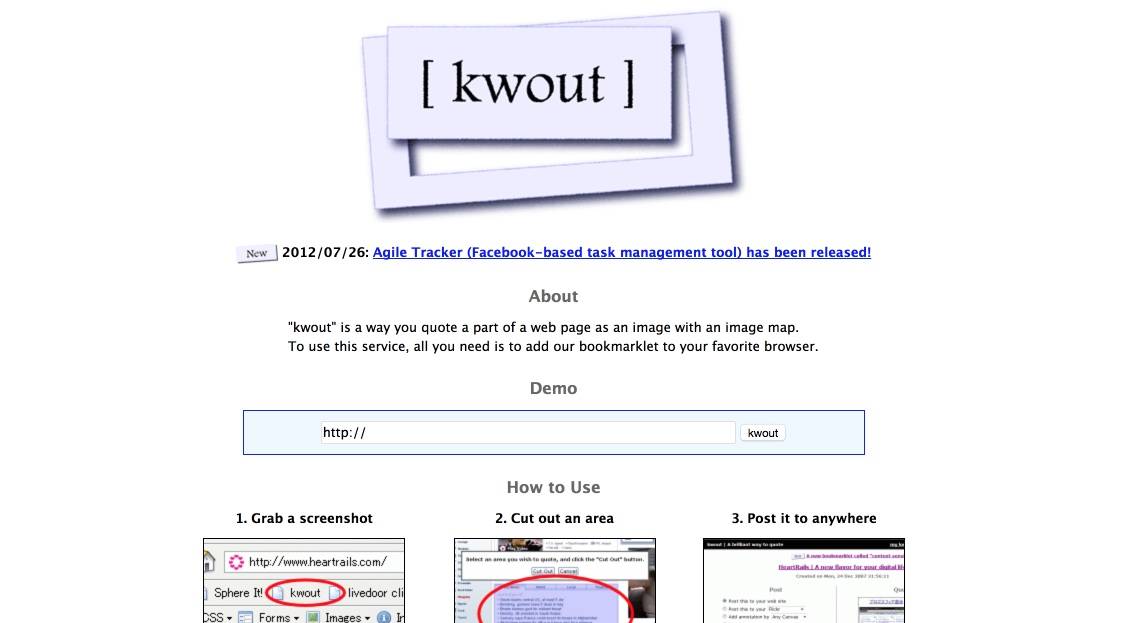
Kwout takes the form of a dropplet to be installed on your web browser, Chrome or Firefox. Once installed, you will be able to launch the utility with a single click when you are on a web page whose image you want to capture.
By default, the tool extracts a preview of the entire page, from there and at the end of the mouse you can draw a square to select the web snippet you want to capture. The added value of Kwout is revealed once your extract is saved.
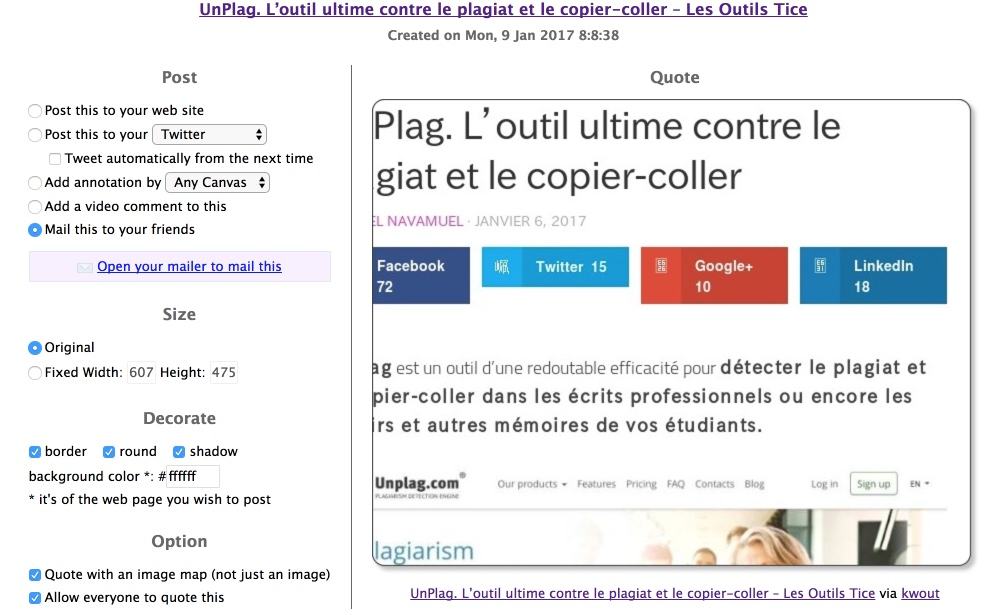
Kwout facilitates the sharing and dissemination of its screenshots. The tool creates an image whose links remain active. You can customize this thumbnail by rounding the angles or changing the size. Kwout also offers you a code to insert your "web extract" on a blog or site. You can easily share it on more than 20 social networks with a single click or launch Canvas or Pixlr directly to add any type of annotation to your image.
A simple, complete and free tool to easily and visually quote websites or web pages.
Link: Kwout

 English