Last updated on 12 May 2026
Nimbus Screenshot is a tool to install on your browser that will allow you to Easily take screenshots, annotate them if necessary and save and/or share them.

Nimbus is not a recent tool, but it continues to do its job well with a range of well thought out and very practical functions.
Nimbus installs on Chrome and Firefox browsers. You can also install it on PC and Android. Once installed in your browser, you will be able to take screenshots with a single click. You can take a snapshot of the entire screen, an area of the screen, the visible part … Everything is allowed. You can also start from a white area.
Nimbus Screenshot then provides you with a built-in editor This will allow you to annotate or complete the screenshot. You can crop, draw, blur part of the image, insert shapes or text before saving your final shot.
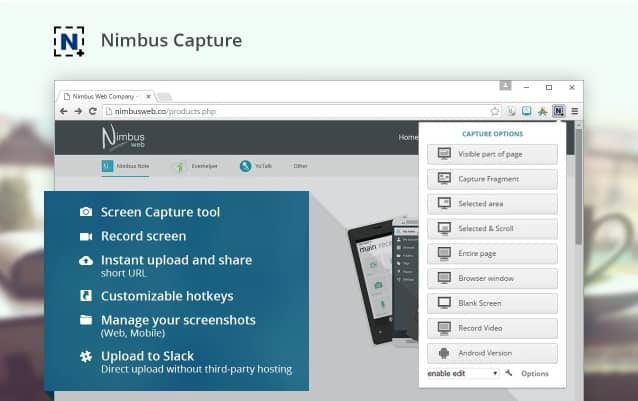
Last step, you will be able to save your image before sharing it with your students or students. You can download the image to your computer, print it out or save it directly to a Google Drive account. Practical.
Nimbus will keep track of all your screenshots that you can view on your computer but also on the move from your tablet or sartphone.
A good free tool to discover. Nimbus offers other features that you may be interested in, such as a good notebook in the . clouds
Link: Nimbus Screenshot

 English
Tutorial in French: https://www.youtube.com/watch?v=UhbDRNzXCP4