Last updated on 12 May 2026
It is not always easy to stay focused when writing a text on your computer. The multiple requests, the many menus of modern applications are a source of distraction. We start by writing a text and we end up surfing the Internet. Here are three free online word treatments that will help you stay focused.
Table of Contents
TextPad
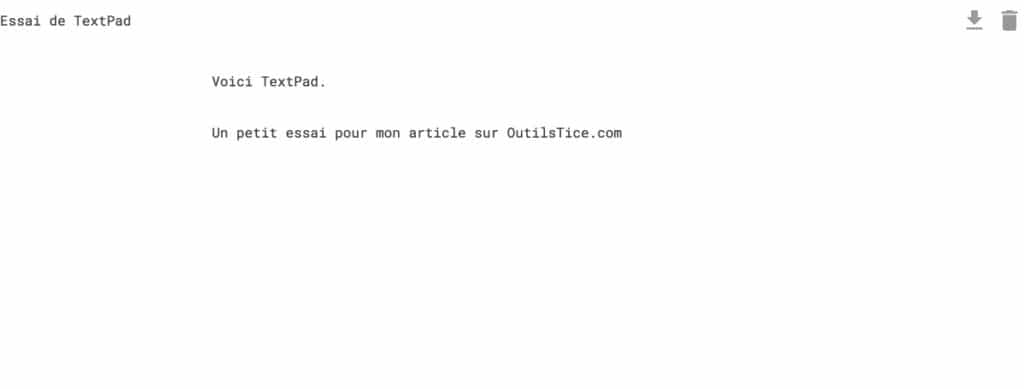
Word processing is the opposite of tools like Microsoft Word. It is a minimalist word processor. It's hard to even make it simpler. It opens in your browser as a blank sheet. You give a title and you can start writing. TextPad tells you how many signs and words your text has. Once it is finished, a click on a small icon at the top right of the page allows you to download the document in TXT format. Your browser's memory serves as a backup. You can close the window or tab where you are writing, when you return you can resume writing the text where you left off.
Link: TextPad
Write
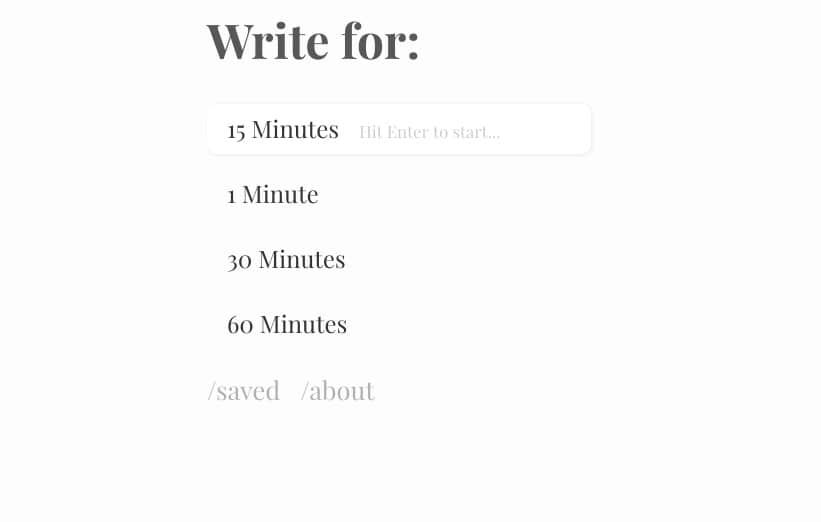
Here is another idea that is used to help you stay focused on the text and not scatter. Write also offers a minimalist interface without frills or possible enrichment. On the other hand the concept to force you to write and stay focused and somewhat radical. The site allows you to choose the time during which you want to focus on drafting a document. One minute, fifteen, thirty, sixty …. it is up to you to choose, but be careful you will have to keep this obligatory time at the risk of losing otherwise all that you have written. A timer starts and allows you to measure time. At the end of the time your document and saved online and you can return whenever you want.
Link: Write
Paper
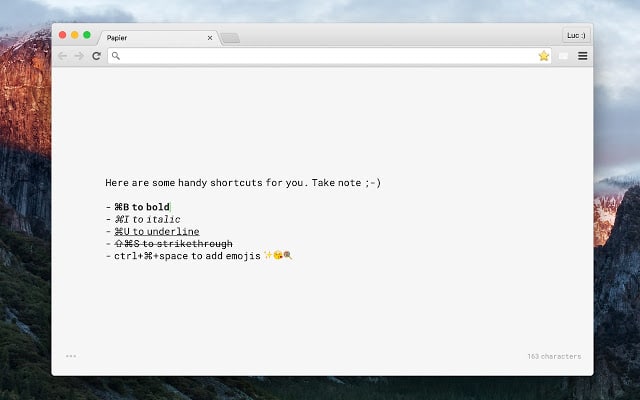
I like this last little tool. This is an extension for your Chrome browser. Once installed, you will see your word processor appear each time you open a new tab in your browser. A word processing always at your fingertips or tabs in some way. The word processing itself is still minimalist here. It will inform you during writing on the number of signs of your text and also offers some simple keyboard shortcuts to remember to enrich your text with bold, italics, etc.
Link: Paper
 English
The following minimalist word processors can be added to this list: RoughDraft, WriteMonkey, FocusWriter and online word processor Calmly Writer. These tools are rather dedicated to writers, short stories, … scripts
A presentation is available at: http://www.traitement-de-texte-gratuit.fr .
Good continuation
Thank you for the suggestion regarding Calmly Writer that I adopt