Last updated on 12 May 2026
PDFelement is an excellent software that will allow you to meet all your PDF needs. A complete toolkit for creating, editing, converting, signing PDFs. The universal PDF format has become an essential standard and ensures compatibility that provides many services. It is also a format that can be difficult to manipulate when you want to use it in a different way than printing it. PDFelement will help you harness the full potential of this format, even more convenient than you think.
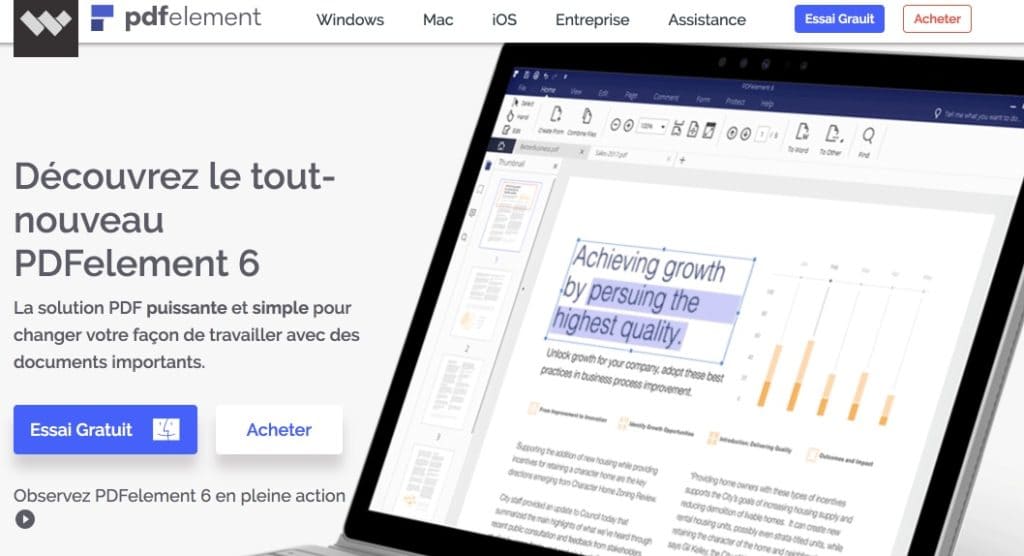
PDFelement 6 offers a long range of options for all uses. Among the most useful, I have of course chosen the possibility to simply edit a PDF file. You will be able to edit any document, intervene in the content, without altering its style or formatting. Ultra practical.
Also performs the function of OCR. You will be able to transform paper documents and scanned documents into fully editable PDF. The tool juggles more than 25 languages in this area. This makes creating high-quality PDFs a breeze. You will be able to create files from many different formats. You can even create a single PDF by combining multiple source formats.
Creating and managing PDFs for your courses will be faster and simpler. You will easily rearrange, separate and add pages. You can manage your PDFs from the page thumbnails panel to add, separate, delete and rearrange pages in your documents.
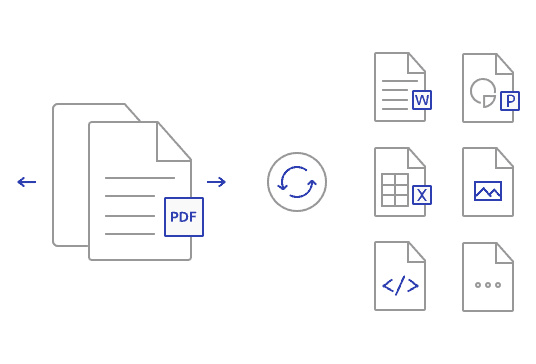
Another practical function of PDFelement is its function of converting and extracting from a PDF. The software reel allows you to convert your PDFs into many file formats such as Word, Excel, PowerPoint, etc. The tool does it, does it well and does it quickly. You can even convert multiple files at once. On the conversion side, it is also possible to convert PDF to PDF/A an archiving version of the format that guarantees long-term archiving.
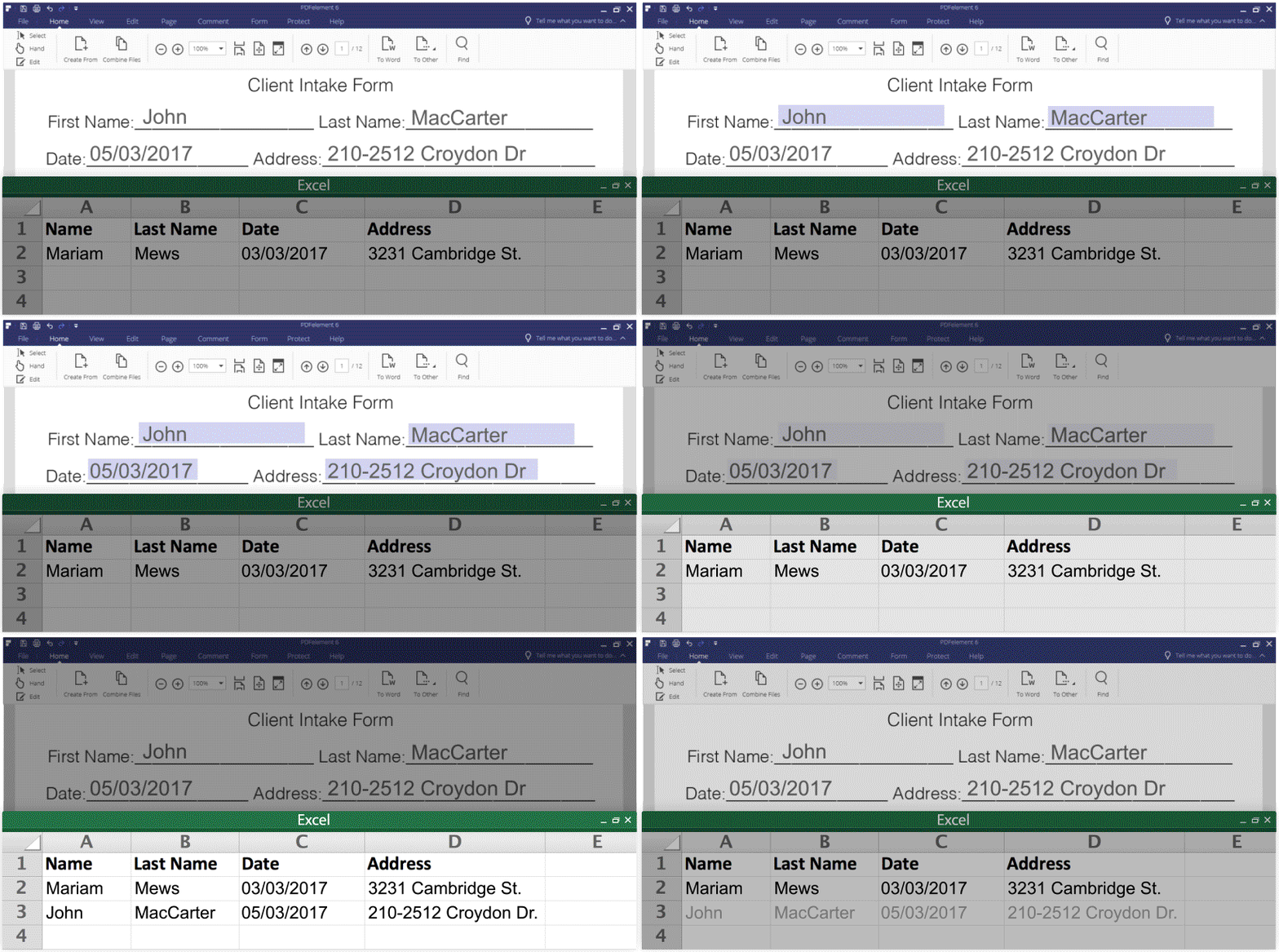
I pass on the possibility of password-protect your files or sign, annotate or share them directly from the software on Dropbox or Google Drive. For me, one of the great added values of PDFelement is its ability to produce PDF forms to fill in. Ideal for teachers who wish to offer questionnaires or assessments to their students. With PDFelement 6 you will be able to convert any form made with Word or Excel into an editable and fillable PDF. Your students will be able to respond directly on the PDF.

 English
1 Response
[…] turn to other tools. More professional solutions like Adobe Acrobat Pro or PDF Element. But if you need to quickly edit a simple PDF, Simpdf is for […]