Last updated on 12 May 2026
Microsoft Word is not the only option when you need professional word processing. Word is certainly an excellent solution thanks to its integration with many applications and products of the Redmond brand. But all this at a price and even though it has decreased in recent years, buying or subscribing to Microsoft Word online remains a significant investment.
Here are three free alternatives to Micorosft Word. Three solutions that do not have to be blushed with comparison. They are fully operational, fully compatible and completely free of charge.
Table of Contents
Free Office
LibreOffice is arguably the best current alternative. It is a free office suite that offers you in addition to word processing, a spreadsheet, a short … presentation tool to replace the entire Microsoft office pack. LibreOffice is fully compatible with Microsoft software documents and easily juggles .doc or .docx files. You will therefore not have any compatibility issues with your old files or when sharing documents with your colleagues. The main functions of a professional word processor are there and if you cannot directly save your work to the cloud from the app, you can still do so later on Drive or Dropbox. Last but not least, Libre Office is a very active community of developers and users.
Link: Free Office
WPS Office Writer
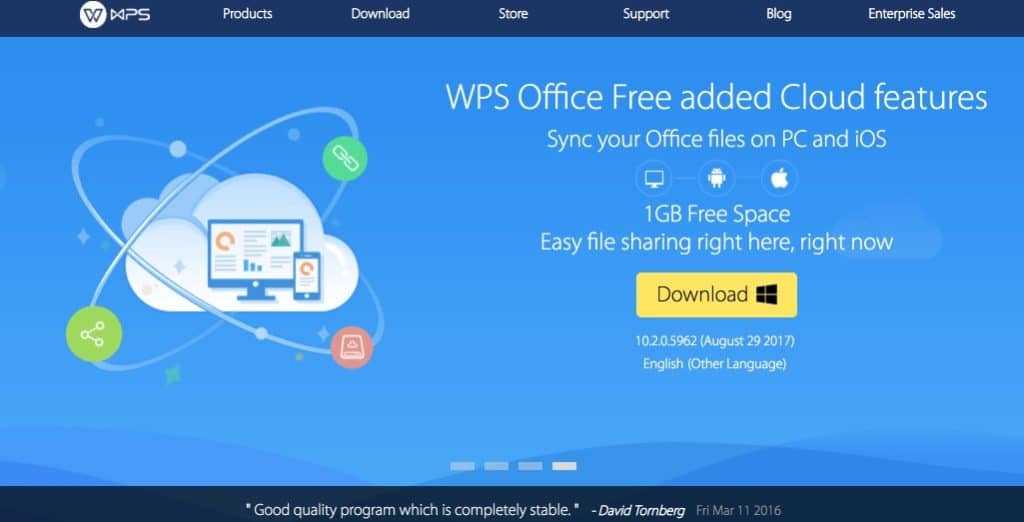
Another great free alternative to Microsoft Word, WPS Office Writer offers a solid word processor that is not lacking in the face of its older brother. It is very similar to it and you will not be lost if you come from Microsoft Word. If you're already using Office, you'll be in familiar terrain with even a few additional bonus options, like the ability to navigate through tabs between multiple documents. WPS is compatible and handles most file formats without problems. Last but not least, WPS Office Writer integrates a cloud solution for OneDrive-style backup for backing up and syncing your documents. It is limited to 1GB. The tool also offers mobile versions for Android and iOS.
The free version of WPS Officie Writer displays some ads in its interface, but nothing very intrusive. (There is also a premium paid version for just under 30 EUR per year that removes it and adds a few extra options)
Link: WPS Office Writer
Google Docs

When talking about alternatives to Microsoft Word, we have to talk about the enemy brother of Redmond’s firm. The Google Apps suite that includes Google Docs is a serious alternative to Word. Google Docs does not need to be installed on your computer and runs directly from your browser. If it requires opening a Google account, it also has the advantage of being accessible from anywhere from any computer. To open an existing file, it must first be uploaded to Google Docs, but then the essential editing tools are present. The created documents are stored in lige, but you can download them to your computer in several formats including the classic .doc or .docx formats. Note that you can use and work on Google Docs files even if you are not connected to the internet, the online document will update at the next reconnection. Another advantage is that Google Docs allows collaborative work and allows you to write and edit a document together.
Link: Google Docs

 English