Last updated on 12 May 2026
You still spend hours transcribing your courses by hand instead of using audio transcription tools for teachers?
You have recorded a lecture, course, webinar or interview for your dissertation. And now you're about to type, listen, go back, type again. This job as a copyist monk takes you a long time.
Good news: Automatic transcription tools have made giant leaps, as we have seen with TurboScribe. In 2026, they are precise enough to turn a recording into clean text, in a matter of minutes. And many now offer discounted rates for the world of education.
Here is my selection, tested and dissected for teachers.
Table of Contents
Why does a teacher need a transcription tool?
Far from being a gadget, audio transcription can meet three very concrete needs in a school or university.
1. Prepare and reuse your courses
You have dictated the plan of a course on your phone, recorded a class session or videoconference. A good transcriptionist gives you a clean text, which you can rework, print or share with your students.
2. Make its content accessible
A hearing-impaired student, an allophone student, a young person with dys… disorders The text is an often overlooked lever for inclusion. Transcription makes it possible to offer written materials, subtitles or course reports. Some tools even know how to translate the result into several languages.
3. Conduct research
Master's students, doctoral students or teacher-researchers, you carry out qualitative interviews. Automatic transcription saves you hours and allows you to focus on analysis.
How to choose the right tool for educational use?
Here are the four criteria I used to build this selection.
- Precision : it must be sufficient to avoid rewriting everything. Choose tools that can recognize a specific vocabulary (science, letters, … law) and manage multiple speakers.
- Languages : an asset for modern language courses or FLE. Some tools transcribe and translate into more than 100 languages.
- Compliance with the GDPR : If you work with personal data, this is the crucial point. Tools that work offline, without sending audio to a server, provide complete peace of mind.
- The price : Education is often entitled to reductions. And there are very good solutions that are completely free and open source.
The 5 best paid solutions (with Education rates)
1. Sonix: the complete solution for research and accessibility
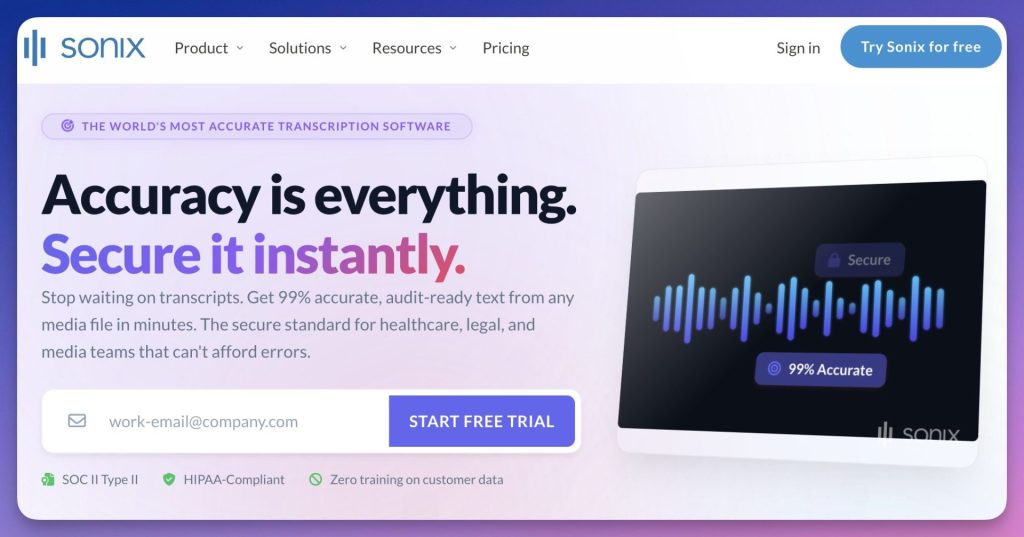
Sonix is an AI transcription platform known for its very high accuracy (up to 99 %) and its ability to manage technical jargon, which is crucial for academic content. Beyond transcription, it offers translation and subtitling services, facilitating access to courses for international or hard-of-hearing students.
- Main advantages : major accuracy for academic content, speaker identification, translation into more than 49 languages, AI automatic summaries and collaboration tools. Reductions in education up to -50 %.
- Paying : Yes (free trial available). A one-hour course costs less than $10 to transcribe.
- URL : https://sonix.ai/
2. Otter: the real-time course assistant
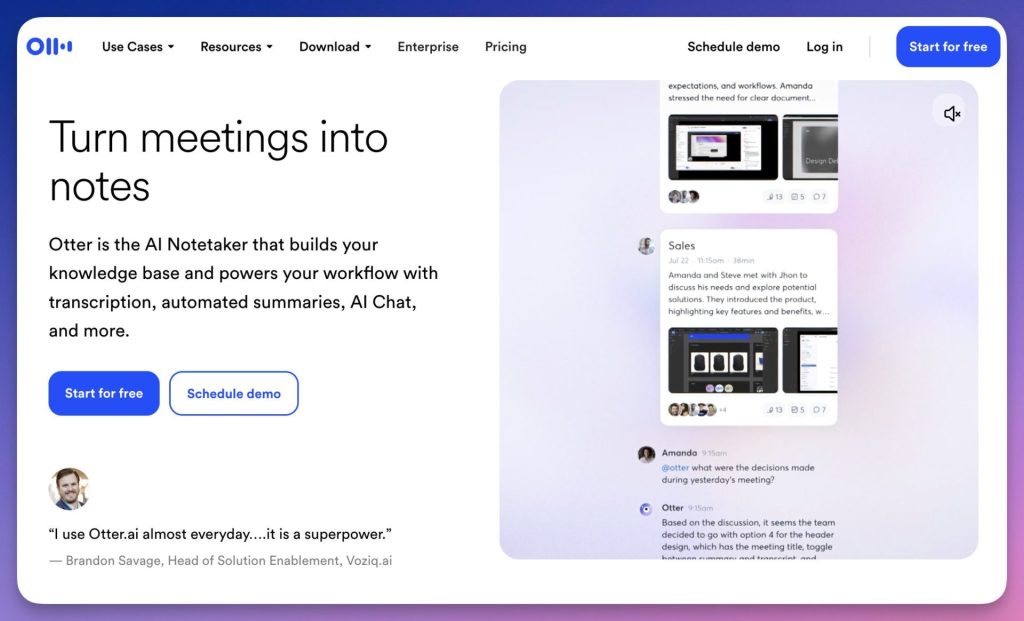
Otter.ai is a very popular tool in the educational world, especially for real-time transcription. It is ideal for students who want to take a course without taking notes, or for teachers who want to record and share their lessons. It offers collaborative features such as stakeholder identification and the ability to annotate and share transcripts, making it an excellent group tool. I tested it on a one-hour course recorded in college: the live transcript proved to be bluffing, with a clear distinction between the teacher’s voice and that of the students intervening from the back of the room.
- Main advantages : ideal for group discussions or lectures, identification of speakers, automatic summaries. -20 % on the Pro package with an academic e-mail address.
- Paying : freemium. Free plan with 300 minutes/month (30 min max per session). Pro to 16,99 $/month (1,200 min).
- URL : https://otter.ai/
3. Trint: collaboration for research projects
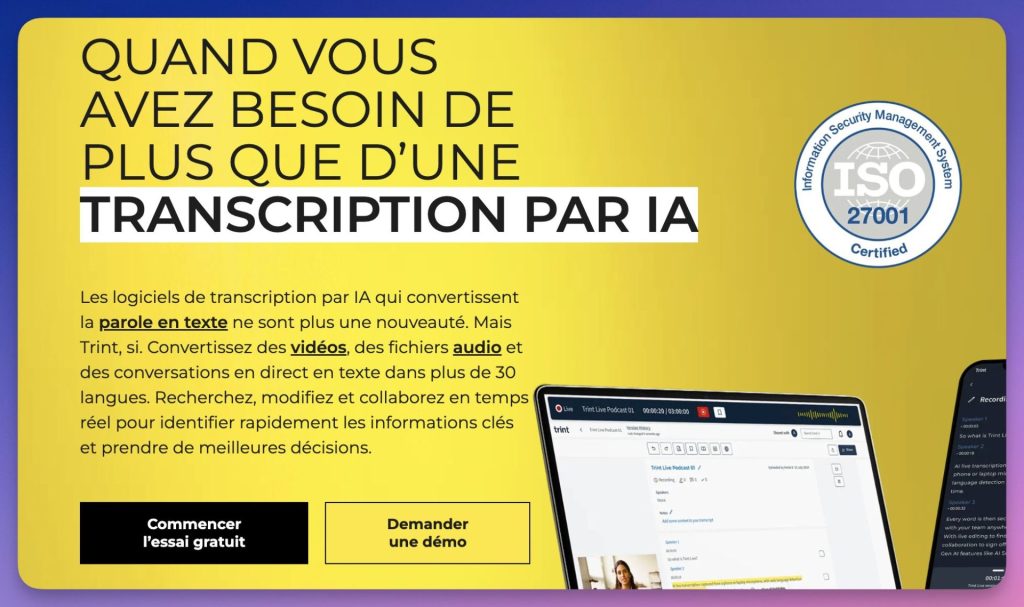
Trint is a cloud-based collaborative transcription platform, particularly popular for large-scale academic projects such as qualitative research. It combines the power of AI with advanced editing tools that allow multiple users to work on a transcription simultaneously. This is an asset for research teams that need to analyse and annotate interviews, or for teachers who want to set up collaborative projects with their students.
- Main advantages : intuitive interface with text-audio link, more than 50 languages, management of multiple audio/video formats. Student discounts from 25 to 40 %.
- Paying : Yes, yes. From ~80 $/month and per user ("Starter" plan).
- URL : https://trint.com/
4. HappyScribe: Multilingual versatility
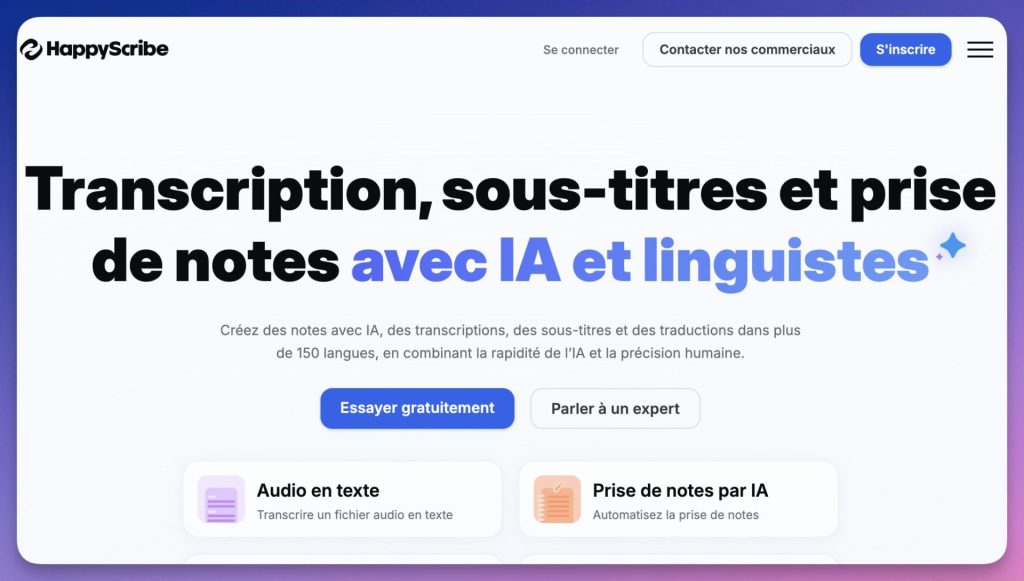
HappyScribe is an AI-boosted transcription tool that stands out for its massive support of more than 120 languages, which is a huge asset for schools and universities hosting students from around the world. It offers practical features like creating glossaries and style guides to ensure consistent transcription of complex terms or discipline-specific names. In a workshop I conducted with a dozen secondary school teachers, HappyScribe won the most support thanks to its French-language interface and its human proofreading option, which is particularly popular for finalising transcripts of research interviews.
- Main advantages : Linguistic versatility, optional human proofreading, read-only sharing or editing. GDPR compliant and SOC 2 Type 2 certified.
- Paying : freemium. Free plan available, paid offers from 10 $/month.
- URL : https://www.happyscribe.com/fr
5. Transkriptor: the affordable solution for students
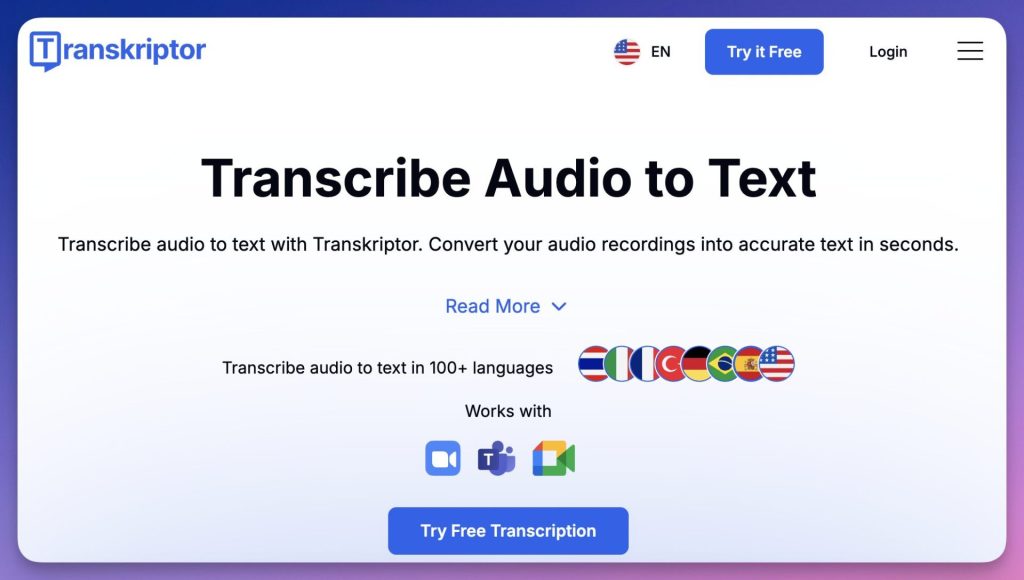
Transkriptor is positioned as a very affordable entry-level solution specifically designed for the needs of students. The tool goes beyond simple transcription by offering features that are directly useful for learning, such as the automatic generation of summaries and quizzes from course notes, making it a real study assistant.
- Main advantages : very competitive price, automatic quiz generation, more than 100 languages. Student discount of 50 %.
- Paying : Yes, yes. Packages from 4.99 $/month (Lite) and 8.33 $/month (Pro).
- URL : https://transkriptor.com/
The 3 best free and open source tools
Here are 3 free and open source solutions particularly suited to the field of education, selected for their relevance in an academic context.
1. Buzz Caption: offline, accurate and privacy-friendly transcription
Buzz Caption is an open source transcription tool that works entirely on your computer, without an internet connection. This feature is crucial in an educational setting to ensure the confidentiality of research data or course recordings. Using OpenAI’s Whisper AI models, it offers high-quality multilingual transcription for audio and video files, live microphone capture, and even batch processing.
- Main advantages : local processing, more than 90 languages, desktop version, various exports (TXT, SRT, ATV). Officially approved by a university for its researchers.
- Free : Yes, yes. Free software, without paying tiers.
- URL : https://github.com/chidiwilliams/buzz
2. oTranscribe: Manual proofreading tool for perfect transcripts
oTranscribe is a free and open source tool that facilitates manual transcription. Unlike automatic solutions, you listen to audio and type the text yourself in a simplified web interface. This approach is ideal for students and researchers looking for a perfect transcript to analyse an interview or thoroughly revise the content of a course.
- Main advantages : clean interface, keyboard shortcuts, easy export, free and unlimited use.
- Free : Yes, yes. Completely free, open source, without limitation.
- URL : https://otranscribe.com/
3. NeuroBridge EDU: the all-in-one educational platform (transcript + summary)
NeuroBridge EDU is an open source project designed specifically for education. It combines real-time transcription with the power of AI models (Whisper and GPT) to generate not only the text of a lesson, but also a structured summary. It is the ideal tool for transforming a lecture course into immediately actionable revision notes.
- Main advantages : custom design for learning, hybrid architecture (private local + optional cloud API), exports in PDF or Markdown.
- Free : Yes, yes. Open source project; Optional OpenAI API key for synthesis.
- URL : https://github.com/EmminiX/NeuroBridge-EDU-OpenSource
Transcription and accessibility: a simple gesture for your students
Offering a text transcript of a course is not only practical. This is a real boost for the dyslexic students for example, young people with attention disorders (ADHD) or students with hearing impairments. Many of the tools presented here make it possible to export in .srt (subtitles) or text file, which can be used with screen readers or audio playback tools like Speechify. You can integrate these transcripts into your course materials, without any extra effort.
As you have seen, the offer is rich. It is up to you to choose according to your priority: speed, accuracy for research, absolute privacy or total gratuity. All meet the same need: free yourself from repetitive tasks to focus on your core business.
Summary table
| Tool | Free / Paid | Reduction in education | Operation | Main asset |
|---|---|---|---|---|
| Sonix | Paying | Yes (-50 %) | Cloud | Extreme precision |
| Otter | Freemium | Yes (-20 %) | Cloud | On-line transcription |
| Trint | Paying | Yes (-25 to 40 %) | Cloud | Collaborative work |
| HappyScribe | Freemium | No | Cloud | 120 languages, human proofreading |
| Transkriptor | Paying | Yes (-50 % etud.) | Cloud | Quiz generation |
| Buzz Caption | Free | – | Local | Total confidentiality |
| oTranscribe | Free | – | Local web | Manual transcription |
| NeuroBridge EDU | Free | – | Local (API option) | Automatic summaries |

 English