Last updated on 12 May 2026
Explain Everything is a tablet computer tool that will allow you to explain everything by bringing all your ideas or concepts to life on an incredible interactive whiteboard.
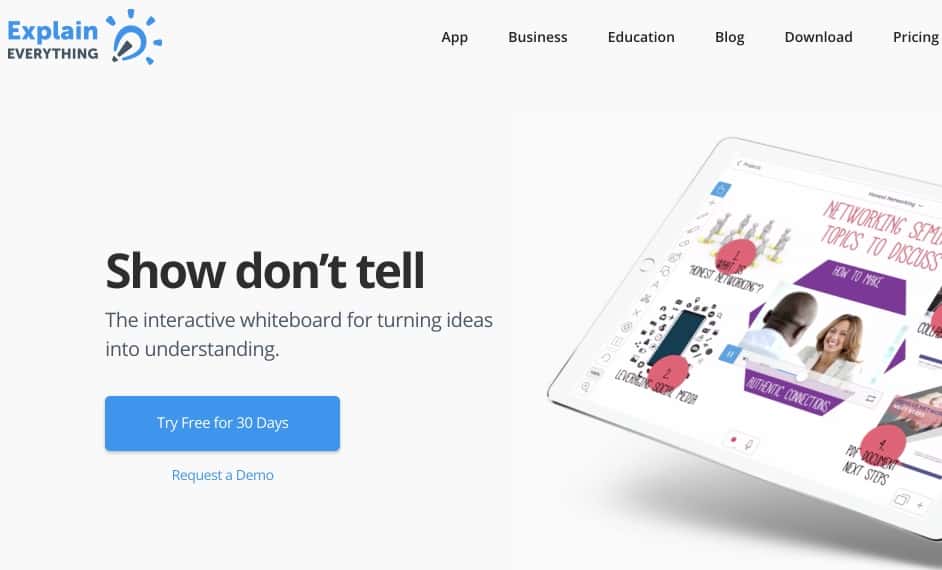
Explain Everything offers a complete multimedia solution to create on your tablet, alone or with others, lessons, presentations, multimedia presentations to explain everything. Show rather than say, it is a bit the watchword of this app that surprises by its ability to do everything and by its power.
Taking charge requires a bit of training and a few inevitable failures, but once mastered Explain Everything has the great advantage not only of allowing you to create excellent supports, but also of giving you real pleasure in doing them. And that counts, too.
The installed application makes it possible to communicate in real time through an interactive whiteboard, the screen of your tablet, with colleagues or students. But the most interesting thing is the possibility to create courses and presentations in the form of exportable modules to then offer them to your students or to the whole planet.
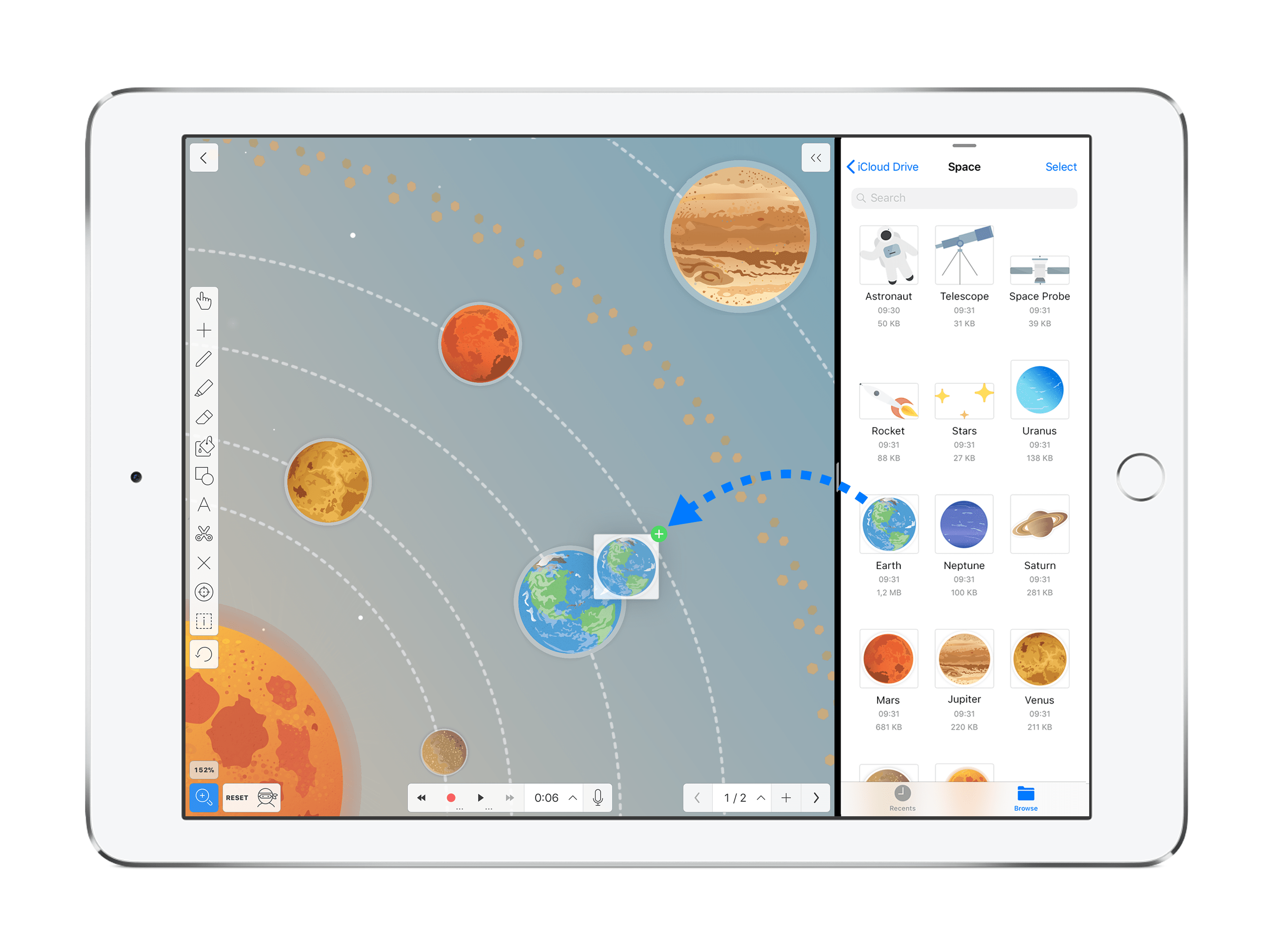
You will be able to create kinds of animated slides on a whiteboard without limits in which you will be able to insert and animate the world's simplest texts, images, videos, sounds, photos, shapes. The app works with the main online storage services where you can pick up your different content. You can import files in just about any format. (PDF, DOC, PPT, XLS, RTF, TXT, HTML, KEYNOTE, PAGES, NUMBERS, JPG, BMP, PNG, GIF, MP4, MOV, MP3, M4A, WAV, AAC)
You can associate your voice to explain your words and manipulate all your content using a variety of tools (pointer, zoom, highlighter, etc.).

Explain Everything vos allows you to record everything in video so you can share it easily. Videos that you can insert on a site or blog, upload to services such as YouTube or Viméo or simply share via a single link by email or on social networks.
A tool that lends itself to many uses on the teacher side, but also on the student side from a certain age, they can use it to create presentations or presentations in groups.
Explain Everything is available on iOS, Android, Chrome OS and Windows. This tool is paid, but you have 30 days to try it for free. Please note that EXPLAIN EVERYTHING offers special education rates (approximately €5 per year per user) as well as all a series of video tutorials to allow you to take control of the tool. Explain Everything is available in English.
Link: Explain Everything
 English
Hello Fidel,
First of all, thank you for your weekly messages, which are always human, it feels good 🙂
Regarding Explain Everything, there is now an online version. The free version allows you to create 3 collaborative whiteboards, each limited to one slide and one minute of recording. Personally, I use it on my tablet, for more precision, but my students can interact from their computer.
I think it would be interesting to redo an article about this tool, really interesting for 🙂 distance learning courses
Joëlle