Last updated on 12 May 2026
Whiteboard Chat is an amazing online service that allows you to create collaborative whiteboards for school work with your students. Forget chalk and slates this service will help you share the content of your screen but also to visualize what each of your students writes or draws on his personal whiteboard.
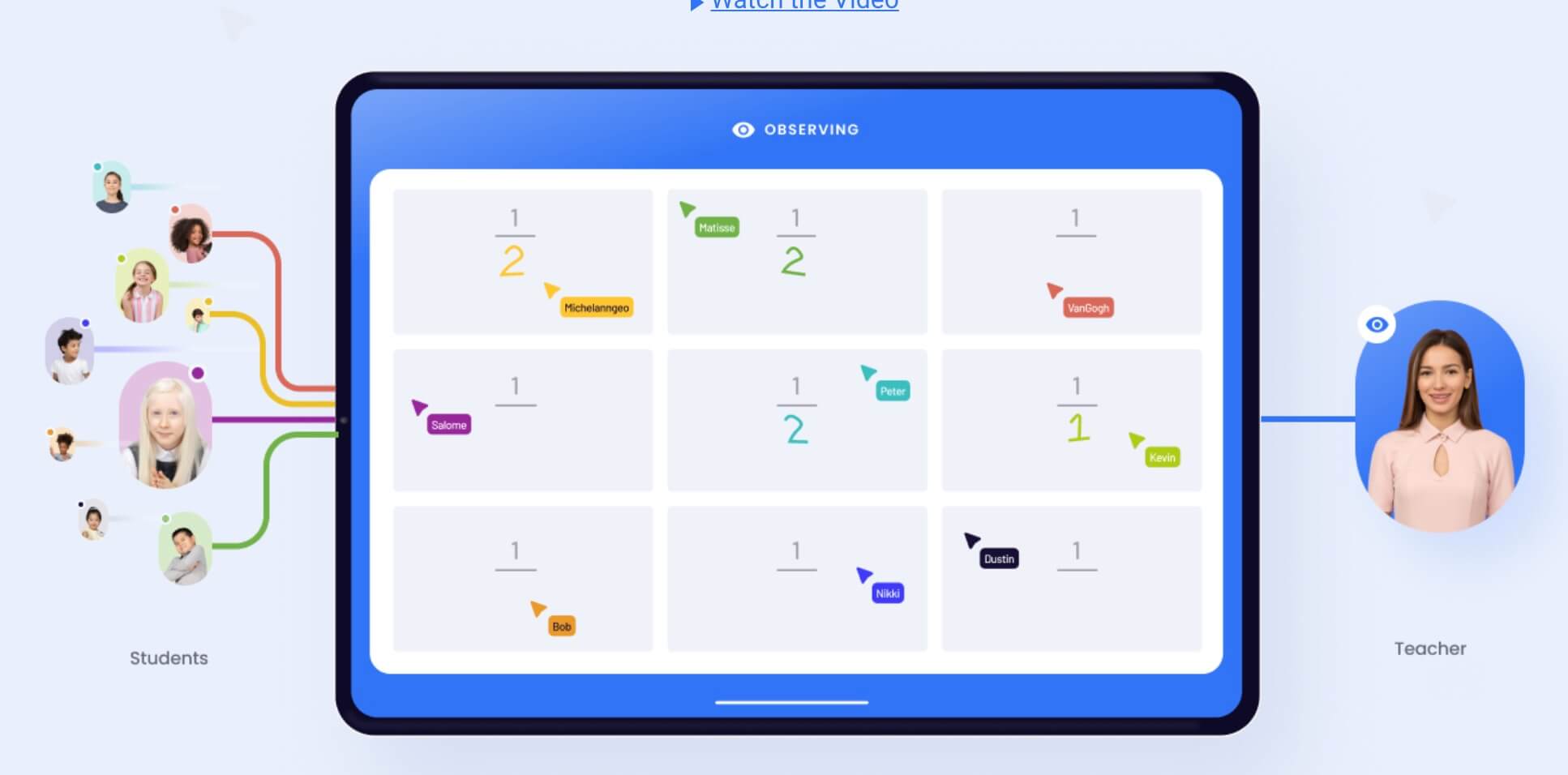
No need to ask them to show you their slates, you will see them on your screen. You can use Whiteboard Chat to provide students with their own virtual whiteboards that they can work on and view easily.
A virtual whiteboard designed for education
Whiteboard Chat is a virtual whiteboard system that has been designed with school usage in mind. Very easy to handle and use, for example, it is possible to use the tool without an email address, which allows you to start quickly and easily. You do not need to provide an email address and neither do your students. The platform is used from a computer, a laptop or even better from a tablet. The only condition is to have an internet connection. Note that the system does not need high throughput.
There are two ways to use Whiteboard chat:
- The first is to create a whiteboard that you share with all your students. They will be able to see it in real time on their device; it will be enough for them to follow a URL link or scan a QRCode. This is a classic use to bring the content of your own whiteboard to the screen of all participants.
- The second way to use the Whiteboard Chat is arguably the most interesting. This option consists of creating individual whiteboards that each of your students will be able to use. Even better, you will be able to observe the content of their screens, much like in a language laboratory where the teacher can listen to each student individually.
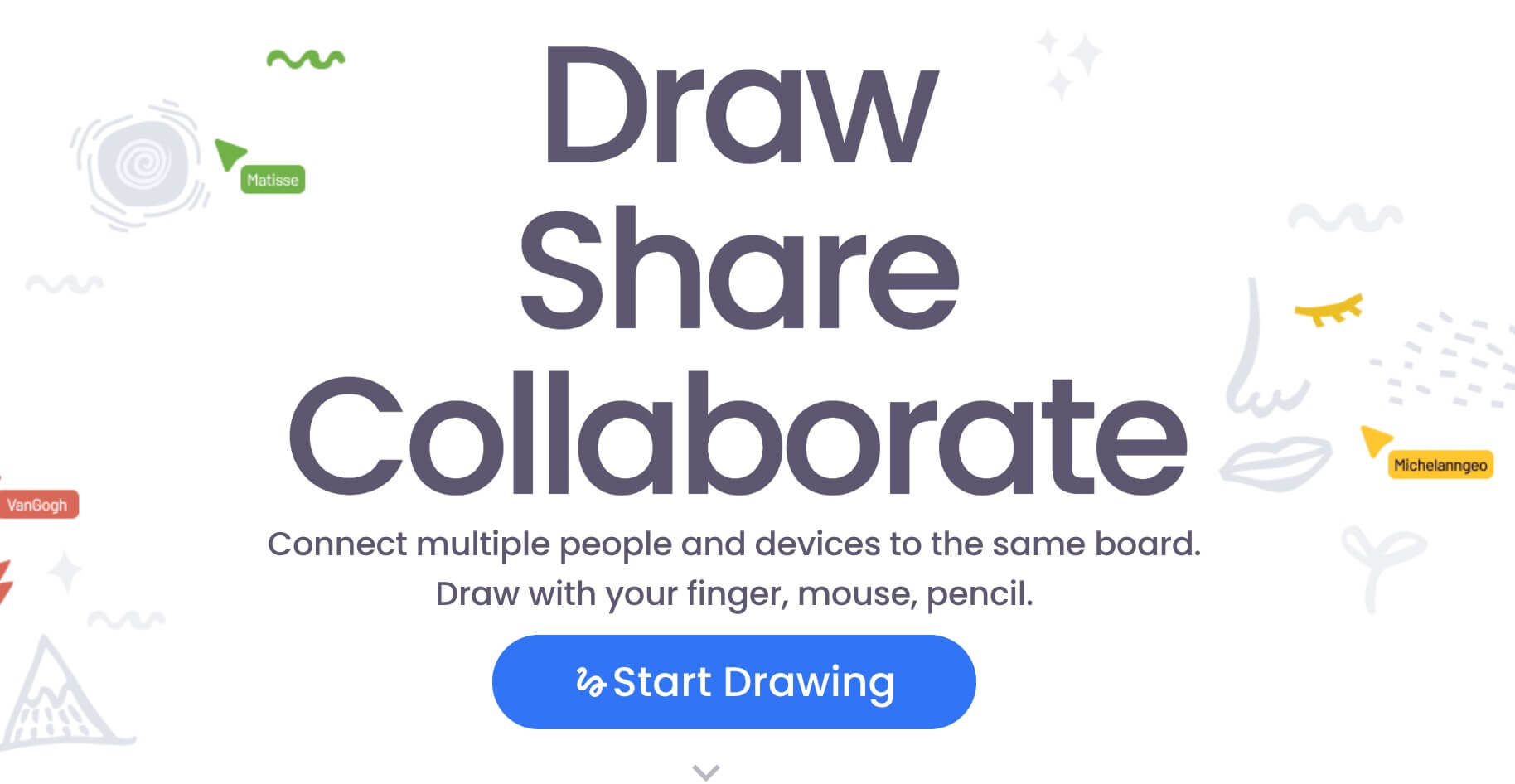
To start on Whiteboard Chat, just go to the site and click on the big "Start Drawing" button. Then you have the choice between "start collaboration" or "start teaching". The first option will launch a unique whiteboard that you can invite your students to join. In the second option, each student will have their own whiteboard on which they can draw.
Whiteboard Chat connects up to 100 people to the same session. Whiteboards can be exported in PDF format. Another good news, Whiteboard Chat is completely free.
Find more collaborative whiteboards for the class in this article.

 English