Last updated on 26 June 2024
How to create an online bulletin board to paste or pin virtual notes?
Simple to use, collaborative, online services that allow you to share small notes are numerous. Whether for brainstorming or to share information simply between colleagues or with students, they are part of the teacher’s basic digital toolkit.
Here are 10 online tools to create and share repositionable notes on virtual display walls.
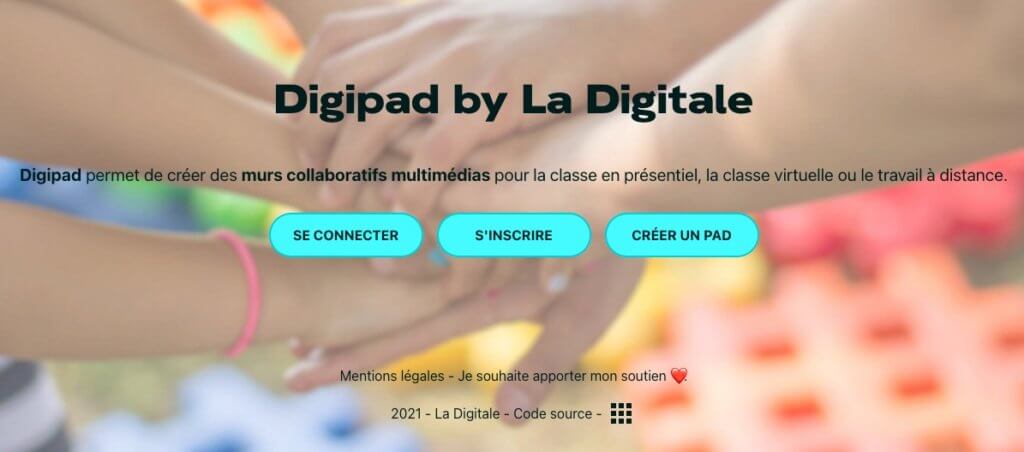
Digipad. Collaborative walls for classroom in person or remotely
Digipad is one of the many tools tice offered in Emmanuel Zimmert’s amazing free digital kit, which I highly recommend. Look no further if you need a comprehensive and effective virtual display wall to use with your students. Digipad includes all the functions required for a virtual display wall. Free and without advertising. A real first choice.
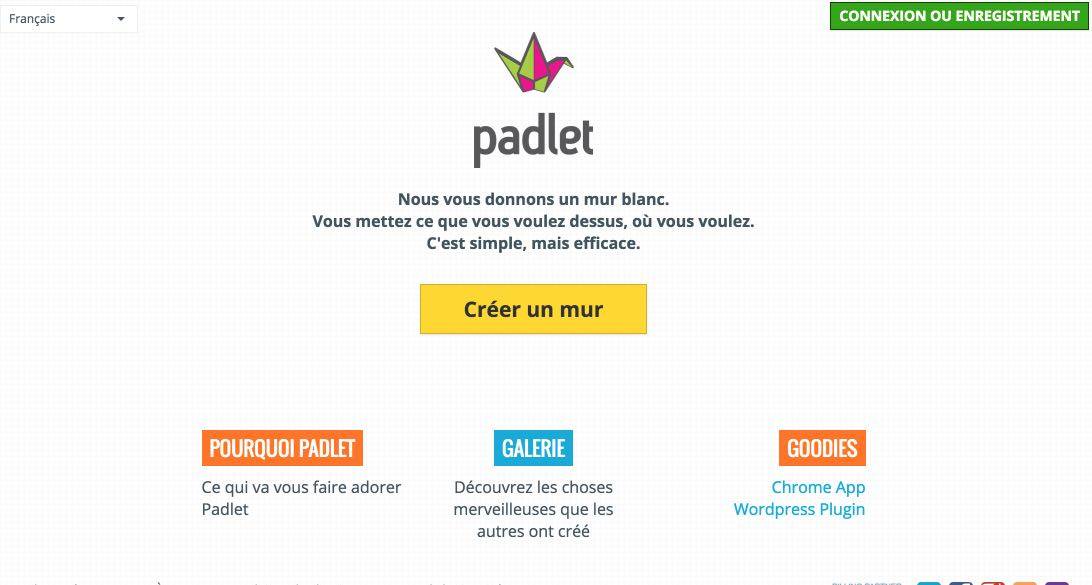
Padlet. White Walls Online for Schools
Padlet is one of my favorites. I dedicated to him a full article right here some time ago. Padlet provides you with a white wall. It’s up to you to stick what you want on it and where you want it. Text, images, video … Your wall will be private or public, you may or may not allow readers to edit or complete your display wall. Padlet works on your computer or tablet. Another must-have.
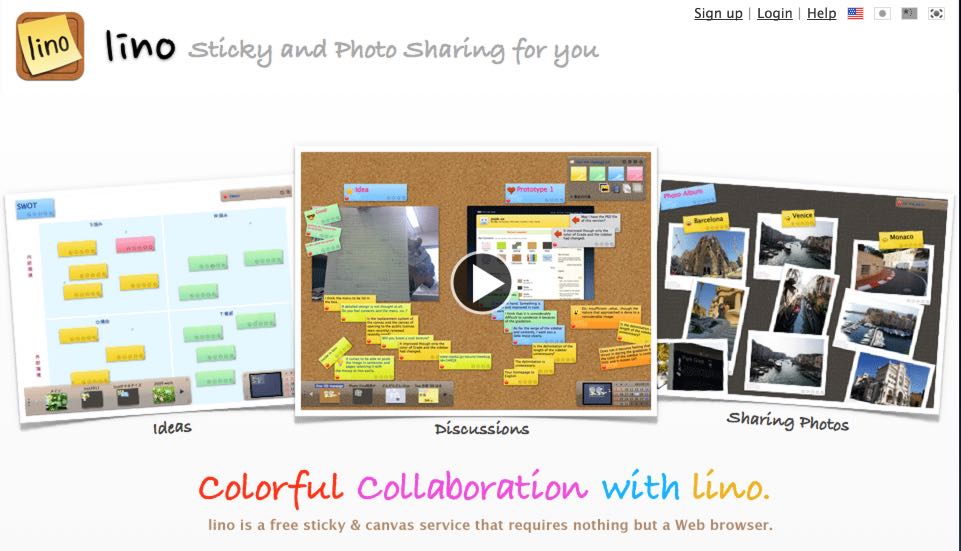
Lino. Color notes and images on an online cork board
Lino will make you see it in all colors. The colors of the repositionable notes that you will be able to stick to them. We are very close here to the use of small sticky self-adhesive papers that we stick here and there to take a note or not forget something. Lino faithfully reproduces its use but online. You can even add alarms so that Lino reminds you of something on time. Another good online rating service that also offers versions adapted for your smartphones or tablets, whether they are on iOs or Android.
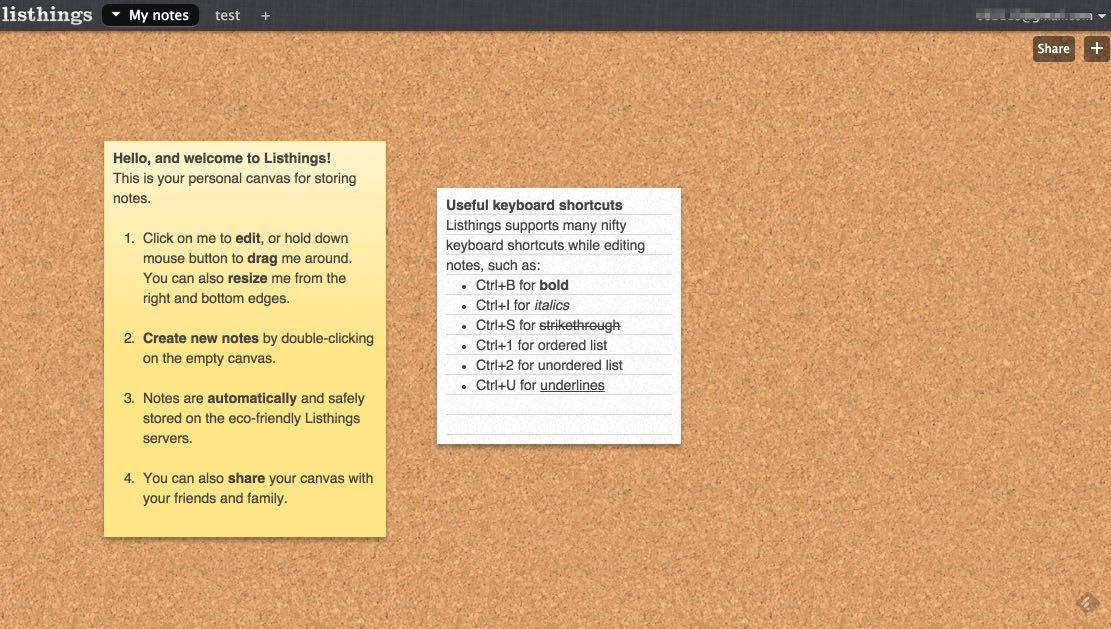
Pinup. A free online bulletin board without registration
Pinup is a service that provides you with a real cork board for your computer. You will be able to display as many notes as you want. You can also create several tables and switch between them via a classic but convenient system of tabs. You can share one of them with one or more people. Simple and efficient service. Pinup, formerly LisThings, offers a series of easy-to-remember keyboard shortcuts that will allow you to use it even more efficiently.
Scrumblr. A free and open source virtual board
I had a little crush on this last little online service. Scrumblr reproduces on the screen a whiteboard of class. You know these paintings on which you write with a veleda felt and you never manage to erase them well. Scrumblr has fun with a wallpaper or there are traces of notes. For the rest the service plays simplicity. You will be able to paste on this whiteboard small notes repositionable in color and position them where you want with the end of the mouse. Scrumblr provides a unique url to share your board. Also proposed by our puts of Framapad, but attention closure announced or in progress.
Link: Scrumblr

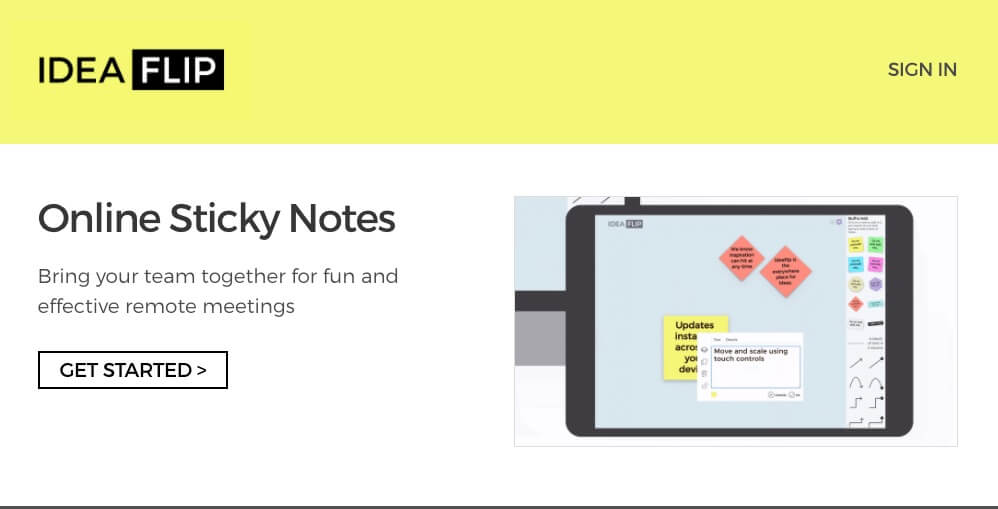
IdeaFlip. For brainstorming or online votes
IdeaFlip found on the website dedicated to Collaborative Tools,is another collaborative virtual wall solution. It seems well suited for playful online brainstorming with remote participants; very easy to use also for arranging online votes.
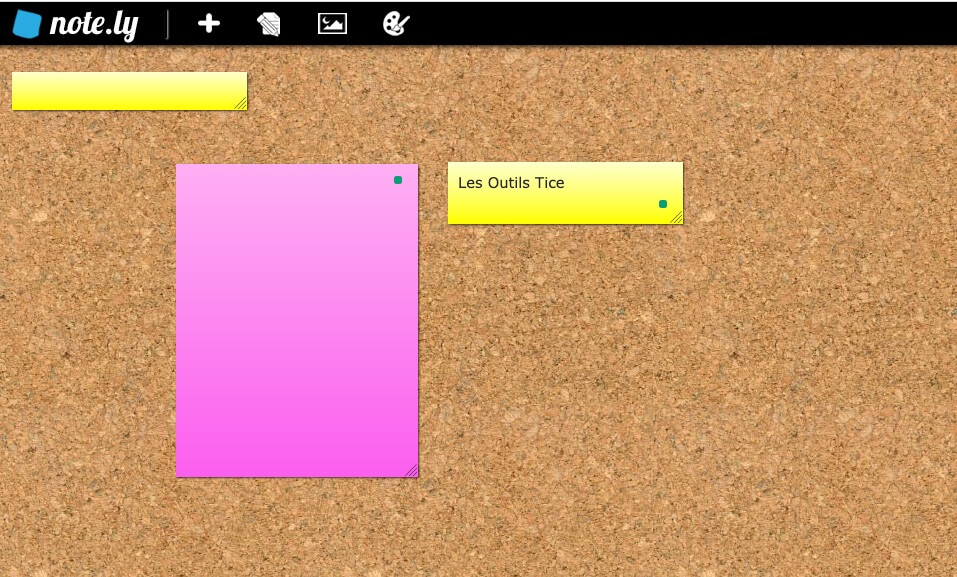
NoteLy. An umpteenth version of the shared cork board
Note.ly brings little novelty and originality to this list of online whiteboards. However, it is a serious solution with the possibility to work in real time on moreierus on a board without the need to register. But of course no registration also means no safeguard.
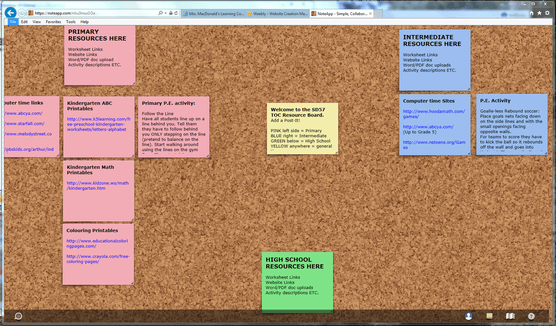
NoteApp. A service designed for collaborative work
NoteApp is an application that also offers a whiteboard to work in real time with other users to redo, edit, modify, simply position notes on a virtual board. Rather company oriented with quite expensive rates. However, they offer education rates including a free formula that allows you to work at five.
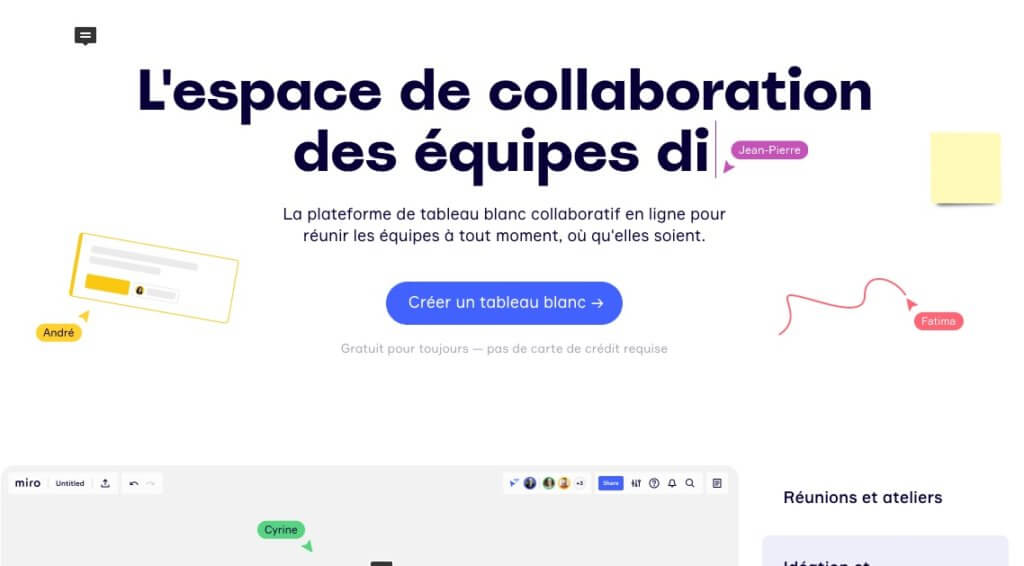
Miro. Online adhesive notes for sharing ideas
Miro is another very serious tool in this list of virtual whiteboards for group work. It is a visual workspace where you can work with self-adhesive notes online but also any kind of multimedia element. Miro offers as a bonus many models of work ready to be customized according to your needs. Practical.
Popplet. Making Mind Maps for Multiples
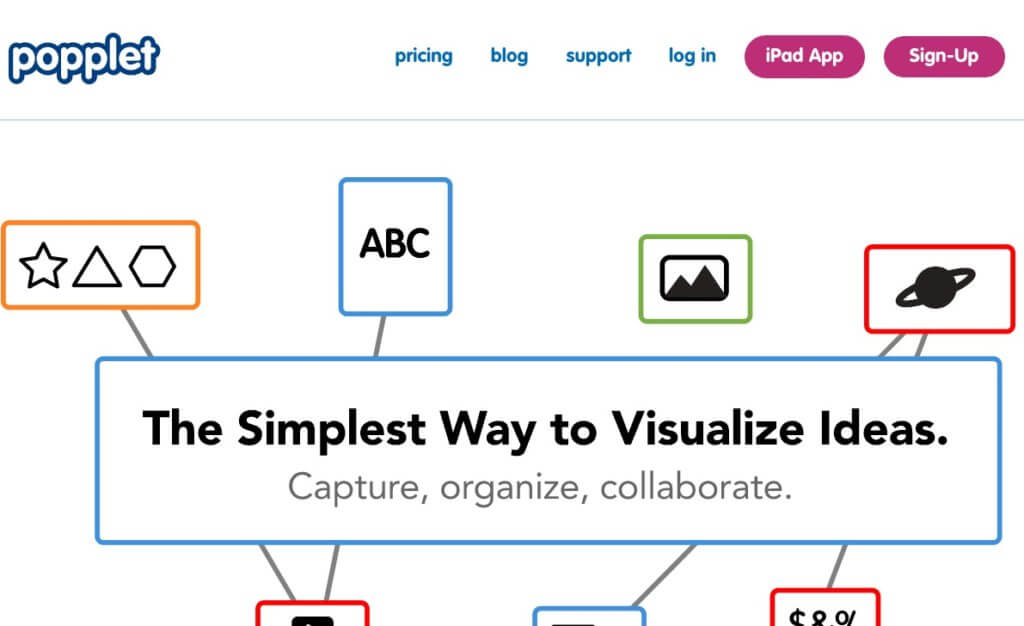
Popplet for its part, has specialised in mind maps designed online alone or with others. Popplet provides you with a whiteboard on which the user places digital objects (texts, photos, videos, links). The site is in English but nothing insurmountable even for beginners.
What about you? Do you use such services? Do you know any others? In what context and pure what kind of uses? Looking forward to reading you in the comments.
If you are interested in this article, please share it.
 English
1 Response
[…] For a very complete list of virtual whiteboard solutions, check out this …sur Tools Tice summary. […]