Last updated on 12 May 2026
Powerpoint, Google slides and other Keynotes have taken a hell of an old shot with the thunderous arrival of artificial intelligence.
A whole new generation of presentation tools to create slides now makes it easier to design and deliver professional quality results that will dazzle your students or learners. Forget the hours of fine-tuning the visual aspect, cutting and scripting of your slides.
The new tools supported by artificial intelligence make it possible to create a presentation of several dozen slides in less time than it takes to say.
All the better, all this time saved will allow you to focus on the essentials: the substance of what you mean.

Here is Ten game-changing AI tools that will help you create slides like a pro.
Creating slides using artificial intelligence
To create presentations, AI tools work by automating and optimising the slide creation process, using intelligent algorithms to analyse content and provide layout and design suggestions.
These tools can generate plans, content, and even presentation designs based on instructions or data provided by the user. I had presented this a while ago. three tools that use AI to create slides for your presentations. The list has grown quite a bit.
Read on to discover an annotated list of ten AI-powered presentation tools. Feel free to complete this first list in the comments.
Gamma
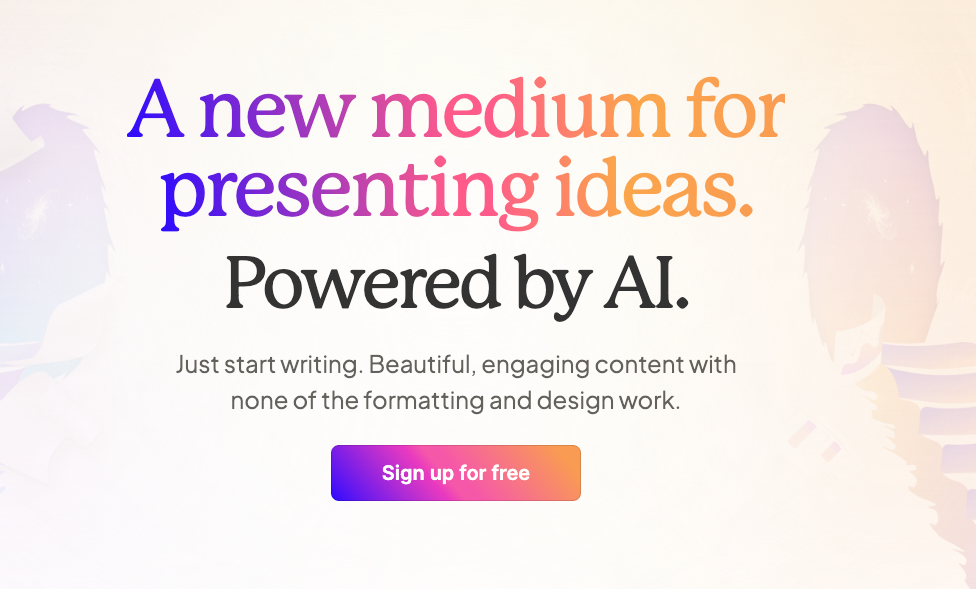
Create slides with the help of AI
Gamma is a particularly effective tool for creating professional presentations quickly. It has an excellent AI feature that allows you to write custom style instructions and then import a Google or Word document, or a Google Slides or PowerPoint presentation to serve as a guide.
Here is an overview of its main features:
- Automated Content Generation : Gamma integrates AI features that automatically generate relevant content based on the given topic. This includes optimized text, images and layouts. A considerable saving of time in the preparation of the courses, allowing to focus more on pedagogy.
- Customization and Adaptability : With Gamma, you can customize the slides according to your specific needs. It offers a variety of models and themes that can be adapted to match the age and level of understanding of the students.
- Integration of Educational Resources : Gamma facilitates the integration of various educational resources, such as videos, quizzes, and interactive infographics. This feature is particularly useful for trainers looking to create rich and interactive multimedia learning experiences with Live slide projections.
- Ease of Use : Designed to be intuitive, Gamma allows teachers of all levels of technological competence to create professional presentations without requiring extensive training in graphic design or computer science.
- Real-Time Collaboration : Gamma offers real-time collaboration features, allowing teachers to work together with colleagues or students on the same presentation.
iA Present

This tool focuses on the content of the presentation, allowing to divide and attach slides without having to rethink the whole presentation. It is designed to be easy to use.
Here are the main features of iA Present and some of its strengths:
- Analysis and Structuring of Content : iA Presenter stands out for its ability to analyse the text of a presentation and suggest optimal layouts and appropriate visuals.
For a teacher, this means that the tool can turn a simple text into a visually appealing series of slides, making the content more accessible and engaging for students. - AI-based design suggestions : This tool uses AI to recommend designs and formats that best fit the topic being addressed. This will help you create professional presentations without the need for advanced design skills.
- Live Interaction and Engagement : iA Presenter offers real-time interaction features, such as surveys and integrated Q&A, which are useful for trainers and teachers wanting to involve their students during classes.
- Accessibility and Compatibility : Easy to use, iA Presenter is also compatible with other presentation platforms and tools, allowing easy and transparent integration.
- Continuous Improvement Through AI : The tool learns from each use, which means that it becomes more efficient and tailored to the specific needs of the user over time.
PowerMode

PowerMode is an artificial intelligence tool focused on improving and optimising PowerPoint presentations. Here is a presentation of its main features:
- Automatic Slide Optimization : PowerMode stands out for its ability to automatically analyze and improve existing slides. It can adjust the layout, fonts, and colors to maximise visual impact and readability.
- Smart Content Suggestions : The tool offers content suggestions based on the text of the slides, such as relevant graphics, images and icons.
This feature makes presentations more dynamic and visually appealing. - Real-Time Data Integration : PowerMode can integrate real-time data into presentations, which is especially useful for displaying automatically updated statistics and charts.
- AI Design Assistant : The Integrated Design Assistant uses AI to provide tips and tricks on how to improve slides, based on presentation design best practices.
- Compatibility and ease of integration : PowerMode is designed to be easily integrated into Microsoft PowerPoint, providing a seamless user experience without the need to learn new software.
SlidesAI

SlidesAI uses AI to write the plan and content of the presentation, which helps create professional and engaging slides in a faster and more efficient way.
Here is an overview of its main features:
- Automatic Slide Generation : Slides AI excels in automatically creating slides from plain text. By simply typing a block of text, the tool is able to generate well-structured slides, with layouts and visual elements adapted to the content.
- Advanced Graphic Design : The tool uses AI to offer advanced graphic design options, such as automatic selection of color schemes, fonts and layouts in harmony with the presentation theme.
- Easy customization : Despite its advanced automation, Slides AI allows for deep customization. Users can easily edit and adjust the generated slides to suit their specific needs.
- Integration of Multimedia Elements : The tool facilitates the integration of multimedia elements such as images, videos and graphics, making presentations more interactive and captivating.
- Content Optimization : Slides AI also offers suggestions for optimizing text content, helping to make messages clearer and more impactful.
PowerPresent AI

This tool uses AI to create presentations up to 10 times faster. This is the promise of PowerPresent.
It was designed to enrich and optimize PowerPoint slides. Here is an overview of the main features of PowerPresent AI:
- Automatic Improvement of Slides : PowerPresent AI analyzes existing PowerPoint slides and suggests automatic improvements. This may include reorganising elements, improving contrast and colour, and suggesting better fonts for greater readability.
- Visual Content Generation : The tool can automatically generate relevant visual content such as graphs, tables and images, based on the text of the slides.
- Content Analysis and Suggestions : PowerPresent AI offers slide content analysis to suggest improvements, such as clearer formulations, more impactful messages, and points to highlight.
- Compatibility with PowerPoint : Designed to be integrated directly into Microsoft PowerPoint, PowerPresent AI provides a seamless user experience, allowing users to benefit from its functionality without leaving the PowerPoint environment.
Typeset
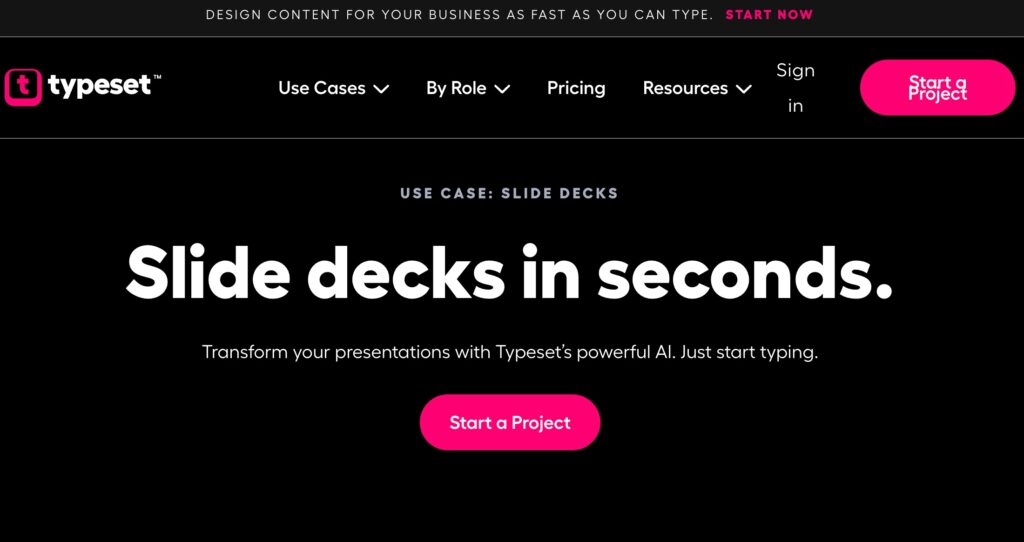
Typeset presents itself as a writing and presentation support tool, with artificial intelligence capabilities, which focuses on improving the quality of documents and slides. Here is an overview of its strengths:
- Improved Drafting : Typeset excels at improving the drafting, offering suggestions to improve the clarity, conciseness and style of the text. This is especially useful for writing written documents and presentation scripts.
- Automated Page Layout : The tool uses AI to suggest optimal layouts for documents and slides, depending on the type of content and target audience. This feature helps to create visually appealing and professional presentations.
- Integration of Visual Content : Typeset facilitates the addition of visual content such as graphics, tables and images, effectively aligning them with text to reinforce the message.
- Compatibility with Various Formats : The tool is designed to be compatible with many document and presentation formats, allowing great flexibility in the creation and editing of content.
- AI-Based Guidance for Content Structure : Typeset provides guidance to structure content effectively, suggesting titles, subtitles, and logical organization of text, which is essential for clear and consistent presentations.
More AI
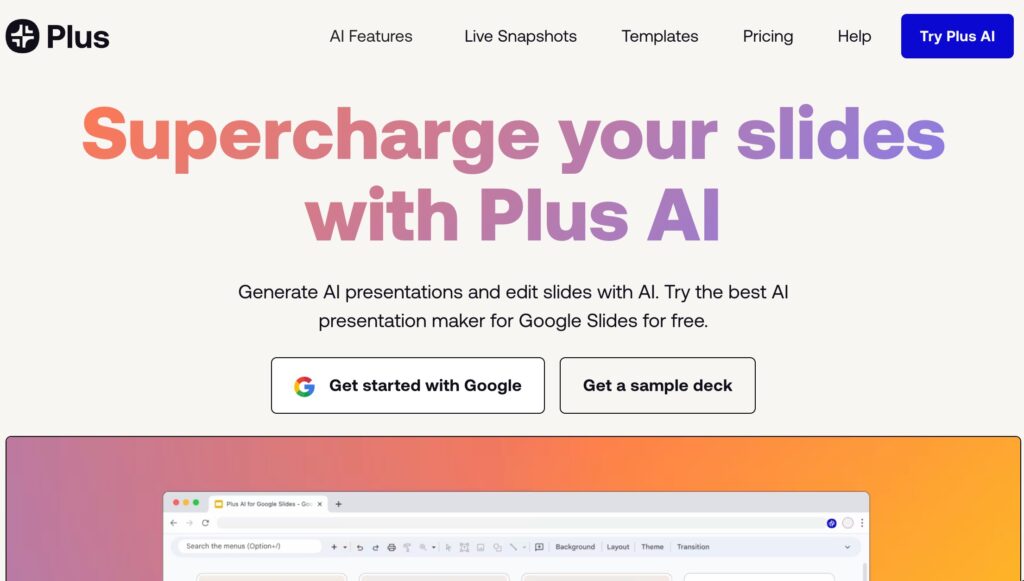
The Plus AI Platform works directly with Google Slides. It allows you to create and edit presentations by anticipating user needs and providing suggestions to improve the clarity and conciseness of slides.
An innovative tool designed to enrich and simplify the creation of presentations. Here are its main assets.
- Automated Presentation Creation : Plus AI stands out for its ability to automatically generate slides from text content.
The user can insert text, and the tool creates structured slides with adapted layouts and corresponding visual elements. - Intelligent personalization : The tool offers a wide range of customisations, allowing users to choose from different styles, fonts and colour palettes. These options are optimised by AI to align with the tone and topic of the content.
- Integration of Data and Graphics : Plus AI can intelligently integrate data and graphics into presentations, turning complex data into easily understandable visuals, such as graphs or infographics.
- Suggestions for AI-Based Content : The tool offers content suggestions, such as images, videos, and links, based on the analysis of the text of the slides, making the presentations more dynamic and informative.
- Ease of Use and Integration : Designed to be user-friendly, Plus AI is easy to use and can effortlessly integrate with other presentation platforms or tools.
Beautiful.ai

Beautiful.ai integrates AI to improve slide creation, offering pre-designed templates that intelligently and automatically adapt to user content.
It was designed to simplify the creation of aesthetically appealing and professional slides. It is one of the new AI tools to create some of the best known and most used presentations. This is probably no coincidence.
- Intelligent Slide Design : Beautiful AI stands out for its slide design system that automatically adjusts visual elements based on content. This makes it possible to create harmonious and well-balanced slides without manual effort.
- Extensive library of models and images : The tool offers a wide range of high-quality models and images that can be used to visually enhance presentations. This library is continually updated to reflect current design trends.
- Easy customization : Despite its automation, Beautiful AI allows for deep customization of slides, giving users the freedom to modify layouts, colors, and fonts according to their preferences.
- Data and Graphics Integration : The tool facilitates the integration of complex data in the form of intuitive graphs and infographics, making information more accessible and understandable to the public.
- Team collaboration : Beautiful AI supports team collaboration, allowing multiple users to work on the same presentation simultaneously, which is ideal for group projects or collaborative work environments.
Pitch
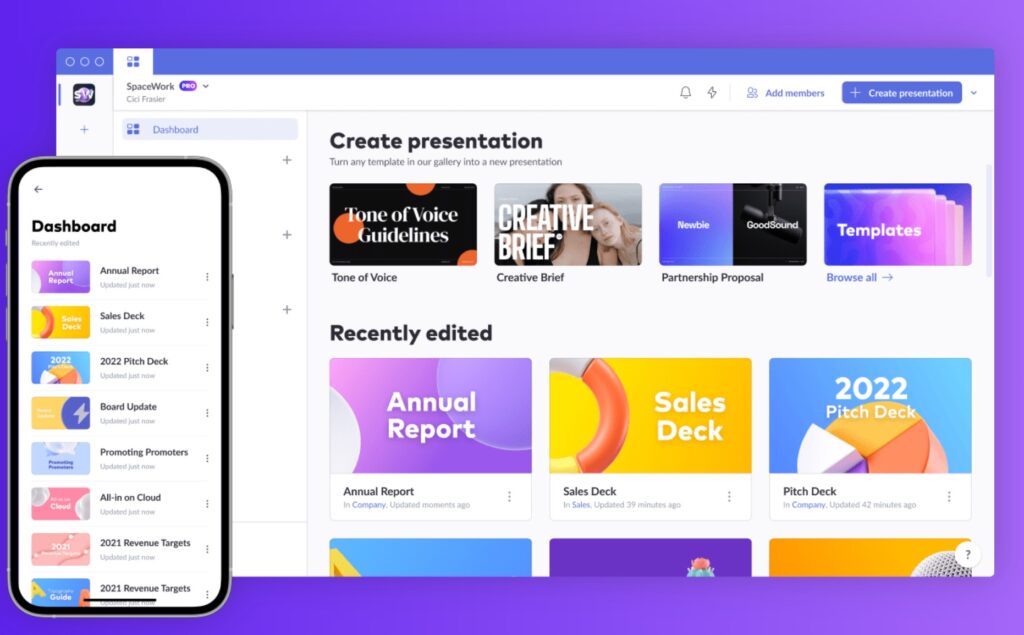
Pitch is another modern presentation tool assisted by artificial intelligence, designed to provide a slide-making experience that is both effective and aesthetically pleasing.
It offers some of the most impressive templates of all the presentation tools on this list. Pitch excels at teamwork around a presentation.
Here are Pitch’s strengths:
- Intuitive Slide Design : Pitch offers an intuitive user interface that makes it easy to create attractive slides. Its AI helps organize content logically and visually pleasingly, making the design process more fluid and less time-consuming.
- Real-Time Collaboration : A major advantage of Pitch is its real-time collaboration feature, allowing multiple users to work together on the same presentation, regardless of their location. This promotes a dynamic and effective teamwork approach.
- Library Extent of Models : The tool offers a wide selection of professionally designed models, adapted to a variety of needs and styles. These models can be easily customized, saving time while maintaining a high level of design quality.
- Easy Integration of Multimedia Content : Pitch effortlessly integrates multimedia content such as images, videos, and graphics, improving users’ ability to create engaging and interactive presentations.
- AI-Based Analysis and Suggestions : Pitch’s artificial intelligence provides analytics and suggestions to improve slides, including content layout, colour choice, and communication efficiency.
Tome

Tome offers a serious alternative to the usual slide editors and applications. It is a very powerful platform to create online presentations using AI.
- Intuitive Creation of Interactive Content : Tome stands out for its ability to facilitate the creation of interactive presentations. The tool allows users to not only create slides, but also integrate interactive elements such as links, videos, and animations.
- User-friendly interface : The user interface of Tome.app is designed to be intuitive and easy to navigate, making the creation of presentations accessible even to users with less design experience.
- Customization and Flexibility : The platform offers great flexibility in terms of personalization, allowing users to modify the design, layout, and styles to match their specific needs.
- Integration of AI for Content and Design : Tome.app uses artificial intelligence to suggest content improvements and design optimizations, helping to create more engaging and visually appealing presentations.
- Collaboration and Sharing Facilities : The platform supports team collaboration, allowing multiple people to work together on the same presentation. It also facilitates the sharing of presentations with others, whether for feedback or final presentations.
All the links and prices of these ten tools to create slides with AI
| Tool | Free Plan | Plan Pro |
|---|---|---|
| Gamma | 400 AI credits, PDF/PPT export (marked Gamma), 7-day history | 20 $/user/month |
| iA Present | Not specified | 4,95 $/month or 99 $ single purchase |
| Slides AI | 3 presentations/month, 2500 characters/presentation, 10 AI credits/month | 10 $/month |
| PowerPresent AI | 1 $/credit | Not specified |
| Typeset | Not specified | 19 $/month |
| More AI | Generate 3 presentations, 5 Snapshots | 10 $/user/month (annual) or 15 $/user/month (monthly) |
| Beautiful AI | Unlimited presentations, AI content generation, marked exports | 12 $/month (annual) |
| Pitch | Unlimited admins, unlimited presentations, AI presentation creation, custom templates | 20 $/month or 17 $/month (annual) |
| Tome.app | 500 free AI credits, 2 users/account | 8 $/month per person |
All these AI tools for presentations were designed to make the creation process more intuitive, less time-consuming and to allow you to focus more on the content and delivery of your message rather than the technical aspects of slide design. Artificial intelligence is sometimes good.
Feel free to complete this list in the comments.
 English
Thank you. It is important to have someone filtering AI and giving us information.