Last updated on 28 May 2026
You recorded a 45-minute interview with a professional for your educational project. Or a conference captured on your phone. Or a YouTube video in English that you would like to use with your students, if only you had a text version or a subtitled version.
HappyScribe is a transcription platform and automatic subtitling, powered by AI. It converts audio or video files into text, generates subtitles, translates content into many languages, and can even produce summaries of meetings or YouTube videos.
It takes a long time to transcribe by hand. Very long. And look for a reliable tool of audio transcription and video that understands French, manages accents, distinguishes interlocutors and produces something usable … is another pair of sleeves.
In short. HappyScribe is a platform that offers a serious answer to this problem. Instead, it delivers on its promises.
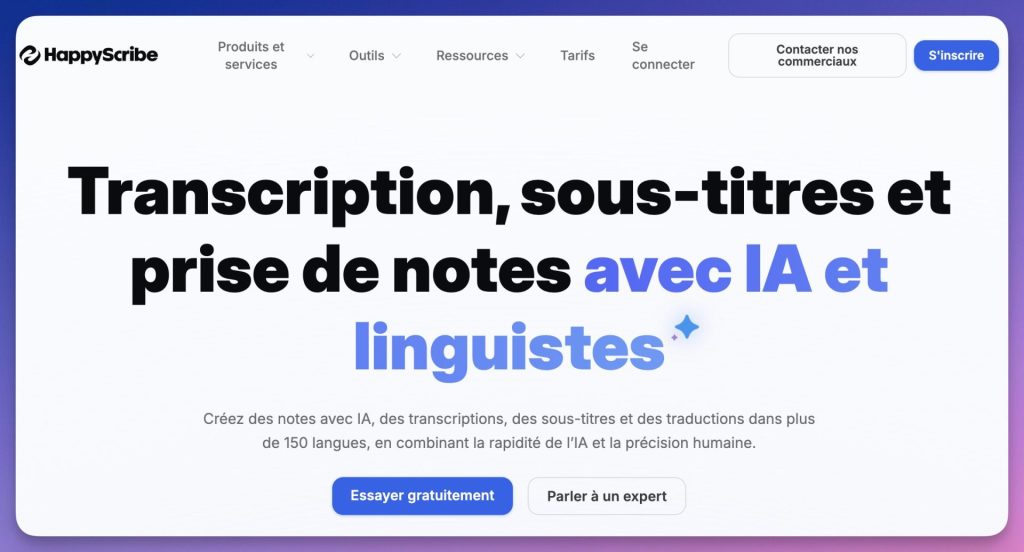
Table of Contents
What is HappyScribe?
On paper, nothing exceptional. Tools of this type, there are several. But in practice, HappyScribe is distinguished by a few details that really matter to a teacher: interface available in English, support for more than 150 languages, and an option of human proofreading for projects that require precision.
According to the publisher, the platform is used by more than 6 million people and 41 000 teams worldwide. It first built a reputation in journalistic and research circles, two worlds that share a central need with teaching: faithfully transcribing the word.
How to subtitle a pedagogical video with HappyScribe
Subtitle a pedagogical video automatically
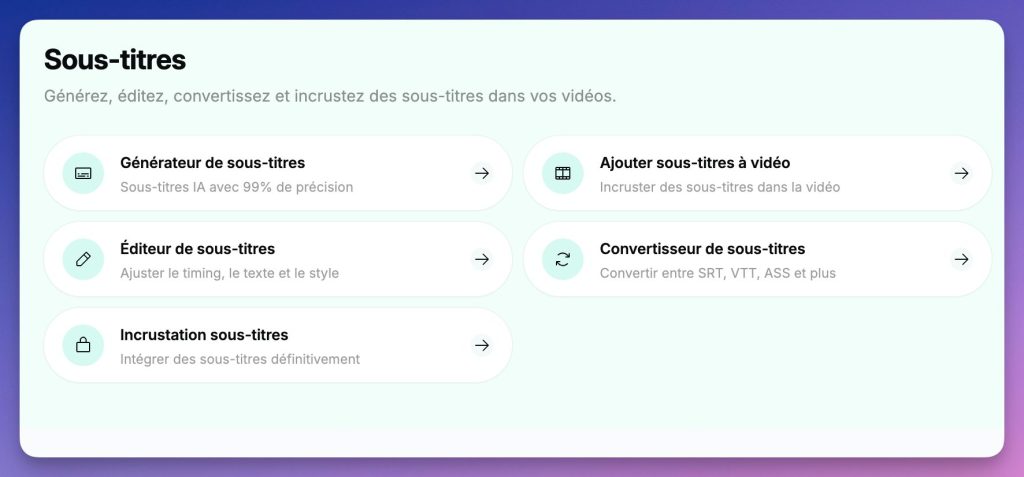
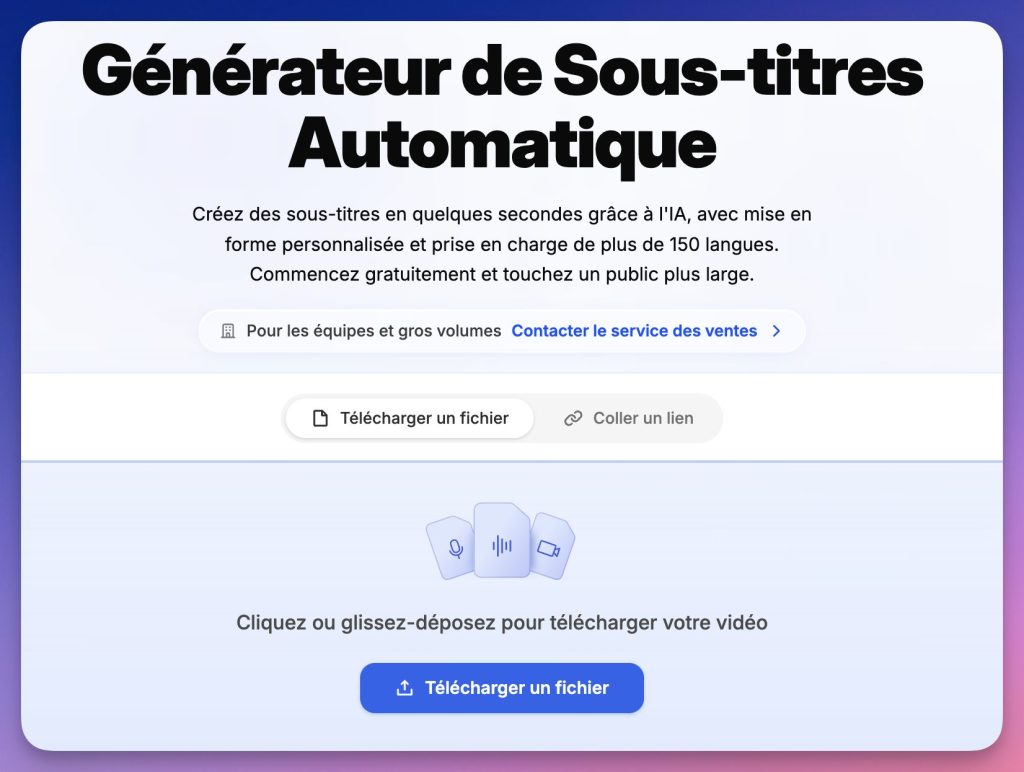
This is arguably the most immediate use for a teacher who produces Video Capsules. HappyScribe detects speech, synchronizes text, and lets you correct approximations in a dedicated editor. You can then embed the subtitles directly into the video or export them in SRT format for use with any external player.
This is particularly useful for students who are deaf or hard of hearing, allophone students, or simply to strengthen the understanding of a resource in foreign language. And it also solves a real problem of digital accessibility that many institutions are still unaware of.
Transcribe a video or audio recording
This is the second pillar of the platform. You upload a file (audio or video), you choose the language, and HappyScribe produces a transcript with timestamp. The result is searchable, editable directly in the online editor, and exportable in DOCX, TXT, or SRT.
For teachers who work with sound documents (interviews, podcasts, radio broadcasts, class captures), this saves a considerable amount of time. What took an hour is fixed in a few minutes.
Summarize a YouTube video
Less known but very practical functionality: HappyScribe can summarize a YouTube video directly from its URL. You paste the link, the AI produces a structured summary. This is useful to quickly assess the relevance of a video before offering it to your students, or to extract the key points for a course.
Working in multiple languages
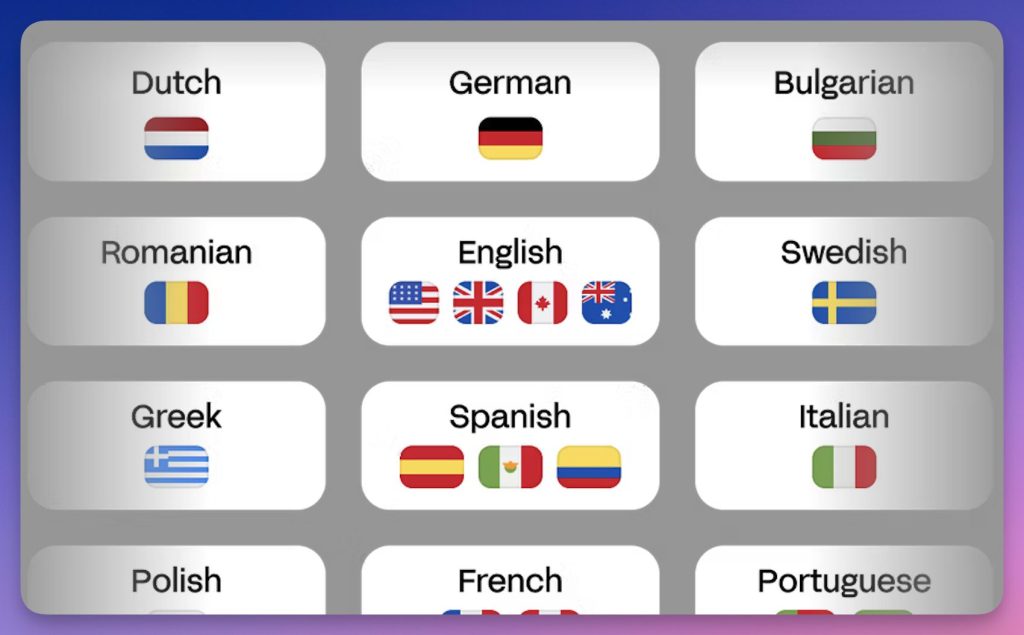
HappyScribe supports more than 150 languages and dialects, This makes it particularly suitable for schools hosting international students, language classes, or European mobility projects (Erasmus+). Transcription in Spanish, German, Arabic or Portuguese is possible without changing tools.
Create glossaries for specific terms
This is a detail that is not obvious, but it is important for teachers in technical or scientific disciplines: HappyScribe allows you to create glossaries and Style Guides to force the correct recognition of specific terms (own names, disciplinary vocabulary, acronyms). If your course is about photosynthesis or constitutional law, the tool can learn not to misrepresent your key terms.
The human proofreading option
It is arguably the feature that differentiates HappyScribe most from its competitors. For projects that require absolute precision (research interviews, content to be published, official transcripts), it is possible to entrust the file to professional human reviewers. As we used to do in a way …The result is then of a much higher quality than what AI alone produces.
This option is paid (from 2 $/minute), it is optional. It is up to you to see if for some very specific (and important) projects it is really worth the investment.
Practical uses in the classroom and in the establishment
Here are some situations where HappyScribe can really save you time:
- In modern languages : transform a podcast (without transcript) into a written comprehension medium, recovering a transcript quickly.
- In SES, history or EMC : transcribe the intervention of an external speaker after the session, then extract the passages useful for a summary or class work.
- In the context of a research project or a VSE : Produce a clean text version of student-led interviews to facilitate analysis and writing.
- To make your content accessible : add subtitles to a video capsule and avoid excluding some of your students (deaf or hard of hearing, allophones, etc.).
- To automate meeting minutes : obtain an exploitable written record of class councils or consultation meetings, without transcribing everything by hand.
What I like
- The interface in French, which is not so common in this tool category.
- The quality of automatic transcription, particularly reliable for standard French.
- Management of multiple interlocutors (diarisation), useful for interviews or debates.
- The customizable glossary, which limits errors in disciplinary terms.
- GDPR compliance and SOC 2 Type 2 certification, a significant point when working with data from students or confidential interviews.
What I like less
The free plan is quite limited: only 10 minutes test for AI transcription, and restricted export functionalities (filigrane on videos). This is enough to test, not to work regularly.
If you have a strong regional focus or are working on poor sound quality recordings, AI may be less accurate. Nothing unusual for this type of tool, but it is better to know beforehand.
How much does it cost?
HappyScribe works in freemium.
- Free plan : unlimited meetings (max 45 min), 10 minutes trial for AI transcription, 3 questions to AI assistant, limited export.
- Basic Plan : from 8,50 $/month (billed annually), i.e. approximately €7.80. It includes 120 minutes of AI transcription per month, recordings up to 90 minutes, and 20 interactions with AI.
- Top shots : available for teams with more needs.
- Human proofreading : billing per minute, from 2 $/min.
For occasional individual use, the free plan may be sufficient for exploration. For regular use in the classroom or in a school project, the Basic plan is reasonable.
What to remember
HappyScribe is a well-built, reliable transcription tool with an accessible interface and quite impressive language coverage.
What clearly distinguishes it is the combination AI + optional human proofreading, a hybrid model that leaves the teacher the choice of the level of precision according to his needs, and a compliance with data protection standards It deserves to be highlighted in a school context.
In a workshop with secondary school teachers, HappyScribe attracted the most interest. Not for its spectacular effects, but for its ability to solve a real problem on the ground: transform one hour of audio into a few minutes of actionable text.
To be tested, in particular if you work with audio or video documents, if you are running multilingual projects, or if you are looking to make your content more accessible.
HappyScribe : happyscribe.com/fr
French interface | Freemium | Free plan available | GDPR | SOC 2 Type 2
 English