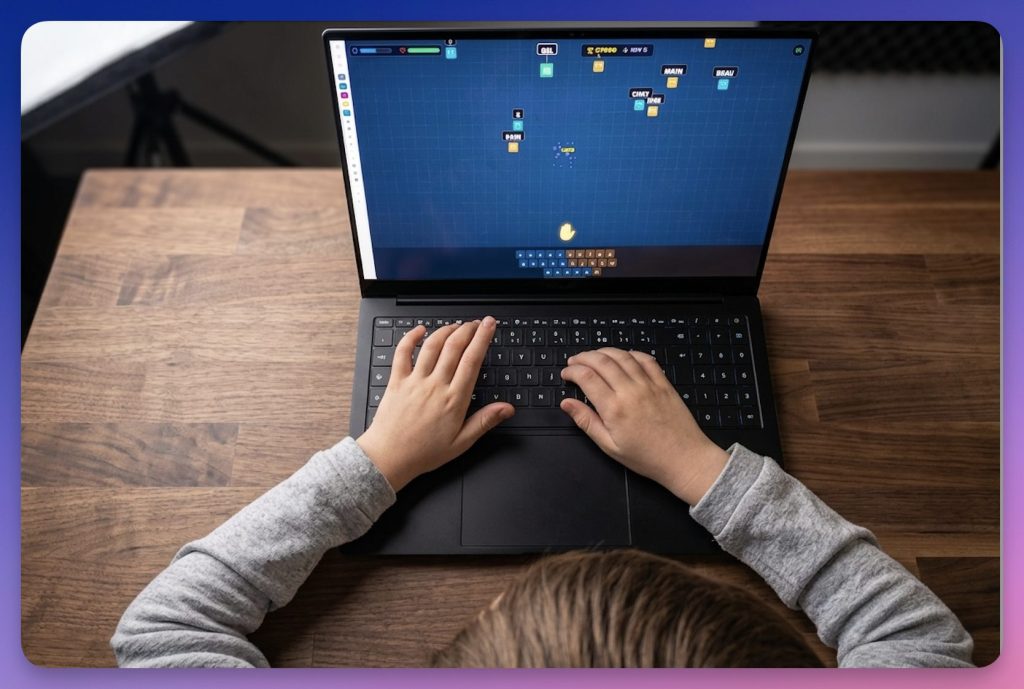
Seeing a student type a text with two fingers, eyes riveted to the keyboard, is a fairly common scene. The problem is that this slowness ultimately weighs on everything else: drafting, note-taking, research, homework. For students who are dyslexic, dyspraxic or more generally struggling with writing, the keyboard can even become an additional obstacle.
It already exists tools to learn how to type on the keyboard faster and fairer. Many are effective, but not always school-friendly: unmotivating interfaces, accounts to be created, online tracking, paid model or data collection.
Fort Dactylo Take another direction. Free, without advertising, without account and thought from the start for accessibility, this little typing game pleasantly surprised me. I'll explain why.
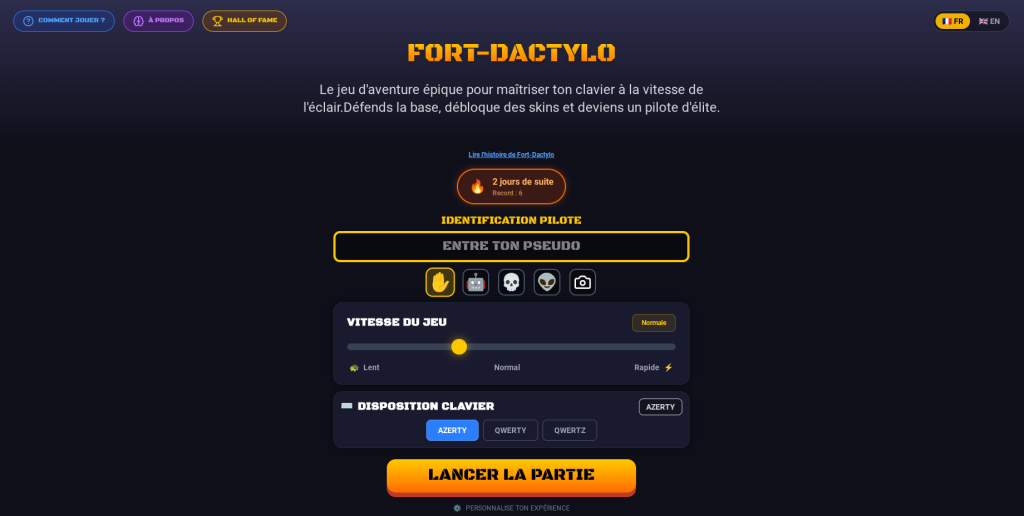
Table of Contents
Fort Dactylo, learning to type without looking like it
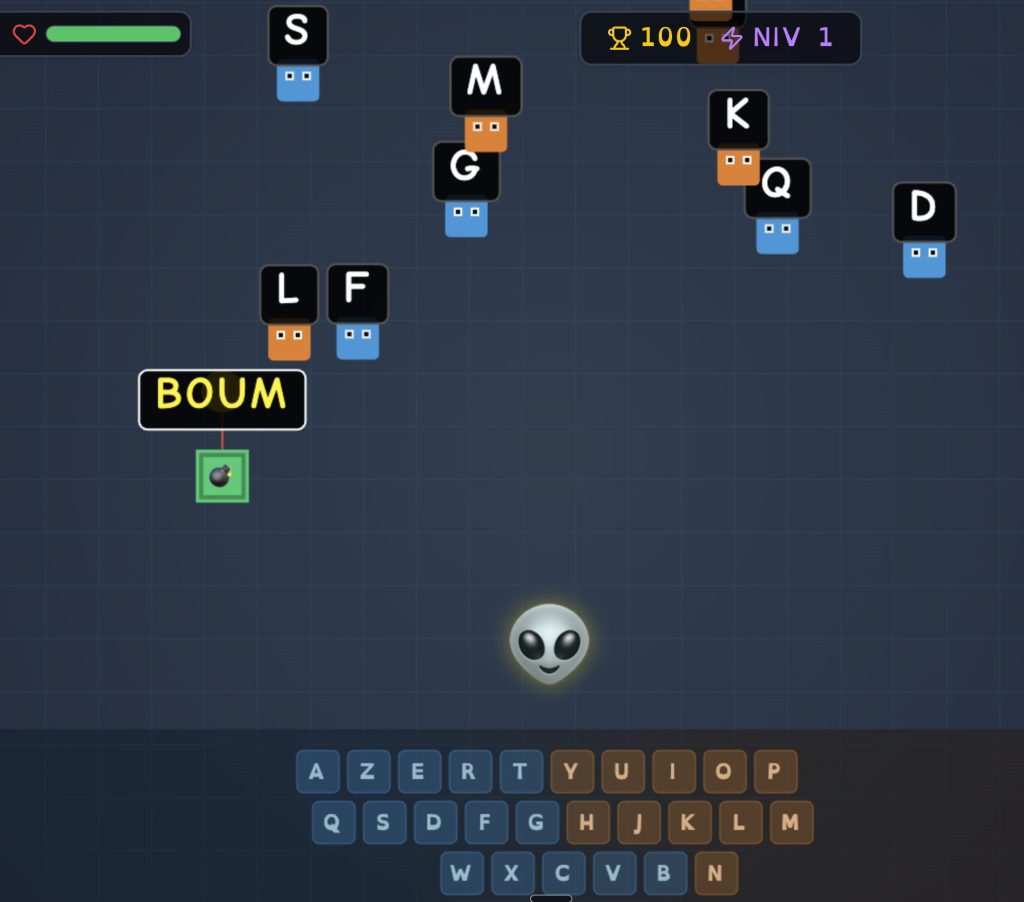
Fort Dactylo is a pedagogical game of type shoot ’em up. Enemies advance towards the player's base. To eliminate them, the student must correctly type the words displayed on the screen. The faster and more accurate the strike, the better it progresses in the game.
The principle is not new. Typing games have been around for a long time. But Fort Dactylo is distinguished by three important choices: a well-thought-out progression, a real training logic and a particular attention to DYS students.
The tool was created by Nicolas Drolo, a dyslexic father, to help his son tame the keyboard. And I find that this origin is felt in every design choice. Here, accessibility is not an afterthought option, but one of the foundations of the project.
A Chrome extension that also works offline
Fort Dactylo exists mainly in the form ofChrome Extension. It works on computers capable of using Google Chrome: Windows, macOS, Linux and Chromebooks. It is this version that is the most comprehensive and regularly updated.
This is what first appealed to me: once installed, the extension works offline and the progress is saved directly on the device. No teacher account to create, no dashboard to configure, no indispensable network. We install, we throw, the student plays.
A online demo version is also accessible on the site fort-dactylo.com. It allows the tool to be tested quickly without installation. Try it out. It is useful to get an idea, even if it is no longer actively maintained and does not replace the extension.
Another useful detail: On some computers, Chrome allows Fort Dactylo to be installed as a full-fledged application. The icon then appears on the desktop or in the application launcher, and the game opens in its own window. For students who are not comfortable with browser tabs and menus, this is a small plus.
A progression that gradually installs the right reflexes
The progression is organized in more than 30 levels. The first exercises begin with a reduced number of keys, including rest keys. Then the words appear, first short, then longer and longer. The student then moves on to more complex sequences, up to complete sentences.
The point of this progression is to make working memory muscular. In other words, the student gradually learns to find the keys without constantly looking at the keyboard. This is the principle of blinding, but presented in a much less academic form.
The mechanics of the game play an important role here. The student repeats the gestures, corrects his mistakes, starts again, progresses. I played a few levels myself: you don’t feel like you’re ‘doing an exercise’ at all, and yet that’s what’s going on.
A game designed for DYS students
For me, this is the real highlight of Fort Dactylo. The tool is not just simple or free. It incorporates several useful functions for dyslexic, dyspraxic or difficulty with reading and writing.
A Dyslexia Mode
The police OpenDyslexic can be activated with one click. It aims to limit some visual confusion between close letters, such as b and d or p and q. It is not a miracle solution, but it is a useful setting, easy to activate, and can help some students.
A Multi-Dys mode
Multi-Dys mode adds a Audio Dictated words to enter. The student can therefore hear the word instead of only having to read it on the screen. For a dyslexic child, I think it changes a lot: reading no longer interferes with typing training.
Adjustable speed
The rate at which enemies appear can be adjusted. This is essential to avoid failing the student too quickly. You can slow down the game, allow time to settle down, and then gradually increase the difficulty.
A Blind Mode
Fort Dactylo also offers a mode dedicated to learning typing without looking at the keyboard. This is the objective pursued by many occupational therapy or speech therapy accompaniments, but here integrated directly into a playful environment.
These functions make the tool particularly interesting by ULIS, SEGPA, personalized support or individualized help, where the student profiles are very varied.
What makes Fort Dactylo really interesting
The first, and arguably the most important, point is the ethical positioning of the project. Fort Dactylo is free of charge, without advertising, without creating an account and without collecting personal data. Nothing passes through a server. Progress data remains on the student’s device, end point. In an educational landscape where many ‘free’ services are actually financed with user data, this choice deserves to be emphasised. This is increasingly rare, and is exactly what is expected of a tool for minors.
An immediate takeover. The extension is installed in two clicks. There are no complex settings, no virtual classrooms to create, no endless tutorials. In a few minutes, the student can start.
A well-measured motivation. The game features a regularity system, a Hall of Fame, speed and accuracy indicators. These elements make you want to progress without turning the activity into a permanent competition. To learn typing, regularity counts more than punctual performance.
Limits to know before using it
Choosing a local backup is excellent for privacy, but it has a consequence: there is no centralised follow-up for the teacher. It is not possible to see the progress of an entire class at a glance.
The other constraint is the navigator. To fully enjoy Fort Dactylo, you have to go through Google Chrome and install the extension. In an establishment that favours another browser or blocks the installation of extensions, it will be necessary to anticipate.
Finally, the interface remains simple. This is not a flaw in itself, but a complete platform with student accounts, detailed statistics and teaching space should not be expected. Fort Dactylo does one thing, learning to keystroke, and he does it neatly.
In class, some possible uses
- In short ritual : 10 minutes at the beginning or end of the session, several times a week.
- In autonomy : for a student who has completed an activity earlier.
- In individualized accompaniment : to work keyboard typing with a student who needs it.
- In specialized device : ULIS, SEGPA, support, help to DYS students.
- At home : if the pupil has a compatible computer, the training can continue at no cost to the families.
My opinion of Fort Dactylo
Fort Dactylo doesn't try to do everything. It focuses on a specific objective, learning to keystroke, and it does so with seriousness, in a playful framework that works. All without advertising, without account and without data collection.
I particularly appreciate the attention paid to DYS students. It is not a cosmetic addition: this is the heart of the project, and it can be seen in use.
Of course, he lacks a centralised follow-up for the teacher. But it is also a direct consequence of his ethical choice: do not store anything online, leave the data on the device. We can regret this limit, while respecting the logic behind it.
If you have students still typing with two fingers while fixing the keyboard, Fort Dactylo is clearly worth a visit.
Fort Dactylo is available as an extension on the Chrome Web Store. A demo version can be accessed directly on fort-dactylo.com, without installation.
 English