You have a one-hour conference video, a 40-page PDF or just a jumble of notes taken at a meeting, and you need to get a clear structure for your students or yourself. Turning it into a mind map by hand takes a long time.
This is often even the disincentive to do so. MindMap AI is a platform that will help you. You drop content, it gives you a mind map in seconds, which you can then rework. An online tool to watch closely if you like to think, and make your students think, visually.
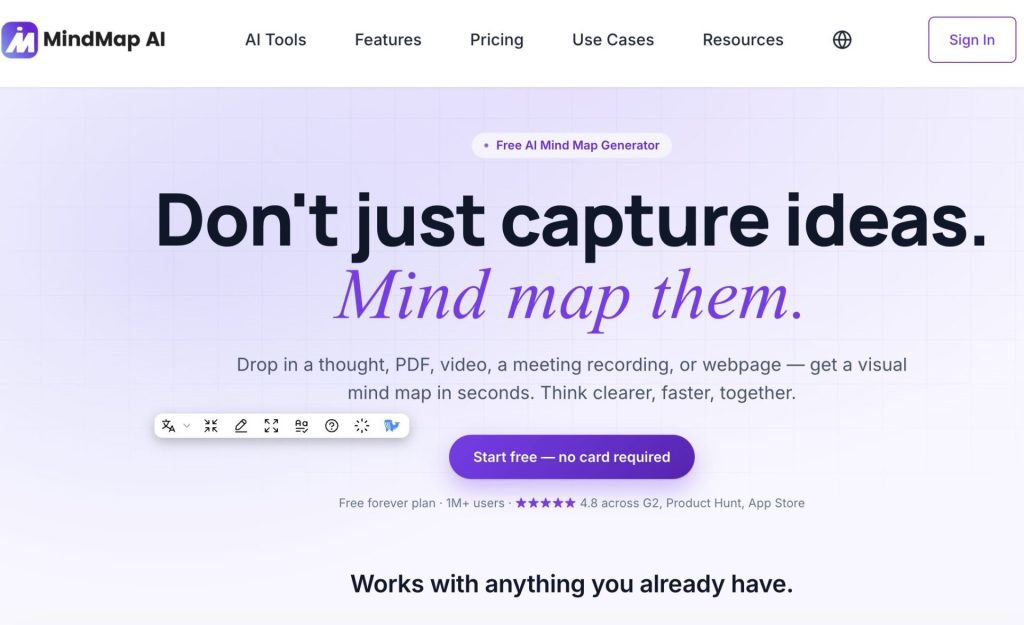
Table of Contents
What exactly is MindMap AI?
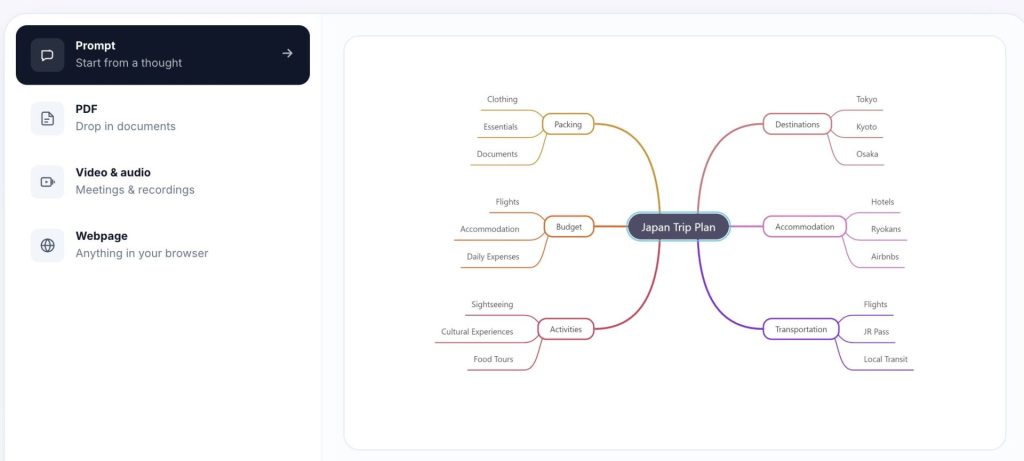
MindMap AI an Online Mind Map Generator It is based on artificial intelligence. The principle is in one sentence: you provide him with a raw material (an idea typed on the keyboard, a PDF file, an image, an audio recording, a video, a web page via a browser extension) and he extracts the main ideas to organize them in arborescence. No installation, everything happens in the browser, with also iOS and Android apps and a Chrome extension.
Where the tool seemed to me to stand out is that it does not abandon you in front of a fixed result. You can chat with the card: ask AI to develop a branch, summarise a section, refocus on a specific node. And you keep your hand to edit with the mouse, move, rename, reconnect branches without touching AI. I found it reassuring. We are not a prisoner of what the machine has decided.
Another interesting point for the class: the tool offers multiple structures from the same content. Radial mind map for brainstorming, flowchart for a decision process or tree, flowchart for hierarchies, and a linear plan mode for writing. We switch from one to the other without rebuilding everything.
Create a mind map for the class with MindMap AI
Turn a PDF or video into a mind map
This is the most immediate use. You put down the chapter of a manual, a scientific article or a report, and you get a map that shows the structure: central idea, large parts, sub-points. To prepare a course, it saves time on roughing. And for students, seeing a dense text reorganised into branches often helps to understand the architecture of a reasoning they did not perceive in linear reading.
Make note-taking and memorization work
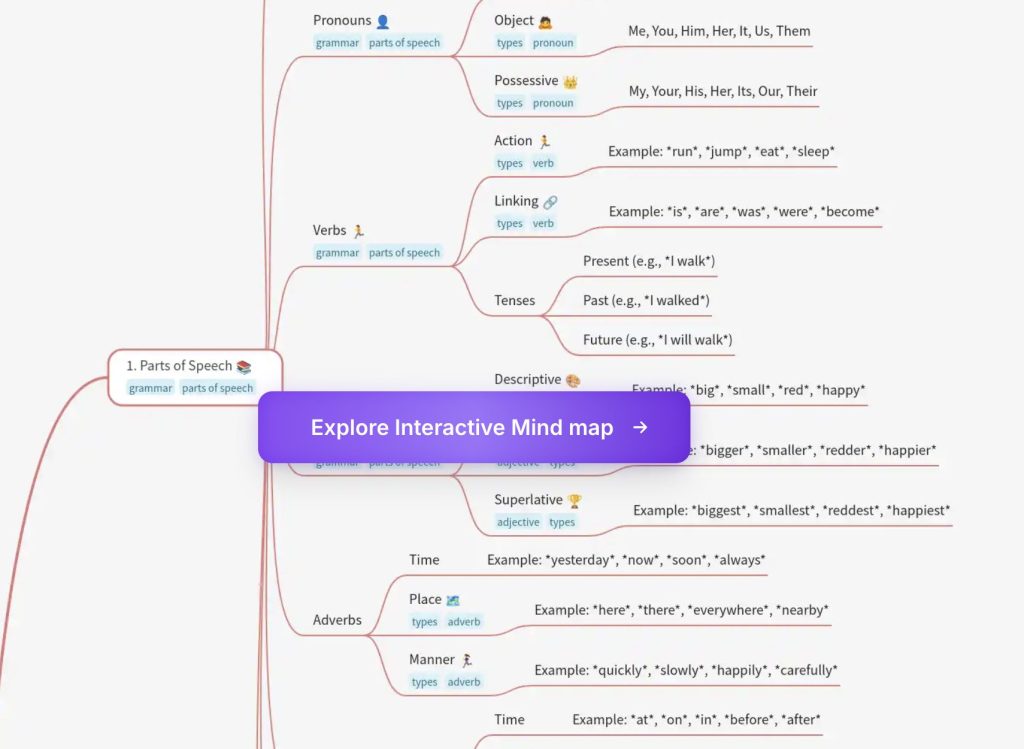
The mind map is a classic of memorization and revision. Here, your students can start from a course, generate a first map and then correct it themselves: complete what is missing, remove the superfluous, reformulate a node. This retouching work is often more formative than the map itself. AI gives the backbone, the student does the rest.
Prepare a writing plan or presentation
Linear plane mode is convenient to switch from idea map to structured draft. A student who blocks in front of the blank page can throw his ideas in bulk, see them organized, and then switch to plan mode to write. It is a useful crutch for those who have ideas but struggle to order them.
Exploiting a video or audio
Putting down a meeting recording, a video capsule or a podcast and pulling out a map of the key points can be used by a trainer or a documentalist. Please note: this function of summary of heavy files (audio, video, large PDF) is part of the paid formulas. The free version, on the other hand, focuses on text and prompts. I come back to that later.
For whom: which levels, which students
In middle and high schools, the tool finds its place for revisions, course synthesis and preparation of presentations. In primary school, I would be more cautious: the interface is in French but remains rather dense, and account creation makes it unsuitable for young students. For use by the teacher in front of the classroom, on the other hand, it works at all levels. Projecting a map built live from a studied text can really support an explanation.
On the accessibility side, visual representation and the ability to reorganize by hand can help some students who are better known in a map than in continuous text. The tool advertises that it works in more than 29 languages, which may be of interest in the host classroom or for allophone students. Honestly, I could not check the quality of the rendering in all these languages, so to be tested according to your real needs.
How much does it cost and does it require an account?
Yes, you need to create an account to access the editor. No guest fashion. This is a point to keep in mind before considering use with students, who should then register themselves. On the issue of data, the site refers to its privacy policy. If in doubt, it is better to reserve the use of ‘students’ for neutral content, or use the tool on the teacher’s side.
On the price, the model is a fairly particular freemium. According to their rates page, manual editing is free and unlimited: You can build as many cards as you want by hand, without paying. What is counted are AI actions, in the form of credits. The free plan offers 50 credits per month, enough to test the automatic generation without more. Beyond that, formulas start around 9.99 $ per month (Basic) and 14,99 $ (Pro), with reduced annual billing rates, lifetime offers and an announced student discount of 70 %. Free for manual use and to taste AI, paying if AI becomes your daily routine.
What I like / what I like less
What I appreciate:
- The “AI proposes, you have” logic: you are never stuck with an imposed result, manual editing remains free and free.
- The variety of inputs (text, PDF, audio, video, web page) that covers most of a teacher’s needs.
- The switch between mind map, plan and flowchart from the same content, really convenient to move from ideas to writing.
- Export in common formats (PDF, PNG, Markdown) to share a map with a class.
What gets in the way:
- The credit system: 50 per month is quickly consumed as soon as you process files that are a bit heavy, and the paid formulas are in dollars.
- The most attractive functions (video summary, large PDF, time stamped transcripts) are reserved for the payee.
- Like any generative AI, the result requires proofreading: the tool may misprioritise or forget a nuance. Don't let him think instead of your students.
Is MindMap AI worth it?
MindMap AI is part of this new wave of AI-boosted mapping tools, alongside older, completely free solutions like Mind42 or sober Zen Mind Map. Its promise is not to replace the work of structuring, but to spare you the first tedious jet. That is its true value. The risk, with this kind of tool, is to take the generated map for an end in itself, whereas the whole pedagogical interest of the mental map lies precisely in the student’s effort to connect the ideas themselves. To keep under the elbow, therefore, to rough up your preparations or launch an activity, keeping your hand on what matters. If you are still hesitating, take a look at our panorama of tools to create mind maps. The tool can be found on MindMap AI.
FAQ
Is MindMap AI really free?
Partly. Manual card editing is free and unlimited, and you have 50 AI credits per month. But automatic generation from large files and advanced functions go through paid formulas, starting at around 9.99 $ per month.
Do I need an account to use it with students?
Yes, yes. There is no guest mode: each user must create an account. For young students, this complicates direct use. It is often better to go through the teacher’s account.
Does it work on a tablet?
Yes, yes. MindMap AI offers iOS and Android apps in addition to the web version and a Chrome extension, with card synchronization between devices.
Is the interface in French?
Yes, the tool advertises that it works in more than 29 languages, including French. Cards can be created and edited in French.
Can you export and share your cards?
Yes, yes. Export in PDF, PNG and Markdown is available from the free version. Sharing by public link or integration is also possible. The SVG, HTML and CSV formats are reserved for paid formulas.
Are student data protected?
The publisher refers to its privacy policy, which I advise you to read before any use with minors. As a precaution, avoid having sensitive or personal documents deposited and prefer neutral content.
 English