Last updated on 12 May 2026
TurboNote is a great tool for working with videos. It makes it possible to take notes while you watch a video and then share them or to keep them in memory.
The tool has a little look of déjà vu with services such as VideoAnt, which I have already mentioned here, but TurboNote goes much further with everything a series of particularly interesting options for classroom use.
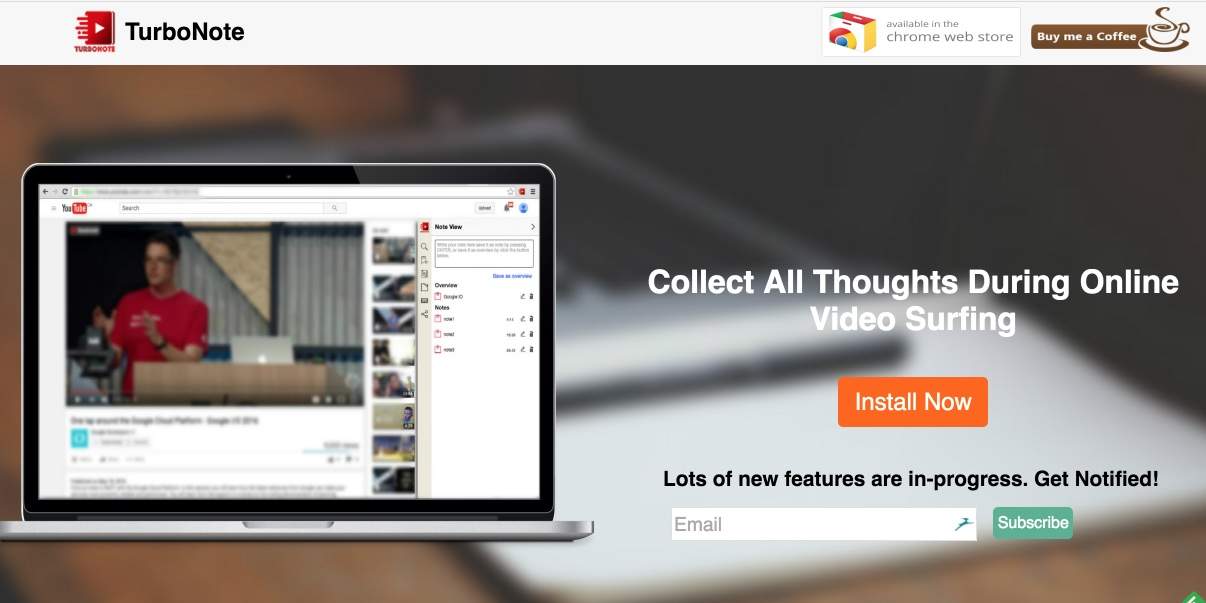
What does TurboNote do? This tool, which comes in the form of an extension for the Chrome browser, will allow you to take notes while you watch a video. The video can be found on YouTube, but also on Vimeo, Netflix, or Facebook, Twitter or LinkedIn.
With TurboNote no need to juggle between a word processor and your browser, everything is done on the same page. To the left your video, to the right on the same web page your notes. These can also be taken in the form of virtual repositionable notes.

When you take a note, it is memorized in the video timeline. This will allow you to find the exact location of the video where you inserted your note. TurboNote also offers a powerful search engine that will make it easier for you to search all your notes. Practical.
The service also makes it very easy to share your video with all your notes. One click is enough. You can then send a unique URL by email or share directly on most social networks. Facebook, Twitter, LinkedIn or Google+. You can also export them to Evernote to keep your commented videos.
TurboNote is free. Its creator continues to improve it regularly. A beautiful discovery.
Link: TurboNote

 English